Pack the calendar
Use Intelligent Booking and configurable buffers to encourage efficient lesson patterns.
Swim school software, without the patchwork
Swum connects the entire journey—from a family's first inquiry to the swimmer's next level—so your team can fill openings, collect revenue, and run every lesson with context.
Today at your swim school
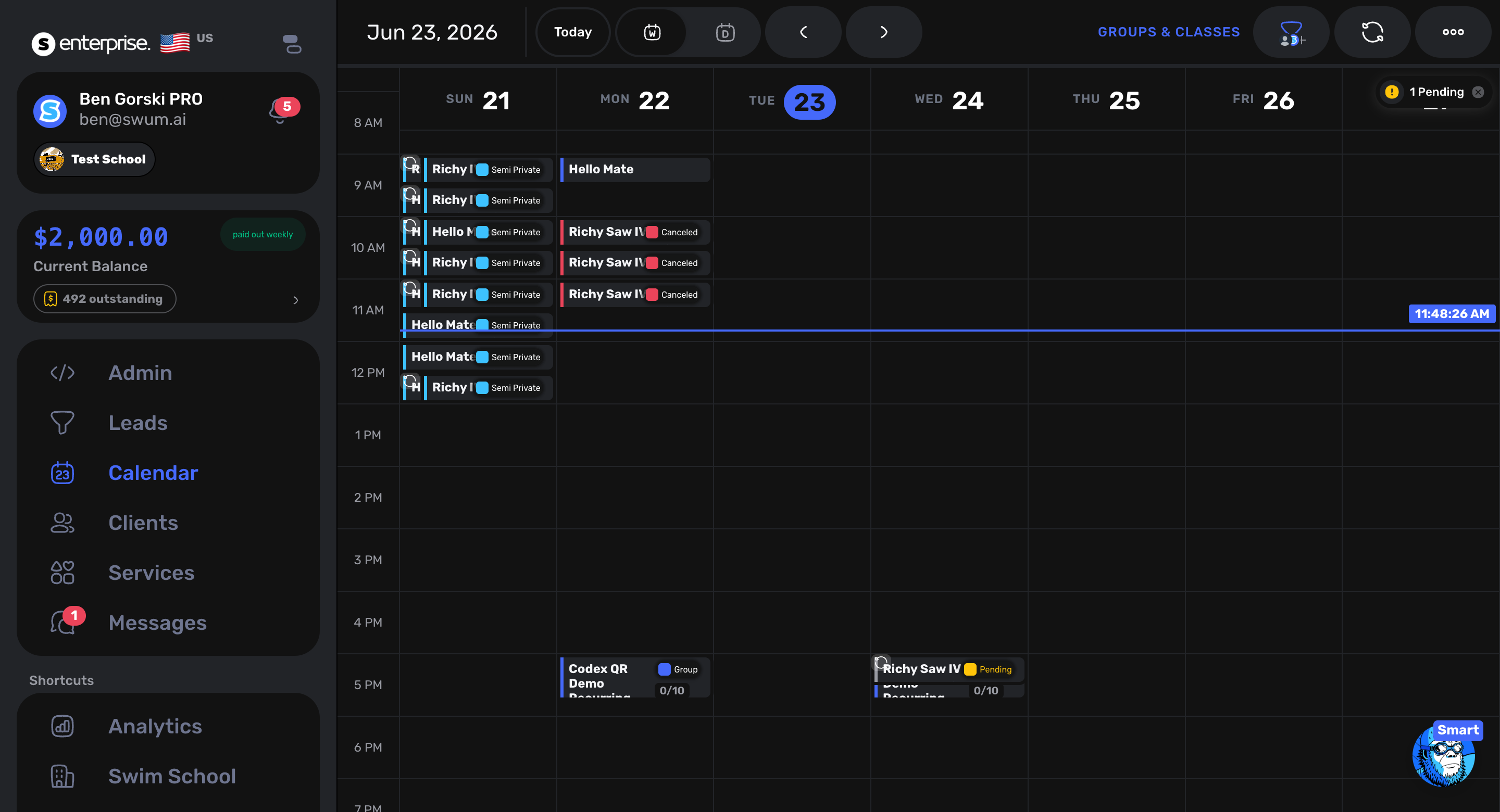
SwumAI ranks the best class fit
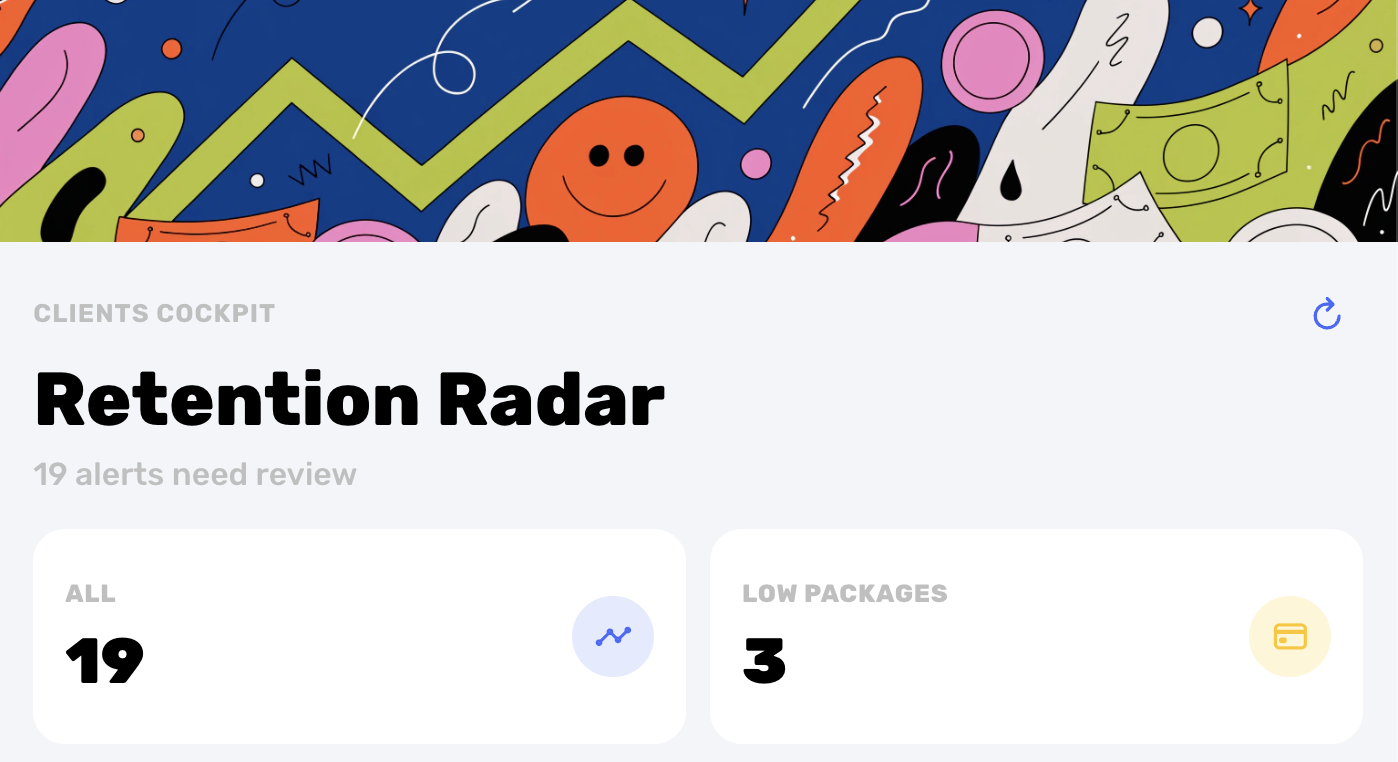
Retention Radar catches follow-up opportunities
01 / See the system move
Watch a family choose, book, and pay in Swum—then see the school-side calendar and retention picture that update around the same relationship.
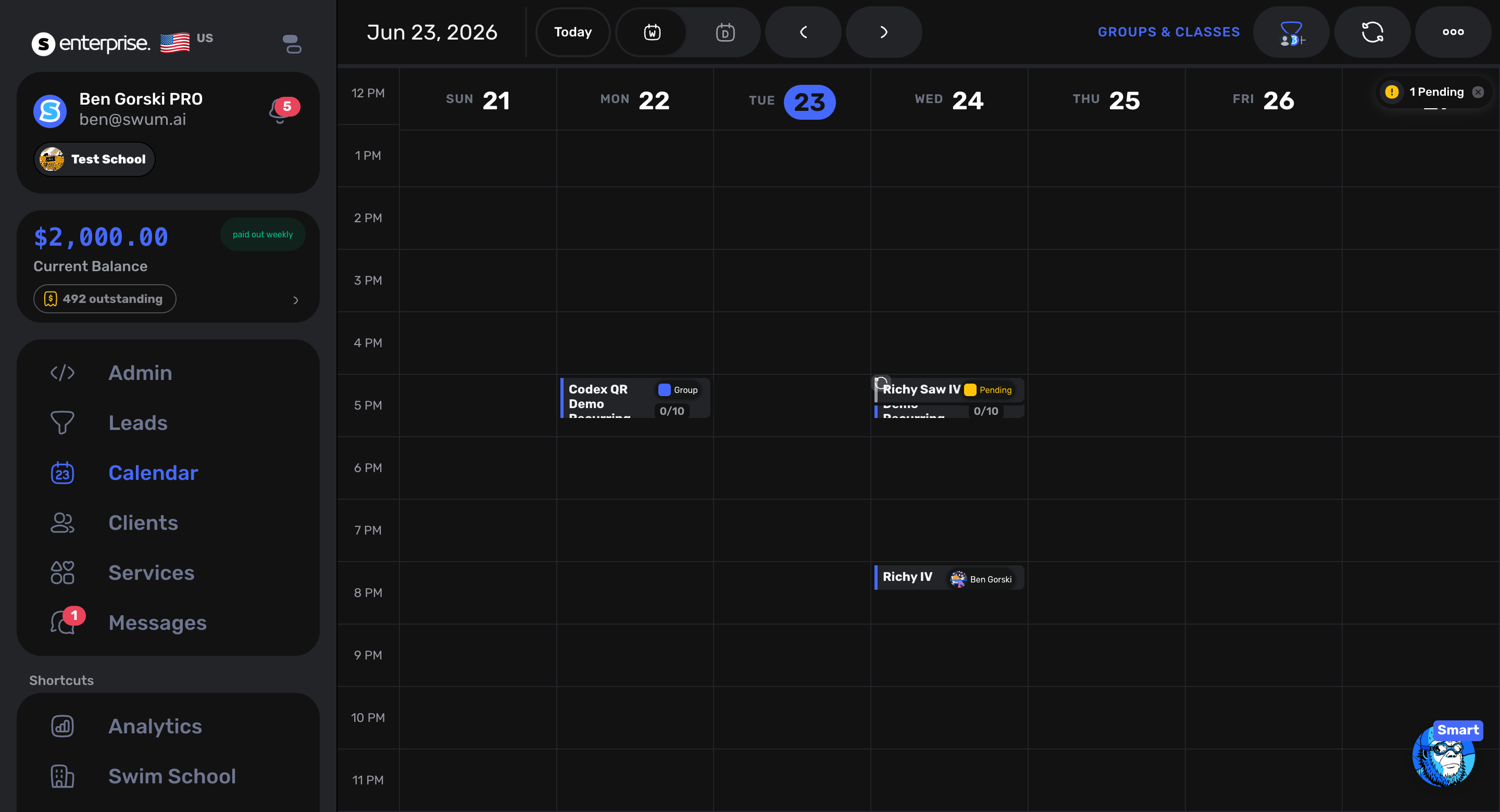
School calendar
Parent books. Your rules shape the choices.
School reacts. Calendar, revenue, and follow-up stay connected.
02 / The difference
A pool closure changes lessons, credits, instructor pay, parent communication, and future bookings. A new swimmer affects intake, placement, capacity, payment, and progress. Swum keeps those decisions connected.
Intake + progression + class fit
Availability + booking + waitlists
Billing + progress + retention
03 / Place
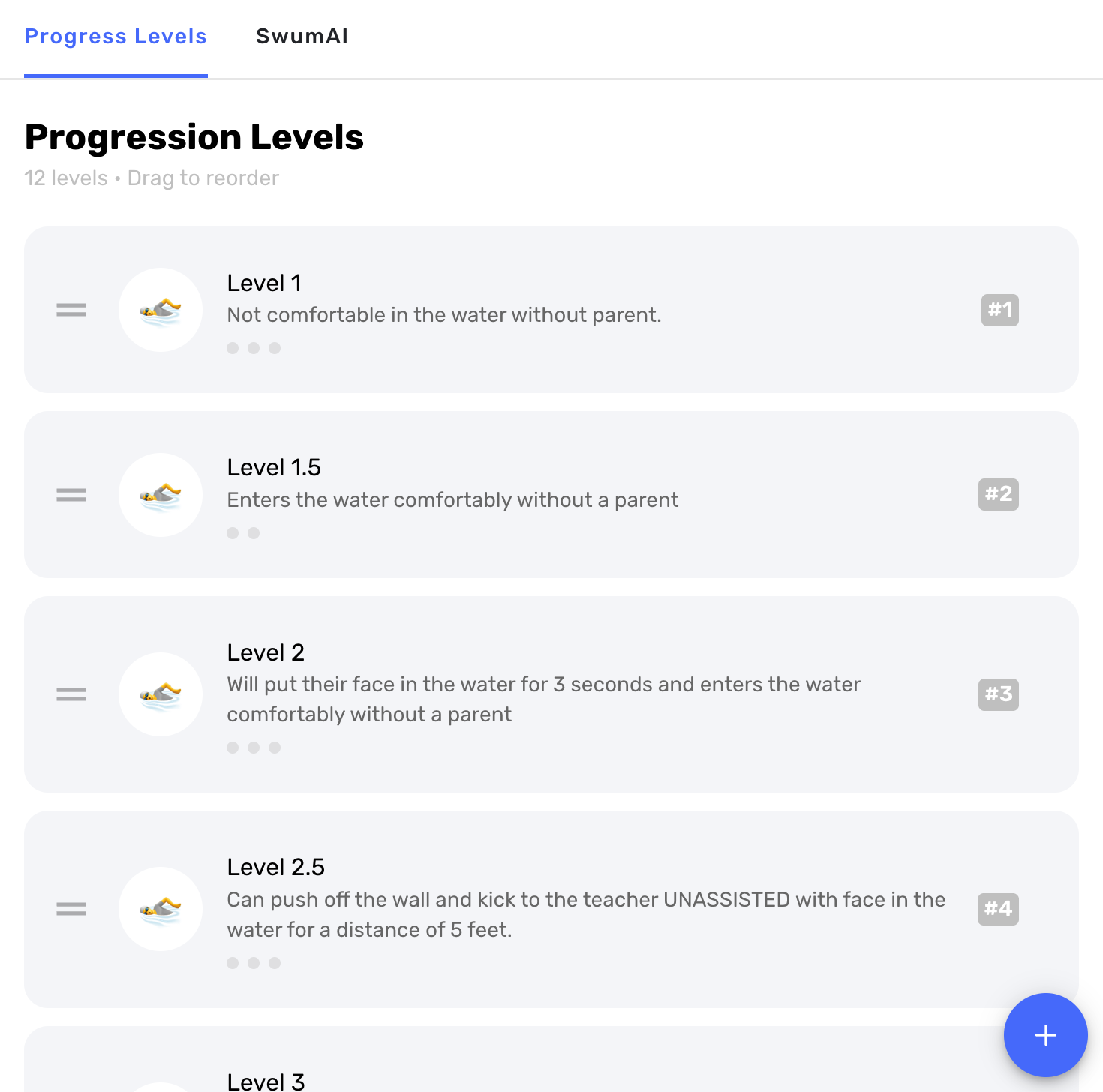
SwumAI class matching
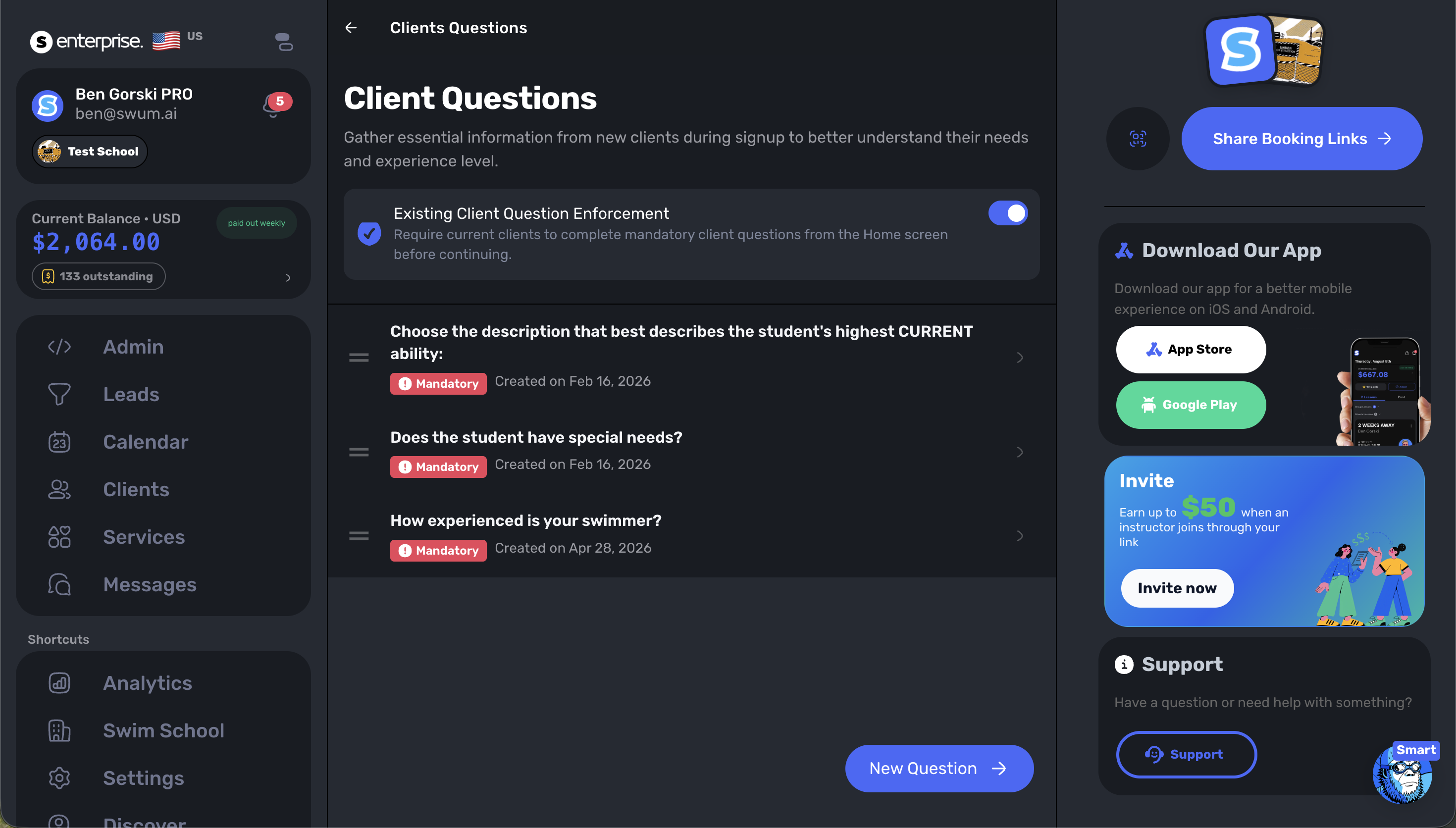
Build the placement picture from mandatory intake questions, age, current progress, your class rules, classmates, and capacity. SwumAI ranks appropriate options; your staff makes the final call.
04 / Fill
Parents can book when they are ready, while Intelligent Booking, availability rules, preferred times, and schedule tools help your team protect the day you actually want to teach.
Use Intelligent Booking and configurable buffers to encourage efficient lesson patterns.
Collect preferred times, maintain waitlists, and keep openings visible to the team.
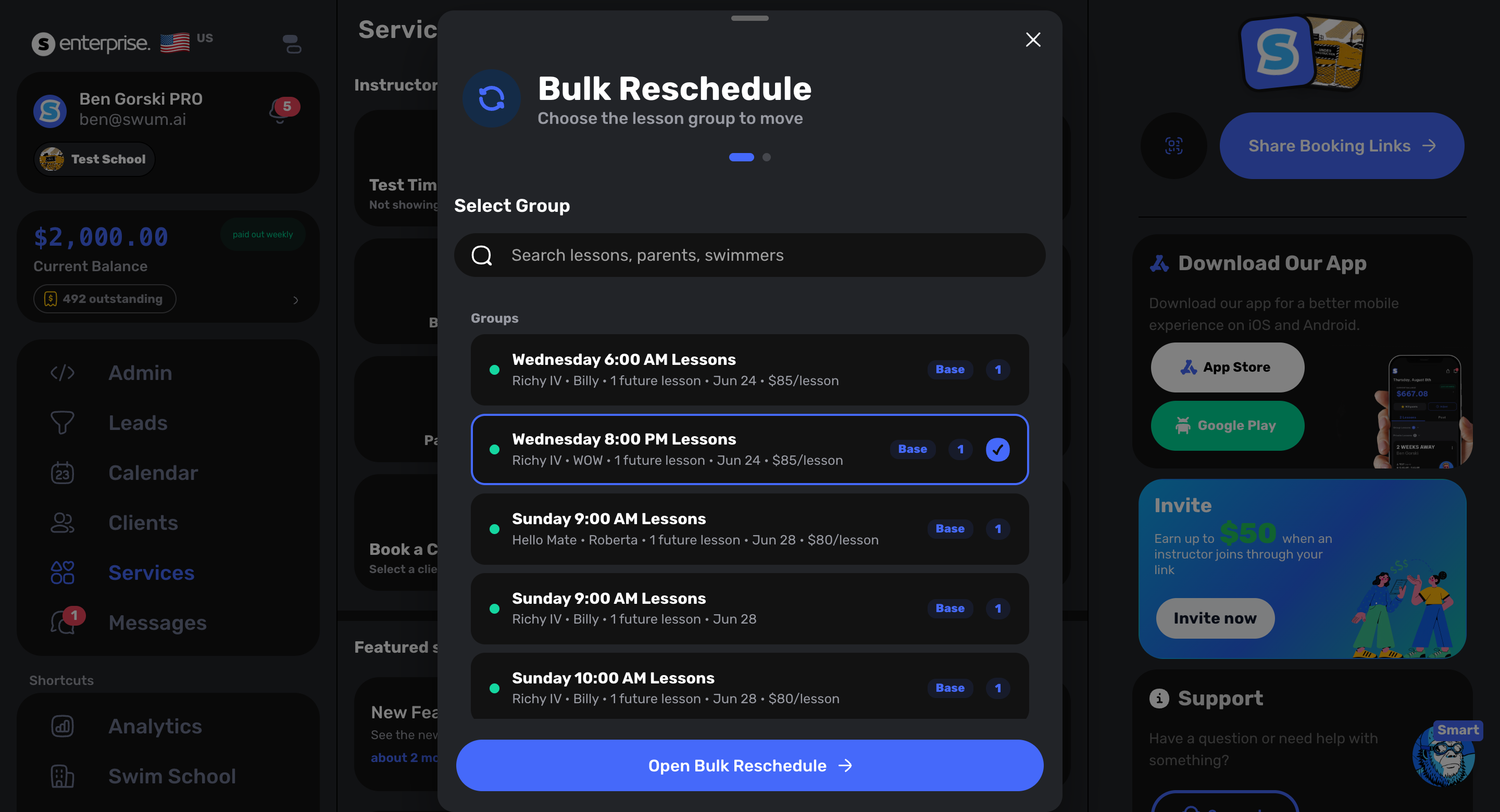
Drag, reschedule, approve, or update affected lessons without repeating the work booking by booking.
05 / Collect
Sell the way your programs work—single lessons, packages, recurring plans, perpetual classes, invoices, deposits, credits, and custom charges—then let Swum keep the payment context attached.
Retention Radar
Automatic collection
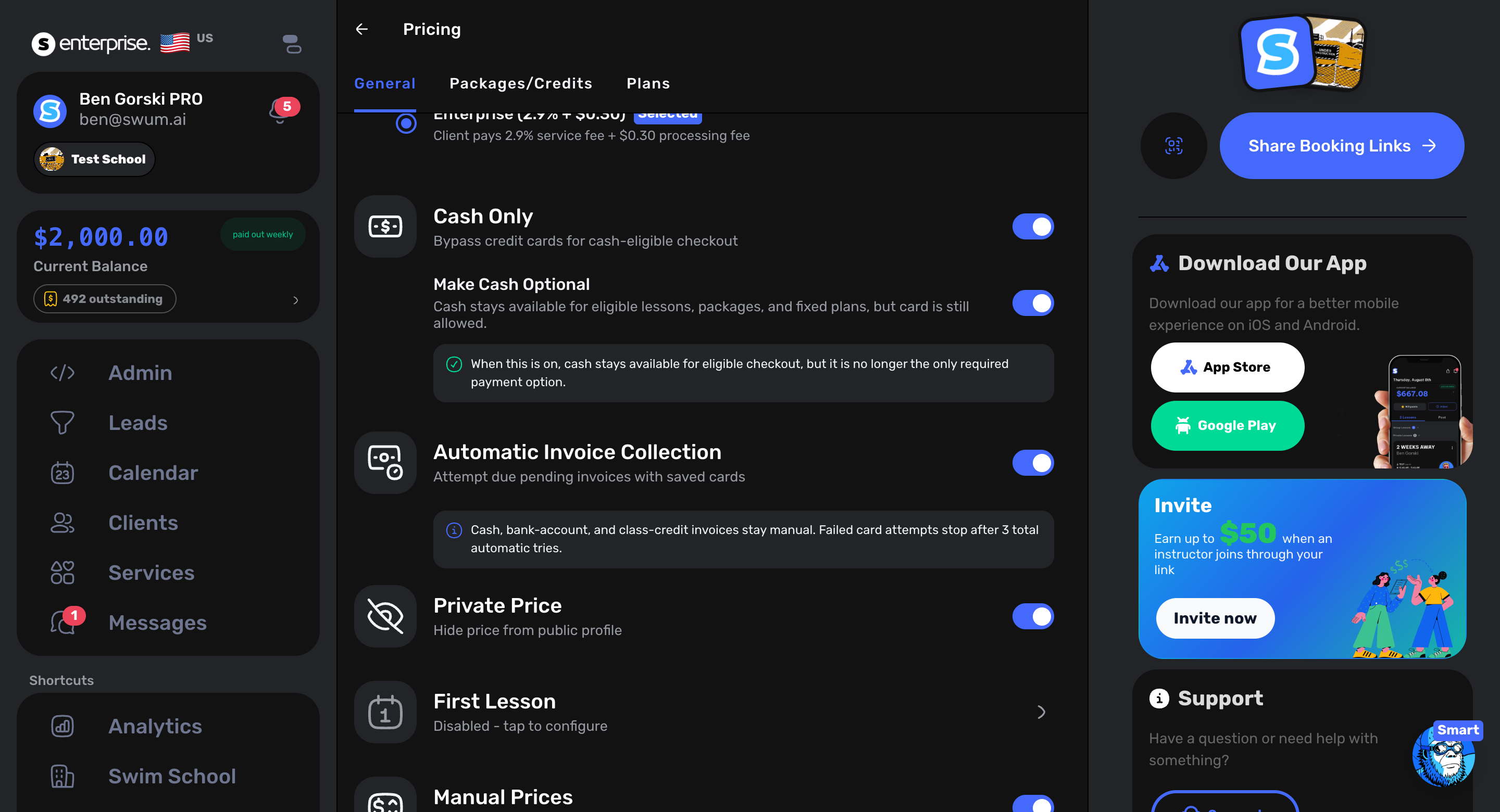
Saved-card charges
Failed-payment retries
Packages and recurring plans
Credits, balances, and refunds
Contractor payment context
06 / Operate
Move beyond shared passwords and payroll spreadsheets. Set roles, run the front desk, track instructor attendance, and keep pay connected to the lesson taught.
Front desk
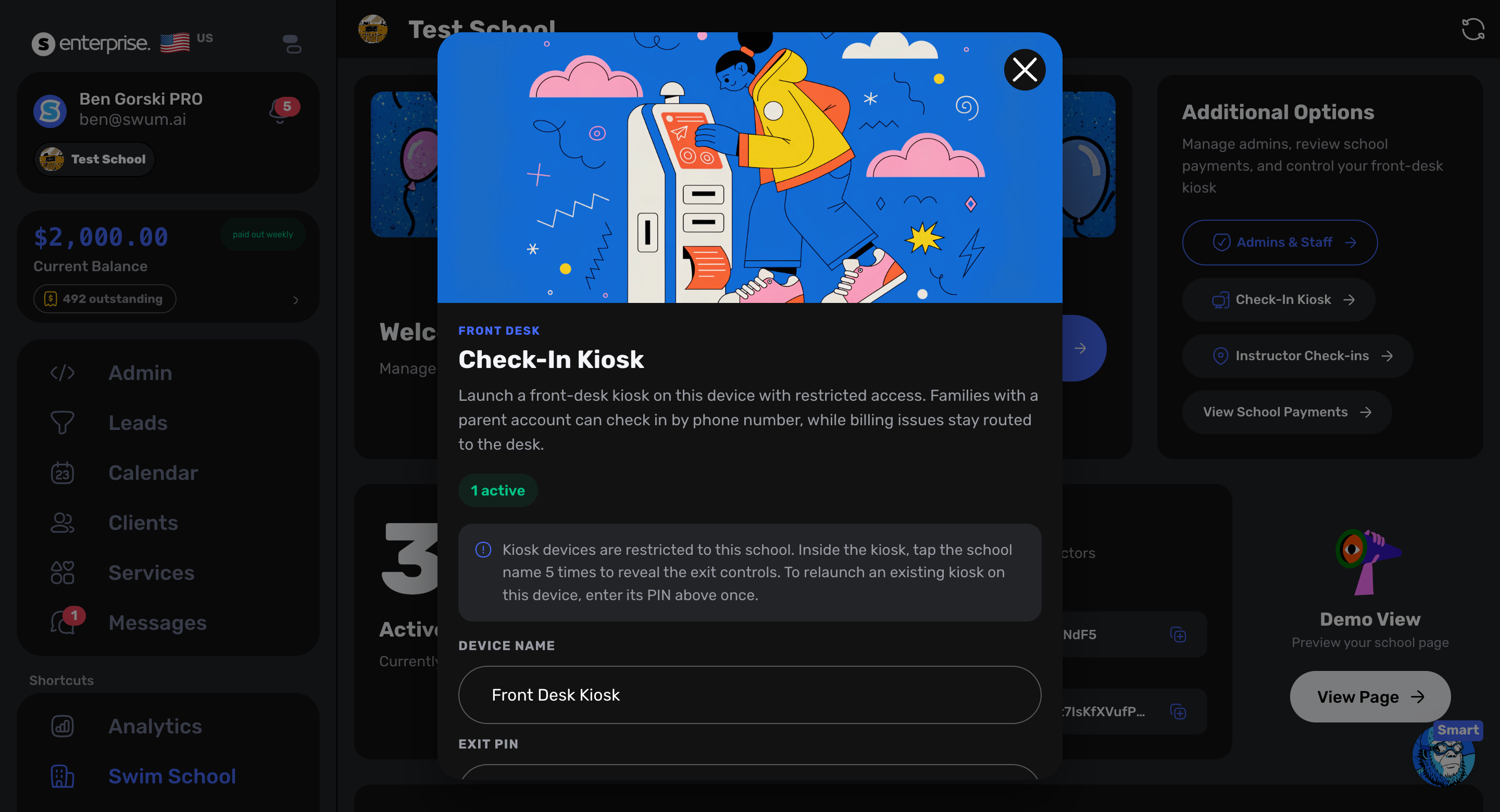
Staff
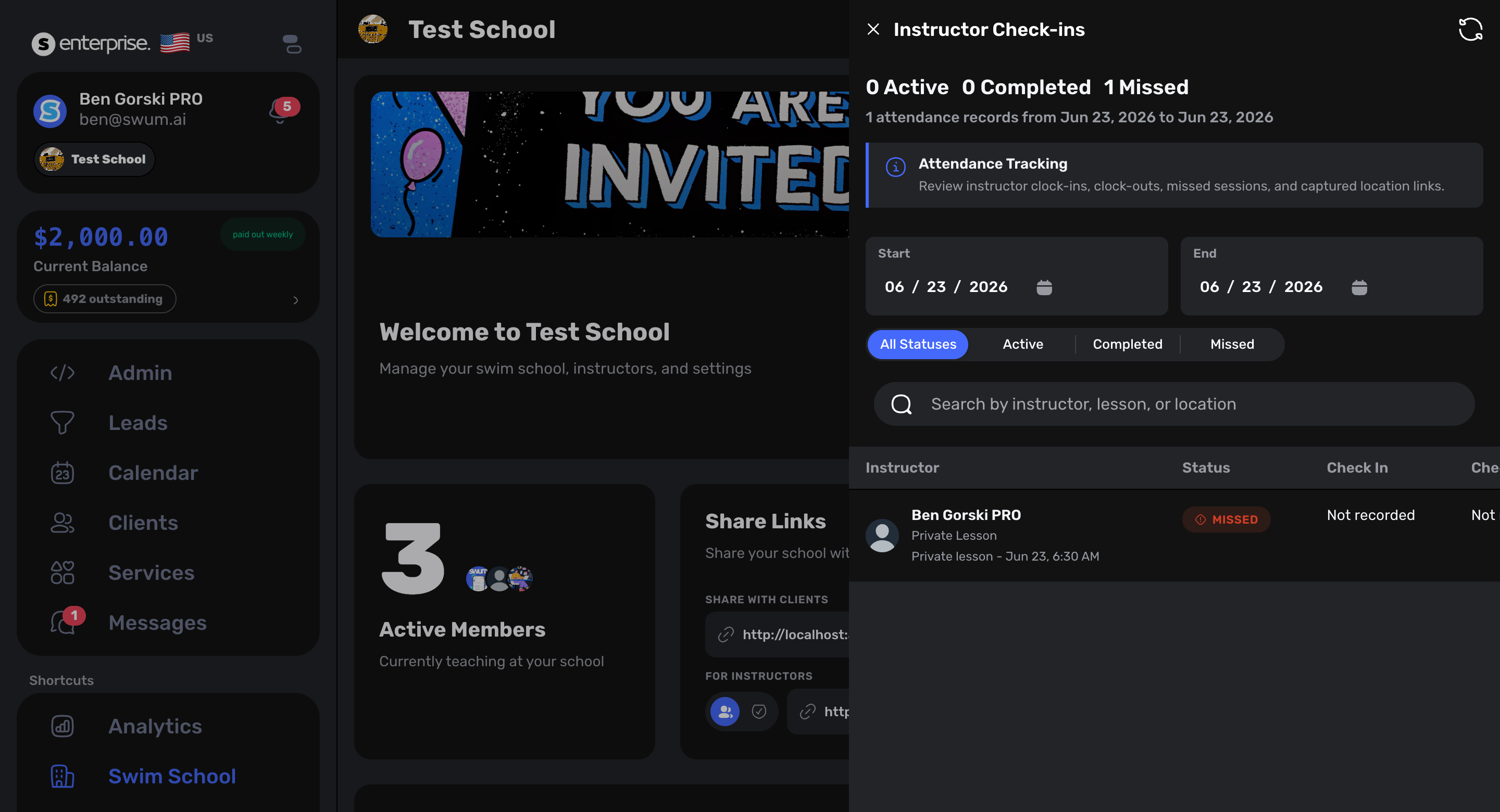
Lesson-linked pay
Set instructor pay for private, semi-private, group, and class work. Review contractor balances before payment.
07 / Connect
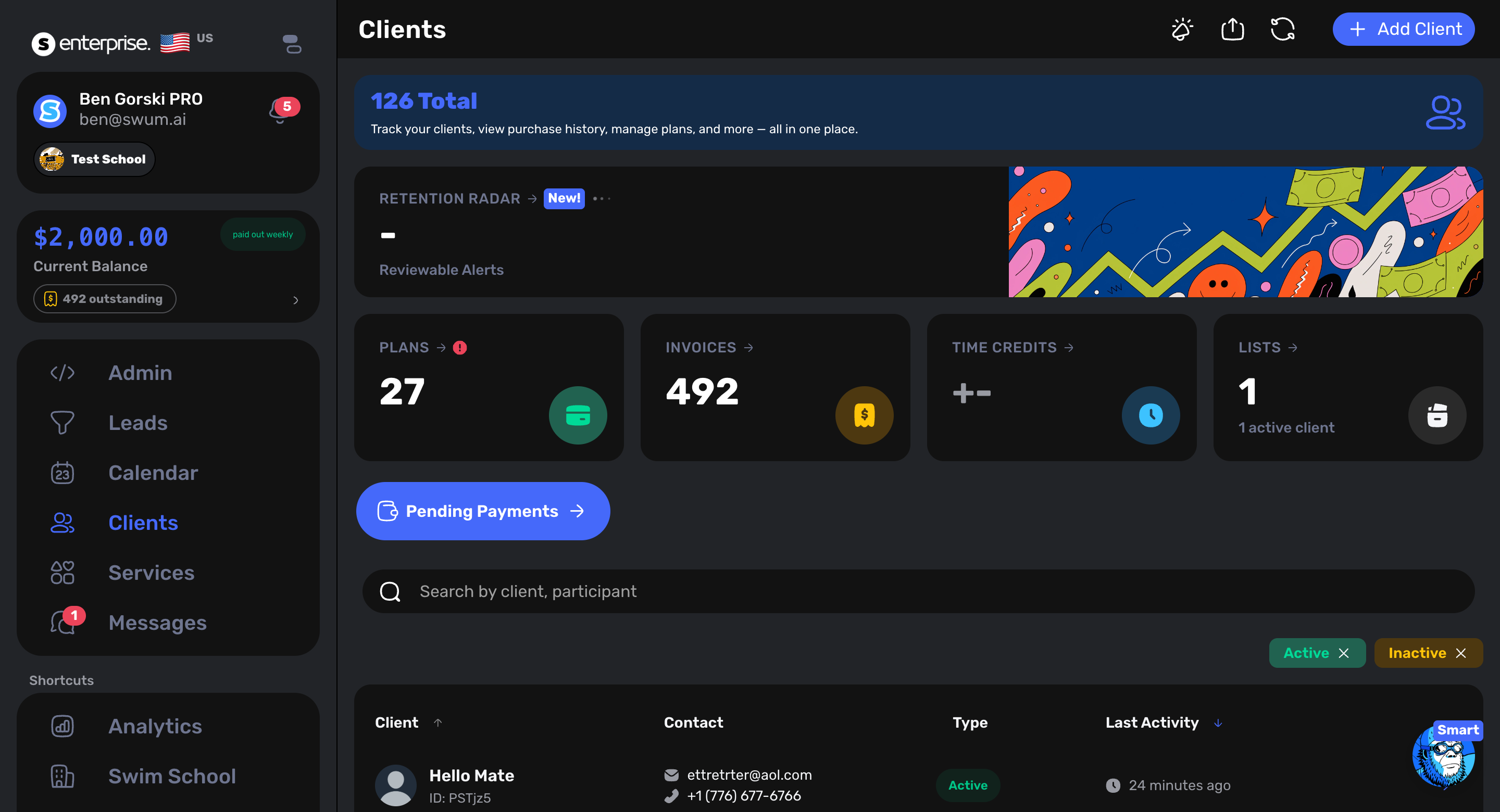
Stop rebuilding the story from texts, spreadsheets, and payment tabs. Swum connects the family account to swimmer details, lesson history, balances, waivers, progress, and communication.
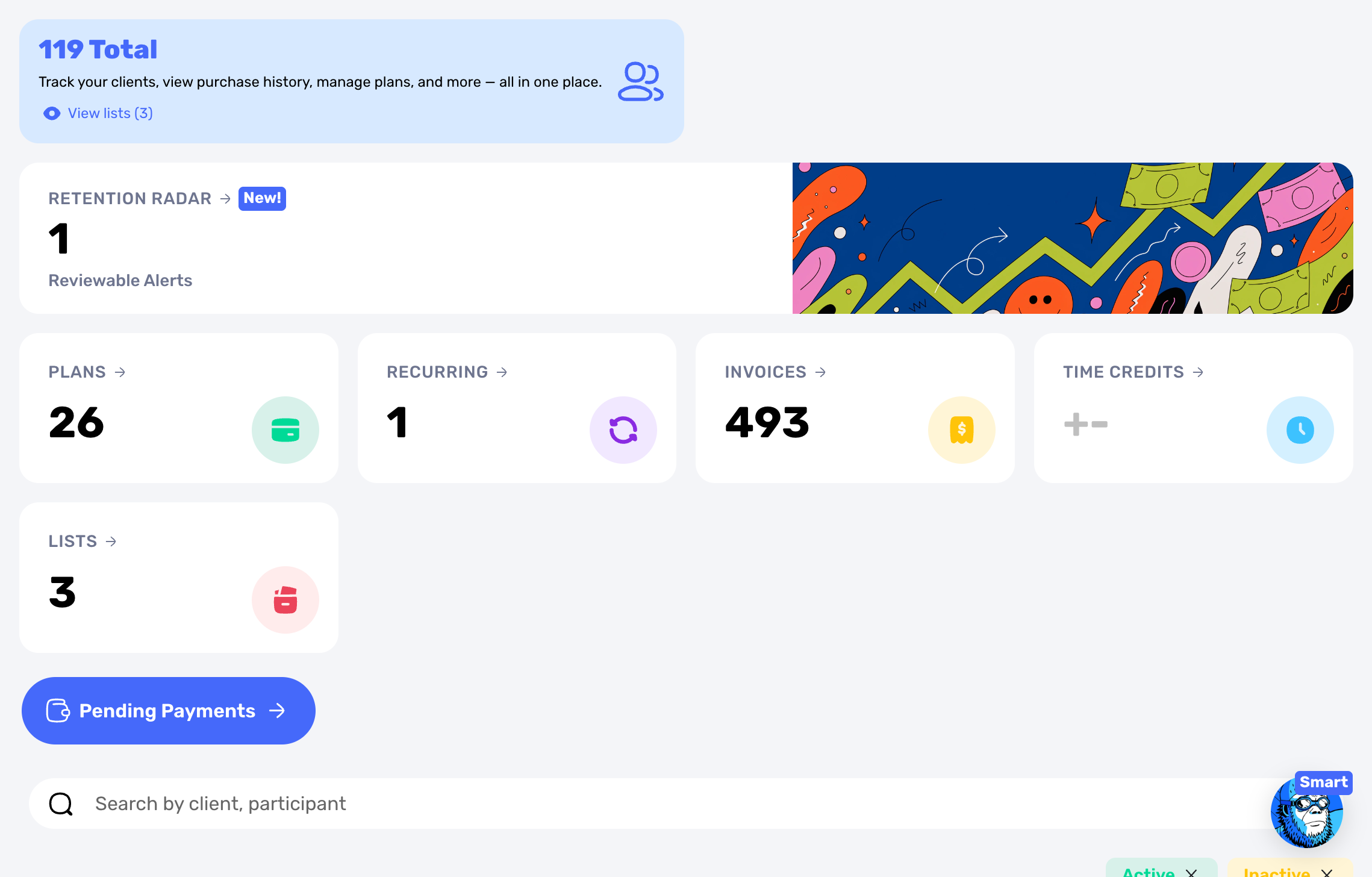
Family-first recordsParents, swimmers, purchases, lessons, and progress stay connected.
One school voiceMessages stay close to the lesson and customer context.
08 / Scale
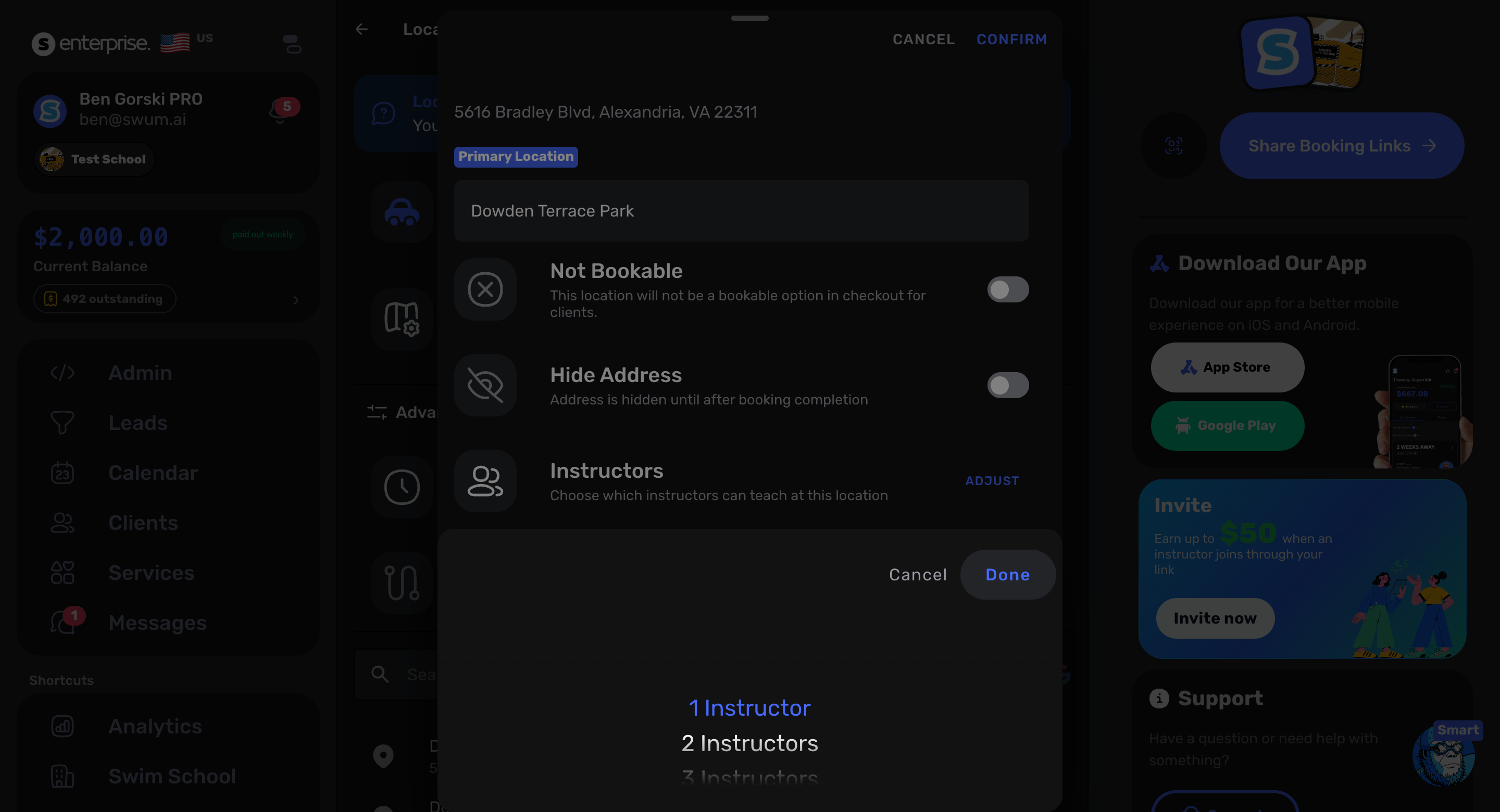
Multi-location control
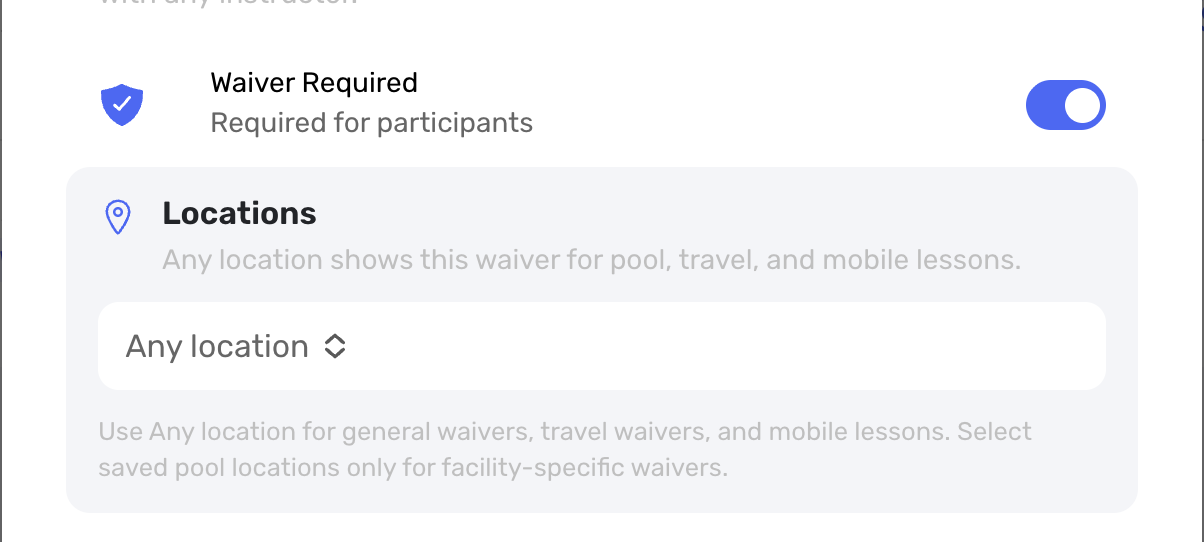
Keep facility context attached to discovery, booking, calendars, instructors, waivers, and operating rules. Owners see the system; teams see the location they need.
09 / Everything connected
Swum is broad because swim schools are complicated. The difference is that the features share the same lesson, family, staff, and payment context.
Private, semi-private, group, recurring, package, and perpetual class workflows.
Invoices, saved cards, deposits, credits, refunds, retries, and transaction history.
Parent accounts, swimmer profiles, intake answers, notes, balances, and history.
Employees, contractors, affiliates, admins, rates, check-ins, and payouts.
Custom levels, milestones, lesson context, placement inputs, and parent updates.
Direct messages, school announcements, mass email, and schedule notifications.
Digital waivers, signing enforcement, custom questions, and facility rules.
Facility calendars, instructor rules, concurrent capacity, and travel routing.
10 / Built from real bookings
Every number comes from real bookings, payments and settings on Swum, added up across swim businesses with test accounts removed. Each one covers at least 10 records and 5 swim businesses. Updated November 2026.
Read the benchmark11 / Registration and billing
In detail: swim school registration software and swim school billing software.
Families register for a whole session at once instead of booking lesson by lesson.
Bill monthly dues, with autopay on saved cards and a billing date you choose, such as the 15th. Payment schedules and fixed terms are available, along with tuition limits and free plans.
Set them once, and they apply at checkout.
The makeup picker only offers classes that fit the swimmer, the level and the location. Makeup credits keep a history.
Families join a waitlist page. You can drag to reorder it and email the next family when a spot opens.
Families fill in and sign the waiver, answer the questions inside it, and sign a media release. You can attach a PDF form, and require a different waiver for each program.
12 / Switching
Upload your export, match the columns, preview it and import it yourself (Clients → Add Client → Switch to Swum).
Send the files, and Swum runs the import for you.
Swum runs MarketBox imports for schools.
No family gets an email until you turn emails back on.
13 / Who Swum isn't for
A broader children’s-activity platform may fit better. Swum is built only for swim lessons.
Jackrabbit and iClassPro have hundreds of reviews, and Swum is newer. Ask for a demo on your real schedule before you switch.
Swum tracks what each instructor earned, was paid and is owed, per pay period, and exports it to CSV. It doesn’t file payroll taxes. What swim school payroll software does and doesn’t do.
14 / Start where you are
Start on Standard for $0 per month. Move into a lower-fee paid plan when your booking volume makes the upgrade worthwhile.
Compare plans and payment feesStandard
$0/moBuild the system and process payments as you grow.Pro
$98/moLower platform fees for established instructors and schools.Pro Max
$200/moDeeper capability for larger, higher-volume operations.12 / Questions
No. Swum supports independent instructors, growing teams, and multi-location swim schools with group programs, staff roles, school calendars, family communication, billing, and location-aware controls.
Yes. Families can use Swum’s parent-facing booking flow to choose eligible lessons, submit required information, sign waivers, and complete payment based on the school’s settings.
SwumAI can use intake answers, swimmer age, current progression, class capacity, classmates, and the school’s written placement rules to rank appropriate class options. Staff keep control of the final placement decision.
Yes. Swum supports single lessons, packages, recurring lesson plans, semi-private lessons, group programs, perpetual class enrollment, invoices, balances, and time credits.
Yes. Schools can coordinate employee, contractor, affiliate, admin, and owner workflows, including instructor-specific rates, pending balances, manual or automatic payment handling, and lesson-linked check-ins.
Swum keeps location context connected to calendars, instructors, booking, waivers, messages, and operating rules so schools can manage the organization without flattening every facility into one workflow.
Yes. Swum Standard is $0 per month and includes core scheduling, payments, single lessons, waivers, and locations. Transaction fees apply, and schools can upgrade when they need packages, plans, group lessons, school operations, or lower processing costs.
Swim school management software connects the calendar to swimmer intake, class placement, family accounts, waivers, packages, recurring billing, progress, instructor pay, waitlists, makeups, and pool-specific operating rules. A generic scheduler usually treats the lesson as a standalone appointment.
Yes. From Jackrabbit, Acuity or a spreadsheet, you upload your export and import it yourself in Swum. For iClassPro or SportsEngine, you send the files and Swum runs the import. Imports are quiet, so families aren’t emailed until you’re ready.
Yes. Families can register for a whole session, or join a monthly plan with autopay. You set the billing date, registration fees and sibling discounts.
The makeup picker offers only classes that fit the swimmer and the pool, and makeup credits keep a history.
Yes. A QuickBooks connection (in beta) syncs income to your QuickBooks company. You’ll find it under Settings → Account → Integrations.
Yes. Swum runs on the web, iOS and Android.
Your next operating system
Get started, or walk through your current scheduling, billing, staffing, and parent experience with us.
No long-term contract · Guided setup available · Built specifically for swim instruction