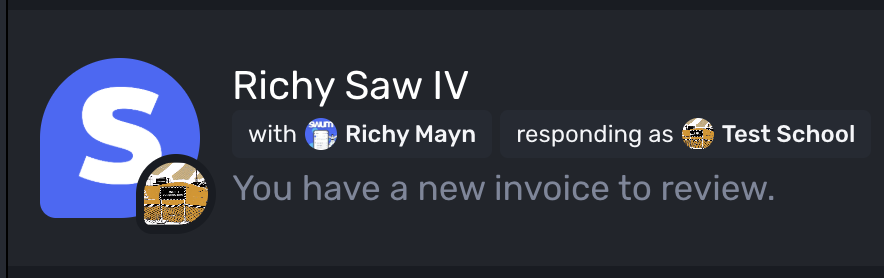
Understand the swimmer
Intake answers capture experience, comfort in the water, goals, and skill readiness before placement begins.
Swum for large schools
Swum gives multi-location organizations and high-volume swim schools one place to schedule classes, match swimmers, manage staff, communicate with families, and keep the day moving.
Opens a pre-addressed email to ben@swum.ai—no form or sales queue.
One system. Local control.
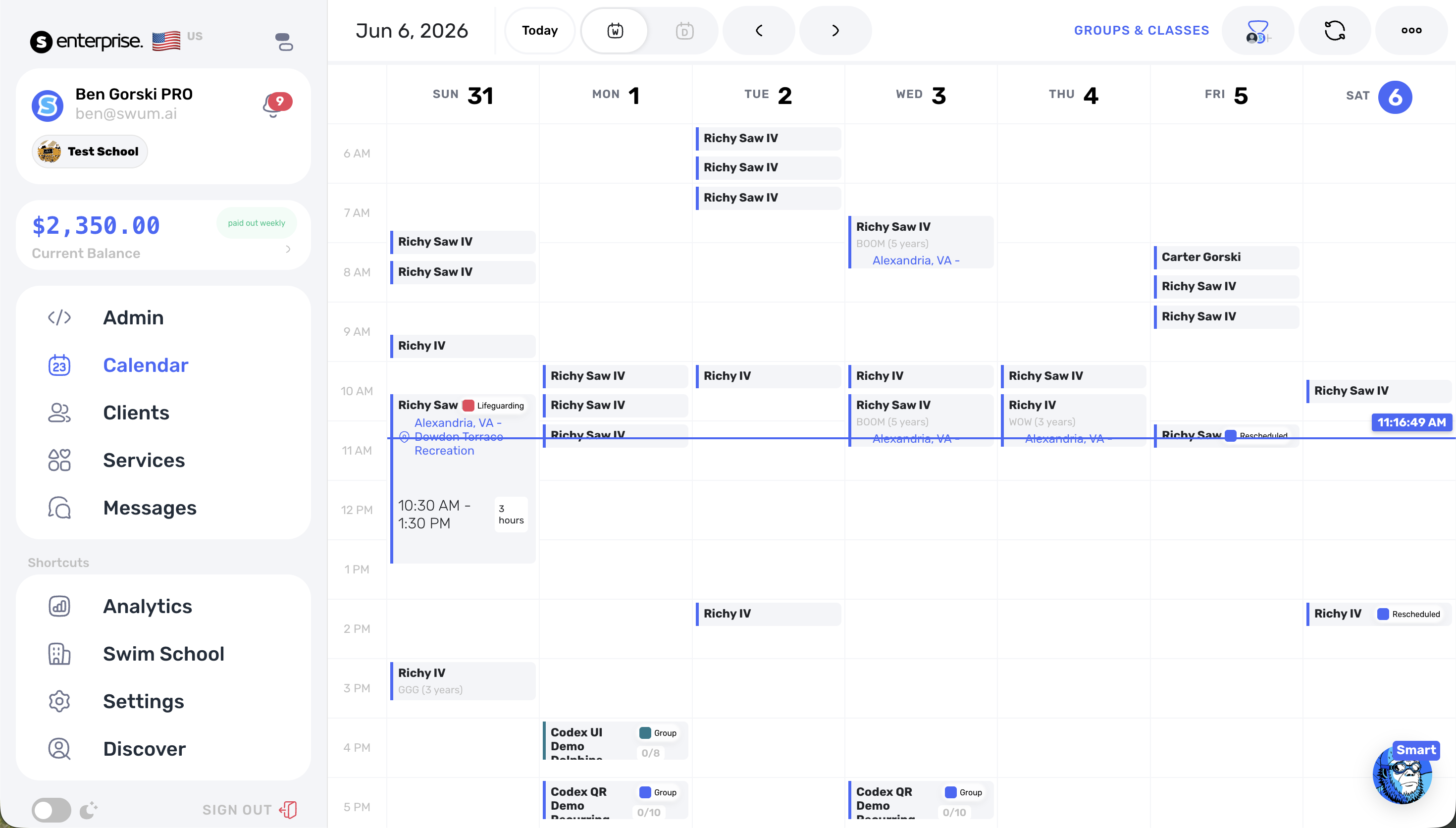
Your operation should feel connected without forcing every facility into the same daily view. Swum keeps location context attached to the work—from discovery and booking through the calendar and waiver process.
Filter calendars and lessons by location
Let families choose the right facility while booking
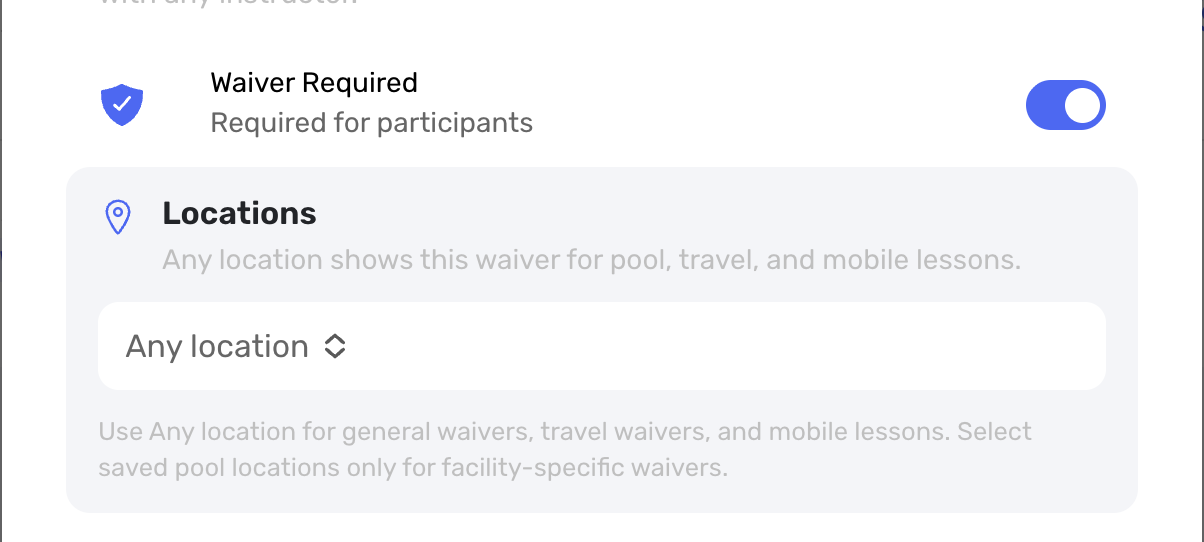
Use facility-specific waivers and booking messages
Keep schedules, instructors, and operating rules organized
SwumAI class matching
Matching is more than finding an open seat. SwumAI combines what a family tells you with the swimmer’s current development, the class itself, and the policies your school wants followed.
Intake answers capture experience, comfort in the water, goals, and skill readiness before placement begins.
Swum combines age, developmental stage, and the swimmer's latest progression—not just a one-time label.
Eligibility checks consider class audience, existing classmates, your written policy, and available capacity.
Staff see the strongest available matches and keep control of the final placement decision.
AI recommends. Your staff decides. The ranking helps the team move faster without taking placement judgment away from the people who know the program.
Daily operations
Schedules change. Pools close. Staff rotate. Families need answers. Swum turns those exceptions into trackable workflows.
Run recurring programs, group classes, perpetual enrollment, flexible schedules, and bulk approvals without rebuilding the same work every session.
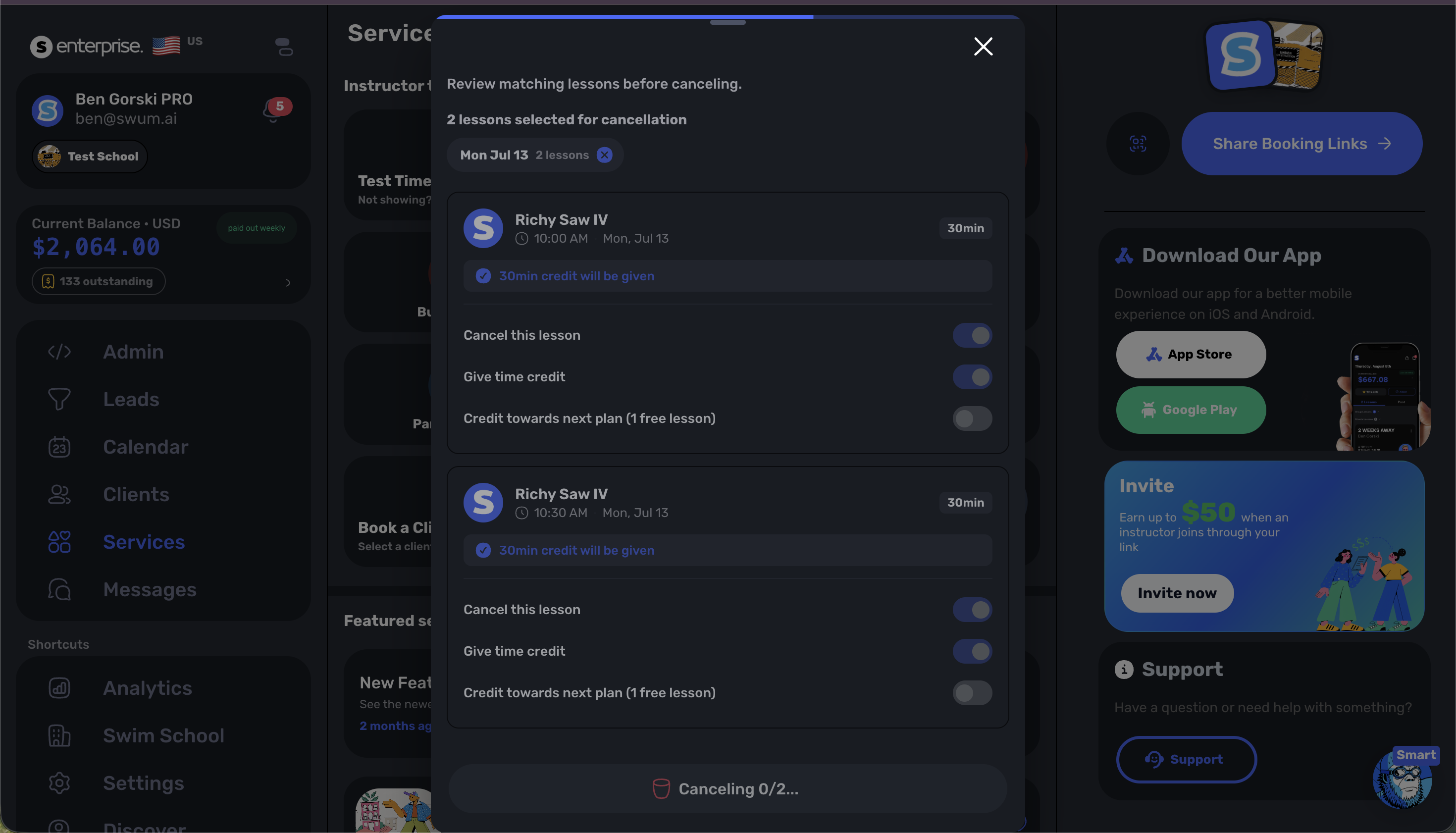
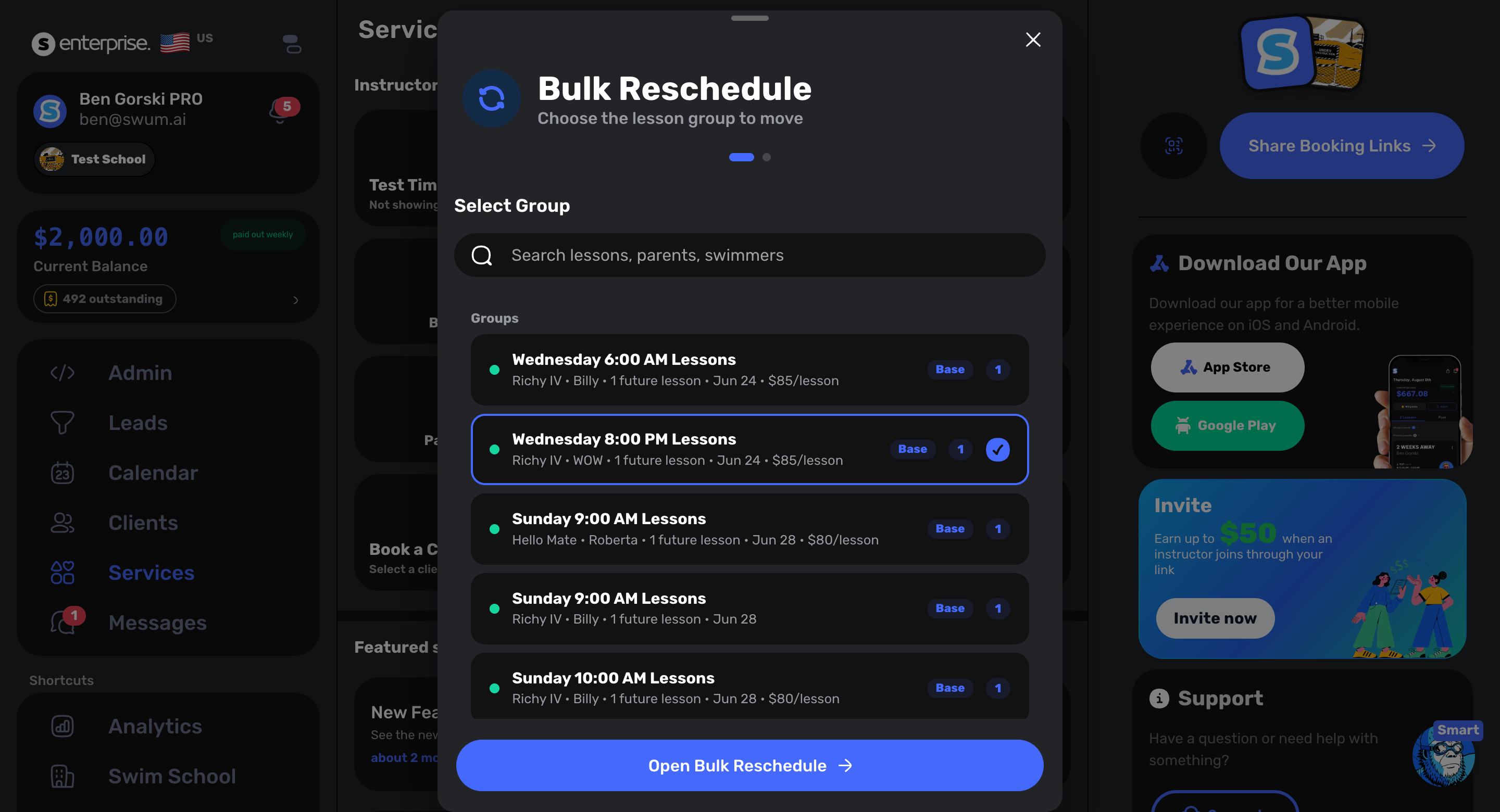
Cancel or reschedule affected lessons together, issue the appropriate credits, and notify families when weather or a pool closure changes the day.
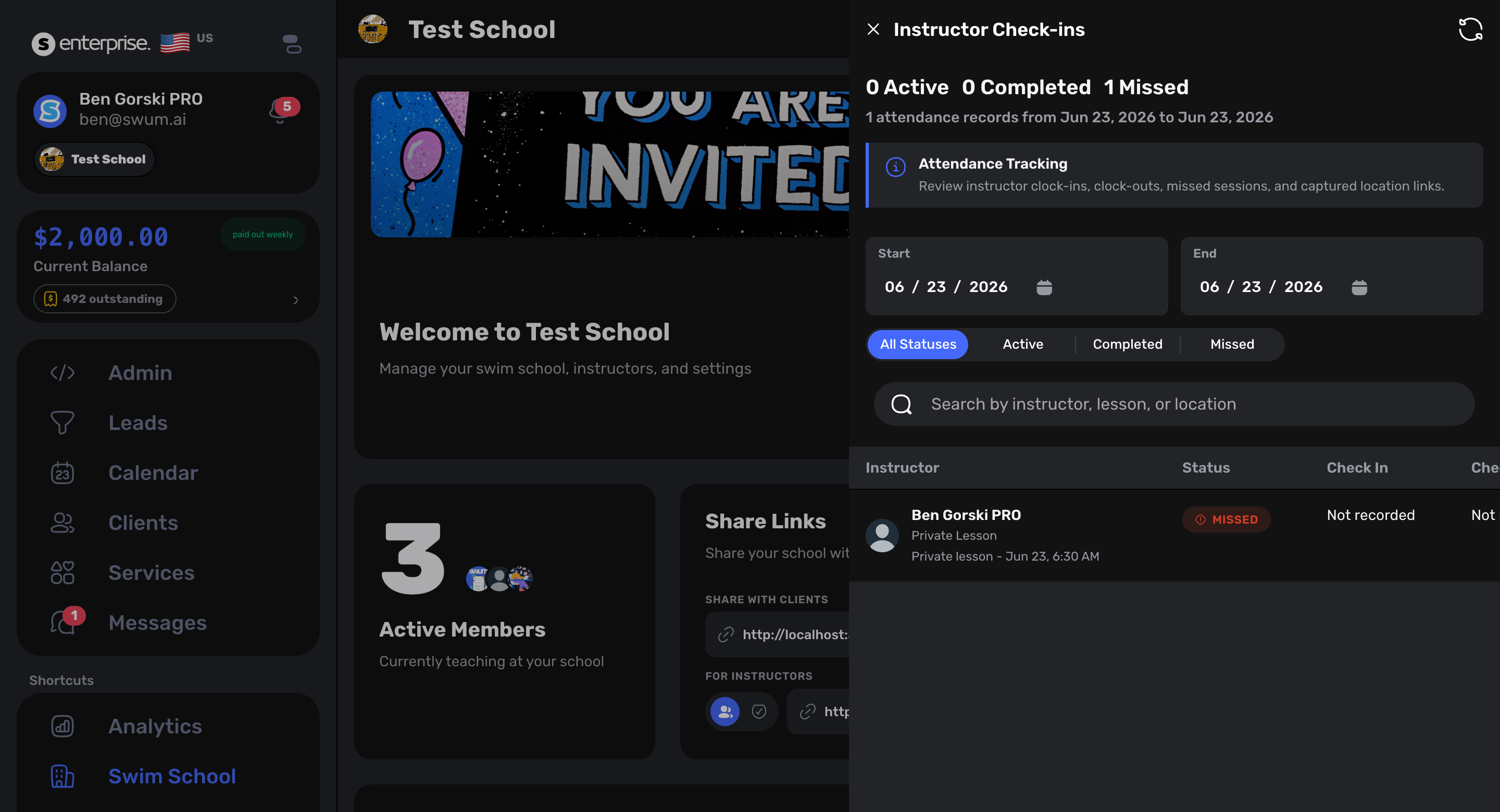
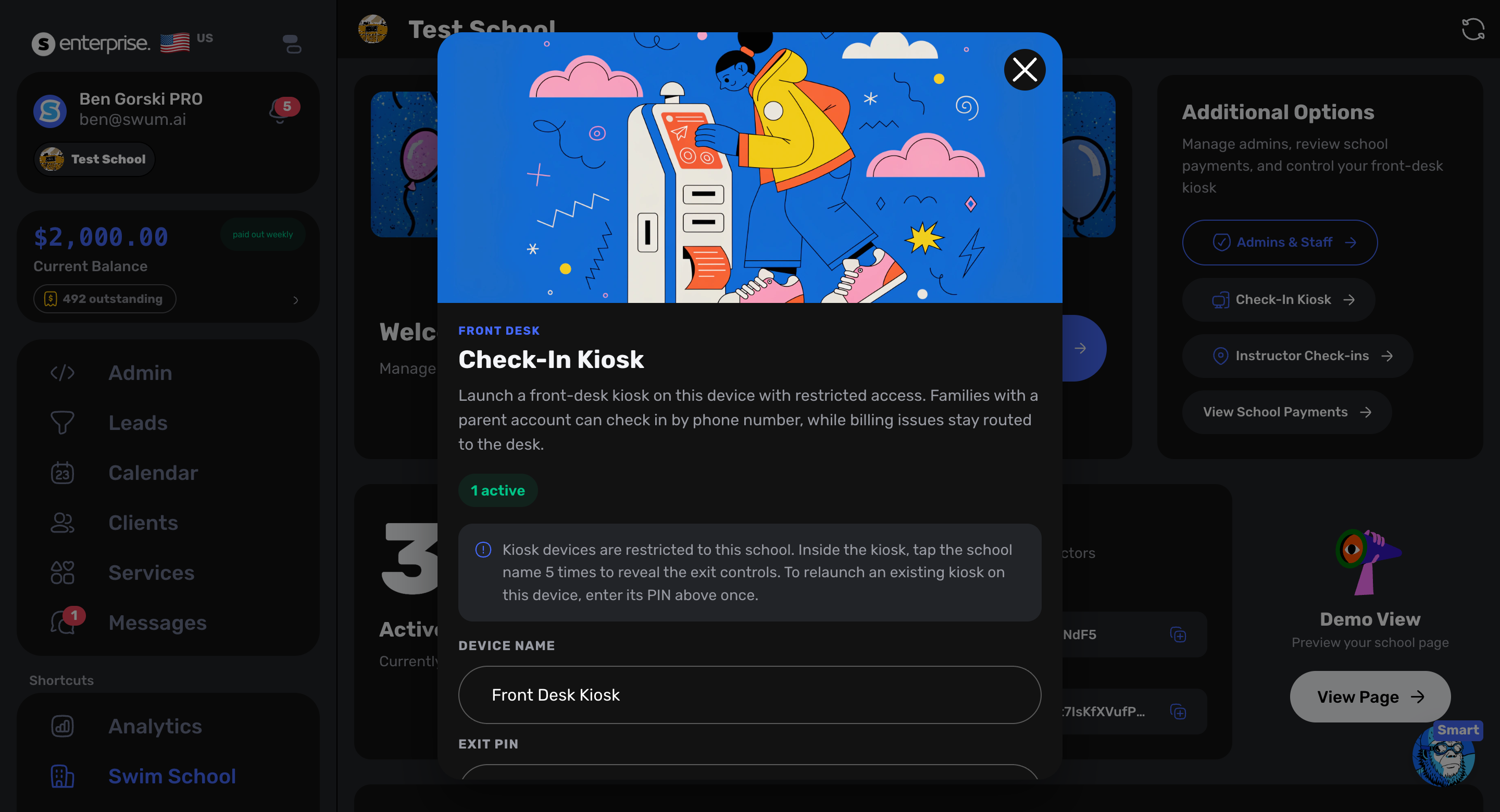
Use a dedicated kiosk for on-site check-in and review instructor check-ins, check-outs, missing shifts, and the lessons connected to each shift.
Set different hourly rates for private, semi-private, group, and class work so compensation reflects the lesson that was actually taught.
Front desk and staff
Add staff, control access, launch a dedicated front-desk kiosk, and connect instructor attendance to the lessons they are responsible for.
The family side of operations
Reach families under the school name and send targeted updates when an affected lesson changes.
Assign waivers to the locations that require them and send secure links or QR codes when a signature is still needed.
Collect swimmer details, custom answers, and preferred times before staff spend time chasing information.
Keep milestones, lesson notes, waitlist preferences, and participant history connected to the swimmer record.
Billing and retention
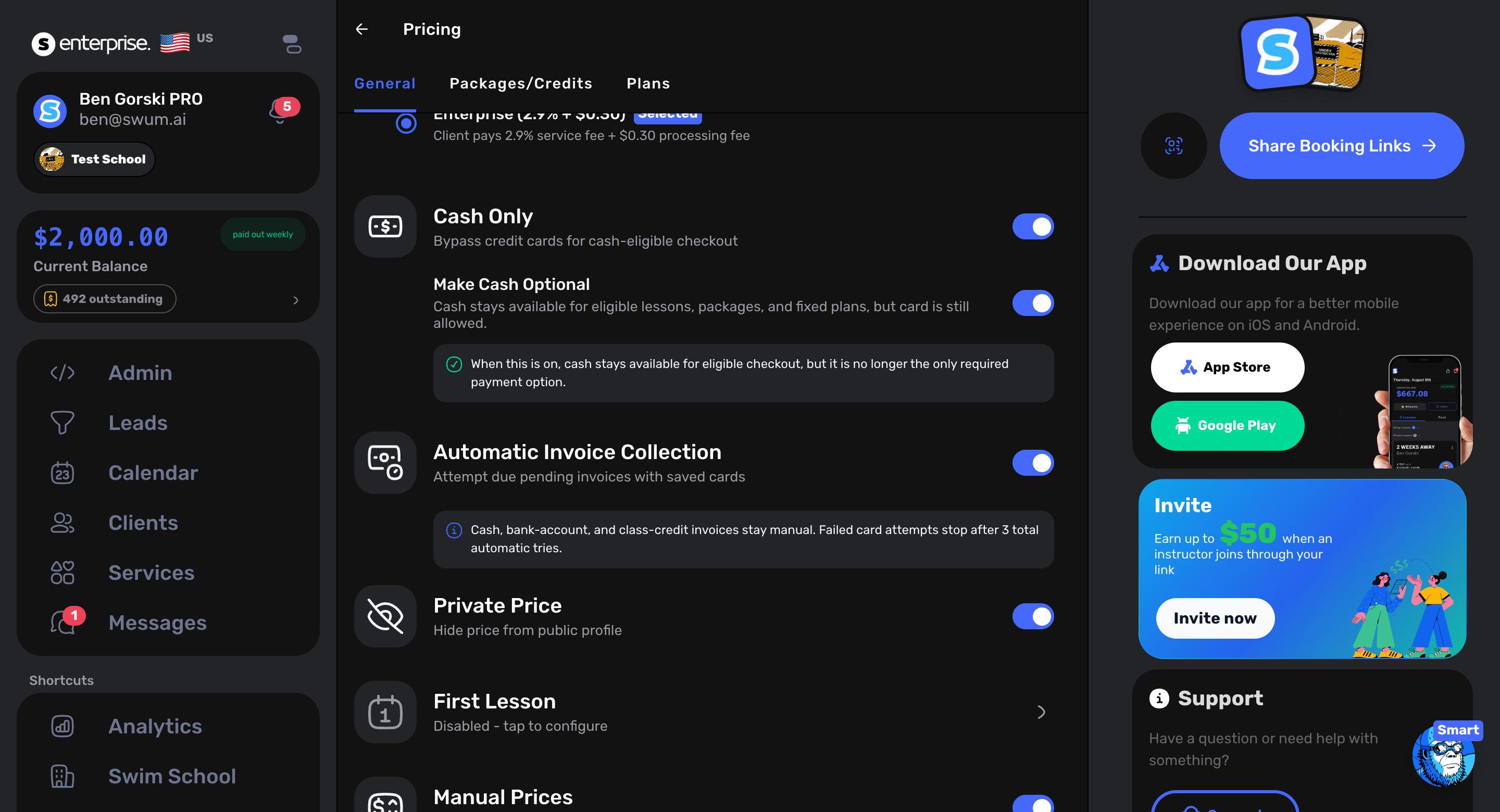
Process invoices automatically, retry failed payments, manage recurring packages and perpetual classes, issue credits, add custom charges, and keep instructor payment controls close to lesson completion.
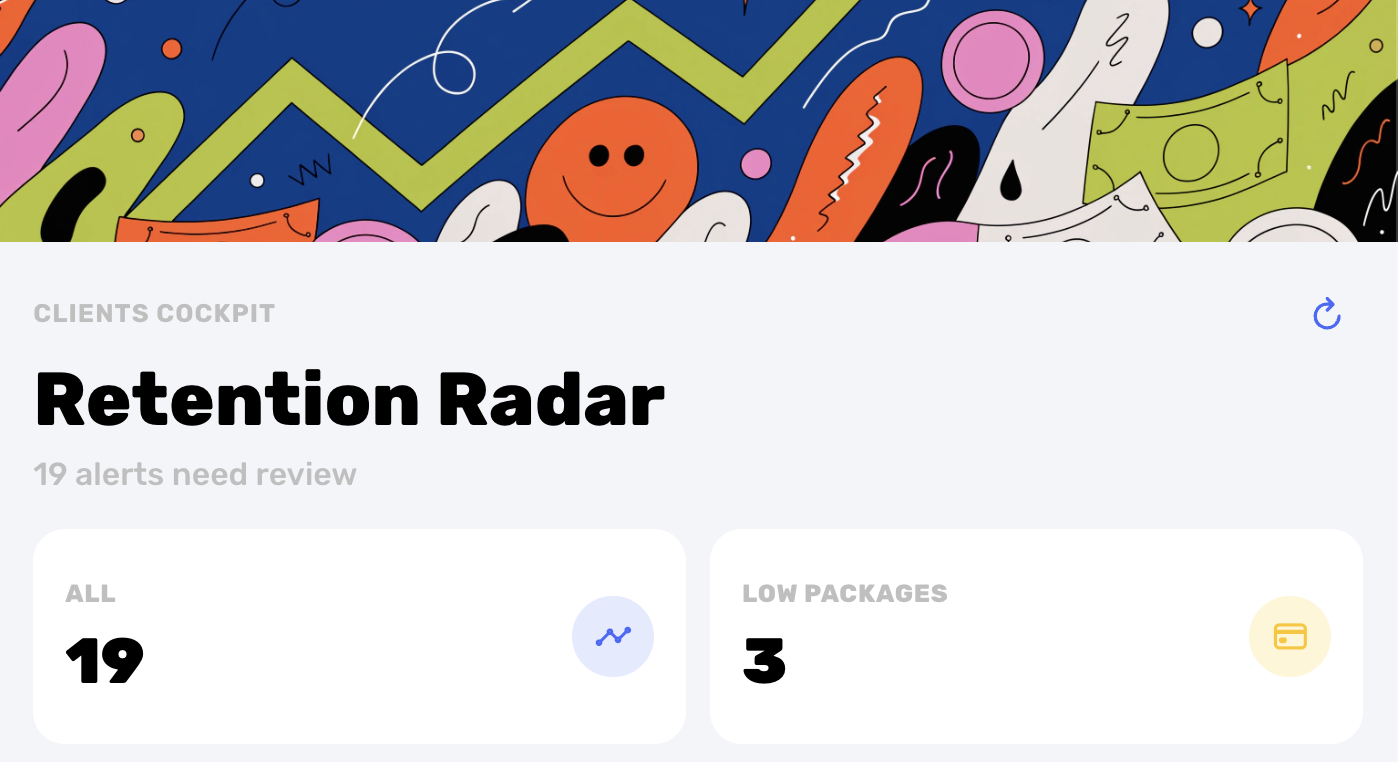
Retention Radar helps teams notice low-credit and follow-up opportunities before a swimmer quietly disappears.
First-party Swum research
Swum’s 2026 benchmark uses completed bookings recorded on the platform—not a generic survey or an estimate.
Questions from larger schools
No. Swum supports independent instructors, but it also includes workflows built for larger swim schools: location-aware calendars, staff roles, group programs, front-desk operations, school communication, billing, and class matching.
Schools can filter calendars and lessons by location, offer location selection during booking, assign location-specific waivers and messages, and keep staff and schedules connected to the right facility.
SwumAI combines intake answers, age and developmental stage, current progression, the class audience, existing classmates, capacity, and the school's written matching rules. It ranks appropriate options while staff retain the final decision.
Yes. Swum includes instructor check-in and check-out, missing-shift visibility, lesson-linked shift details, and different hourly rates for private, semi-private, group, and class work.
Staff can work with affected lessons together, cancel or reschedule them, apply the correct credits, and communicate the change to families instead of managing every booking in isolation.
A demo shaped around your school
Click below and your email app will open a message addressed directly to me, with a few simple prompts about your school. Edit anything you like, then hit send.
— Ben Gorski, Founder of Swum · ben@swum.ai