Swim Lesson Payment Processing

Families pay by card or bank account when they book, you choose when they're charged, and the money lands in your bank every week.

Part of Swum, the swim school software and swim lesson software for instructors and schools.

Get Started
Swim Lesson Payment Processing platform preview
  • Payouts

    Payouts

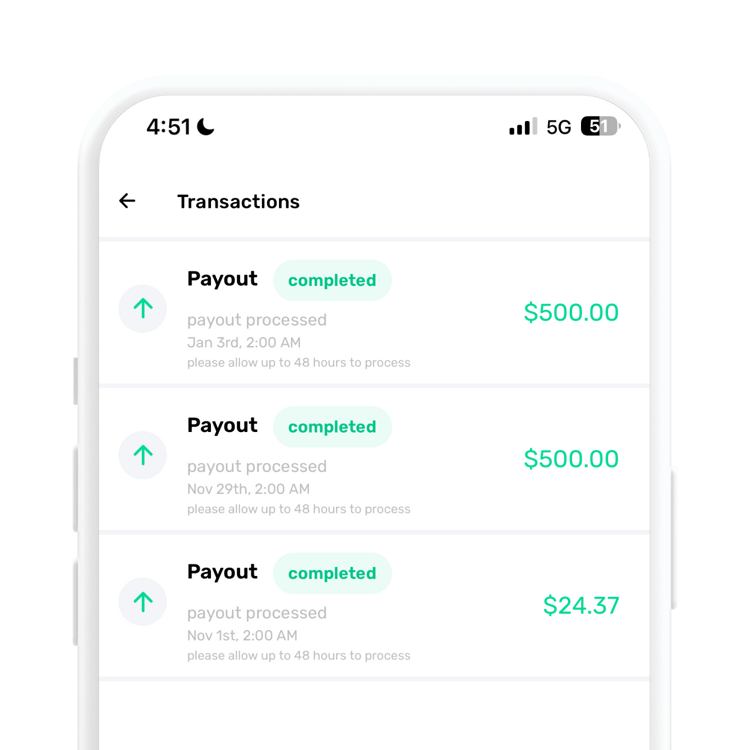
    Weekly payouts to your bank through Stripe

  • Transaction Tracking

    Transaction Tracking

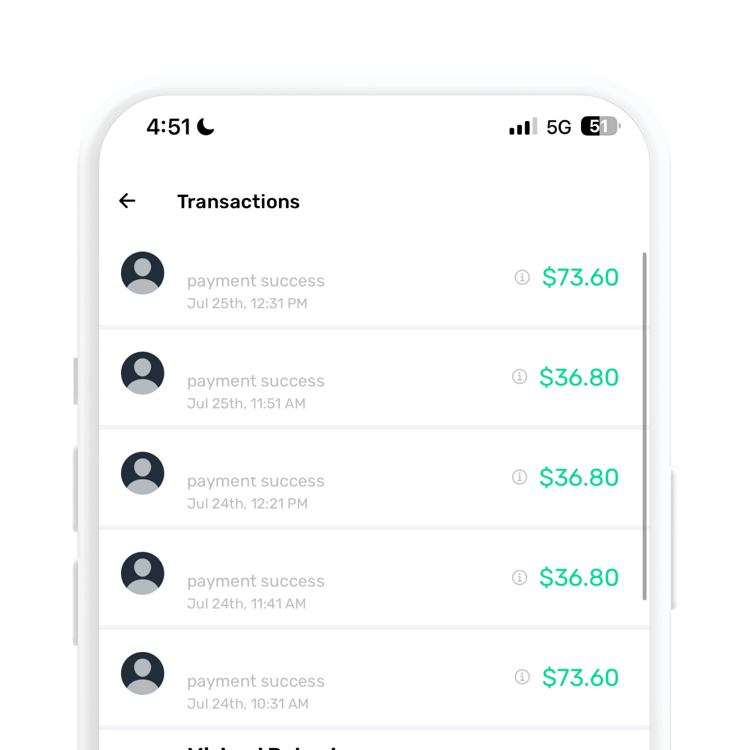
    Every payment, payout and refund in one Balance

  • Secure Processing

    Secure Processing

    Cards and bank accounts entered on Stripe

  • Fee Breakdown

    Fee Breakdown

    See what the client paid, the fees and what you earned

Cards

Visa, Mastercard, Amex, Discover, Diners Club, JCB

US Bank Payments

ACH in US dollars through Stripe

Charge Timing

At booking, or 30 minutes to 48 hours before

Pay in Person

A QR code families scan and pay on their phone

Full or Partial Refunds

Back to the card or bank account they used

Invoices and Retries

Failed charges become invoices, with automatic retries

Balance and Fees

Every transaction with its fee breakdown

Savings Buckets

Set aside a share of every payment

How families pay

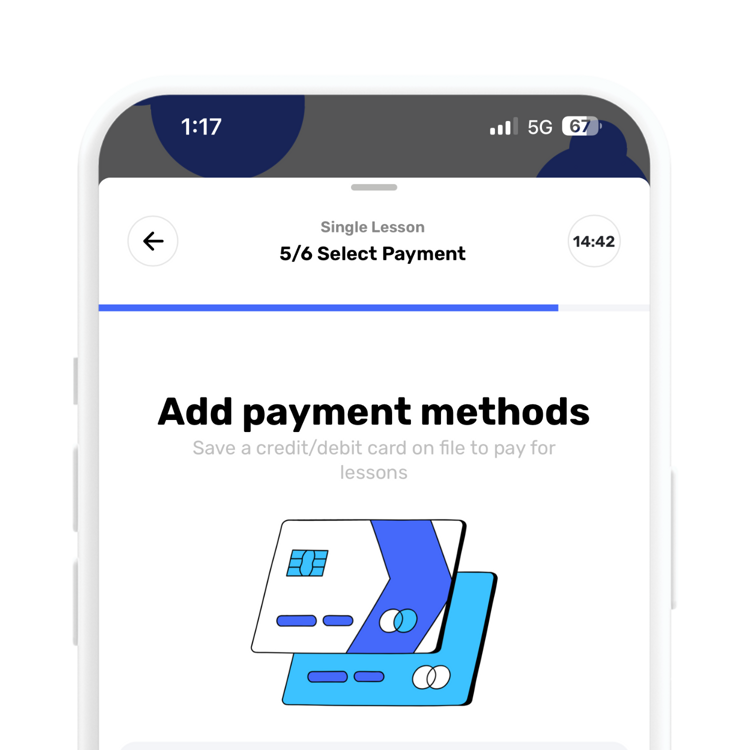
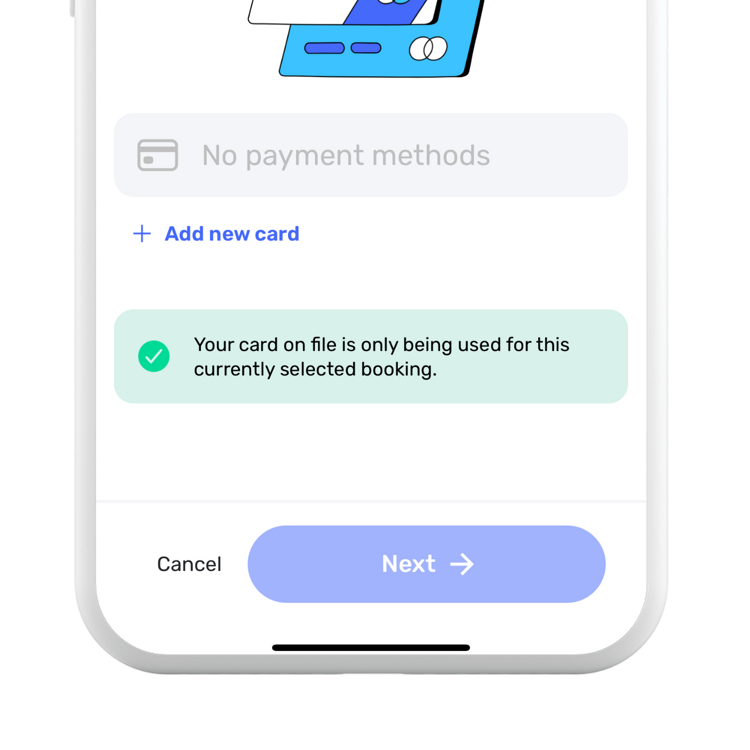
Families save a credit or debit card, or a US bank account, in the Swum app when they book, and Swum charges it on your schedule. Card details are entered on Stripe, and Swum never stores full bank details. Families can add, edit and remove cards and pick a primary one, and you can add a card on file for a client yourself.

If you take cash, Venmo or Zelle, you can let families book without a card and mark those payments as paid when they come in. Lesson credits and gift certificates are always used before the card.

Cards
Visa, Mastercard, American Express, Discover, Diners Club and JCB.
Bank account (ACH)
US bank accounts in US dollars, connected through Stripe Link or verified with two small deposits. Bank payments take a few business days to clear.
Cash and off-app payments
Cash Only, or Make Cash Optional so families can choose, on Pro and up. Swum does not collect that money for you.
Not supported
Swum has no Apple Pay, Google Pay, Tap to Pay or card reader.

Choose when families are charged

Charge the full price when a family books, or charge before the lesson at a time you pick. With the second option you can also take a deposit at booking and charge the rest later. On-time cancellations come back as lesson credit in proportion to the deposit, and your cancellation policy can keep the deposit instead.

Monthly plans charge on the day you choose (the 1st, the 15th, both, weekly, bi-weekly or per lesson), and fixed-term sessions can charge upfront, through a payment plan, by invoice or on set dates. For schools that sign families up before an instructor is assigned, Charge When an Instructor Is Assigned saves the card at sign-up and charges it only once the family is booked.

Card charge time
30 minutes, or 1, 6, 12, 24 or 48 hours before the lesson.
Deposits
5% to 100% of the lesson price, in 5% steps.
Upcoming charges
Preview next month's charges by day and client. "Needs a look" flags no card on file, a card declined last time, a card that expires first, or an amount that changed. Move or cancel a scheduled charge, or mark cash paid.
Card fees, tips and in-person payments

Turn on Pass Fees to pass card processing fees on to families, with a separate view for bank payments. On the Standard plan, which has no monthly fee, the total fees are 23% per booking; paid plans lower Swum's cut. See the pricing page for each plan.

Post-lesson tipping is on by default, so families are asked if they would like to tip after a lesson, and they can add a tip when they pay an invoice. At the pool, Pay in Person makes a QR code for a class or a one-off charge. The family scans it and pays on their own phone, and it can collect waivers and intake answers in the same step.

Refunds and failed payments

Refund any payment from your Balance, in full or for an amount you type, back to the original card or bank account. Your cancellation policy decides what families get when they cancel on time: a refund to the card (and whether you keep the processing fee), lesson credit, or both, so the family can pick.

A failed charge never cancels the lesson. Swum turns it into an invoice and tells the family, who can re-enter the security code or switch cards. With Automatic Payment Recovery on, Swum retries the saved card, up to 3 tries a day apart.

Refund from a class
Refunding a class payment can also remove the swimmer from the remaining dates.
Invoices
Invoice any charge from a client's page. Invoice Later lessons and recurring invoice lessons create invoices for you.

Getting paid

You connect a bank account on Stripe's own site, and a sole proprietor can sign up as an individual with no LLC or EIN. Payouts go out every Friday; Enterprise accounts are paid out per booking instead. Payouts work in the US, Canada, the UK, Switzerland and the EU/EEA, and you can price lessons in 24 currencies.

Your Balance lists every payment, payout and refund, with filters, and each payment shows what the client paid, the fees and what you earned. Earnings export to Excel, and the Taxes page shows your yearly payout summary and links to your 1099 forms in Stripe.

Savings buckets
Set aside a percentage of every payment, in up to 5 buckets, for taxes or gear. Bucket money stays put until you move it back to your balance.
Second payout bank
Pro Max and Enterprise can add a second payout bank account.

Common Questions

How do families pay for swim lessons in Swum?

By credit or debit card, or by US bank account (ACH), saved in the app and charged on your schedule. On Pro and up you can also accept cash or other off-app payments and mark them paid. Swum has no Apple Pay, Google Pay, Tap to Pay or card reader.

Can I take a deposit when a family books?

Yes. Charge a deposit of 5% to 100% at booking and the rest before the lesson, at a time you choose from 30 minutes to 48 hours ahead.

When do I get paid?

Payouts go to your bank every Friday. Enterprise accounts are paid out per booking instead.

Can I pass card fees on to families?

Yes. Turn on Pass Fees in your pricing settings and the processing fee is added to what the family pays.

What happens if a family's card is declined?

The lesson stays booked. Swum turns the charge into an invoice, tells the family, and can retry the saved card up to 3 times with Automatic Payment Recovery.

Can I give partial refunds?

Yes. Refund any payment in full or type a partial amount. It goes back to the card or bank account the family paid with.

Ready to transform your swim instruction?

Bring booking, scheduling, payments, communication, and swim lesson operations into one platform.

Get Started

Built for instructors and swim schools

Web, iPhone and Android
Swum Pro from $98 a month