Does Swum give my swim school a website?
Swum gives you a public booking page, and a school page that lists your instructors. It isn't a full website builder. If you already have a website, you can embed your Swum booking page in it.
Your Swum page shows families your instructors, prices, reviews and open times. They book and pay right there. Share the link, or put it on the website you already have.
Get Started Free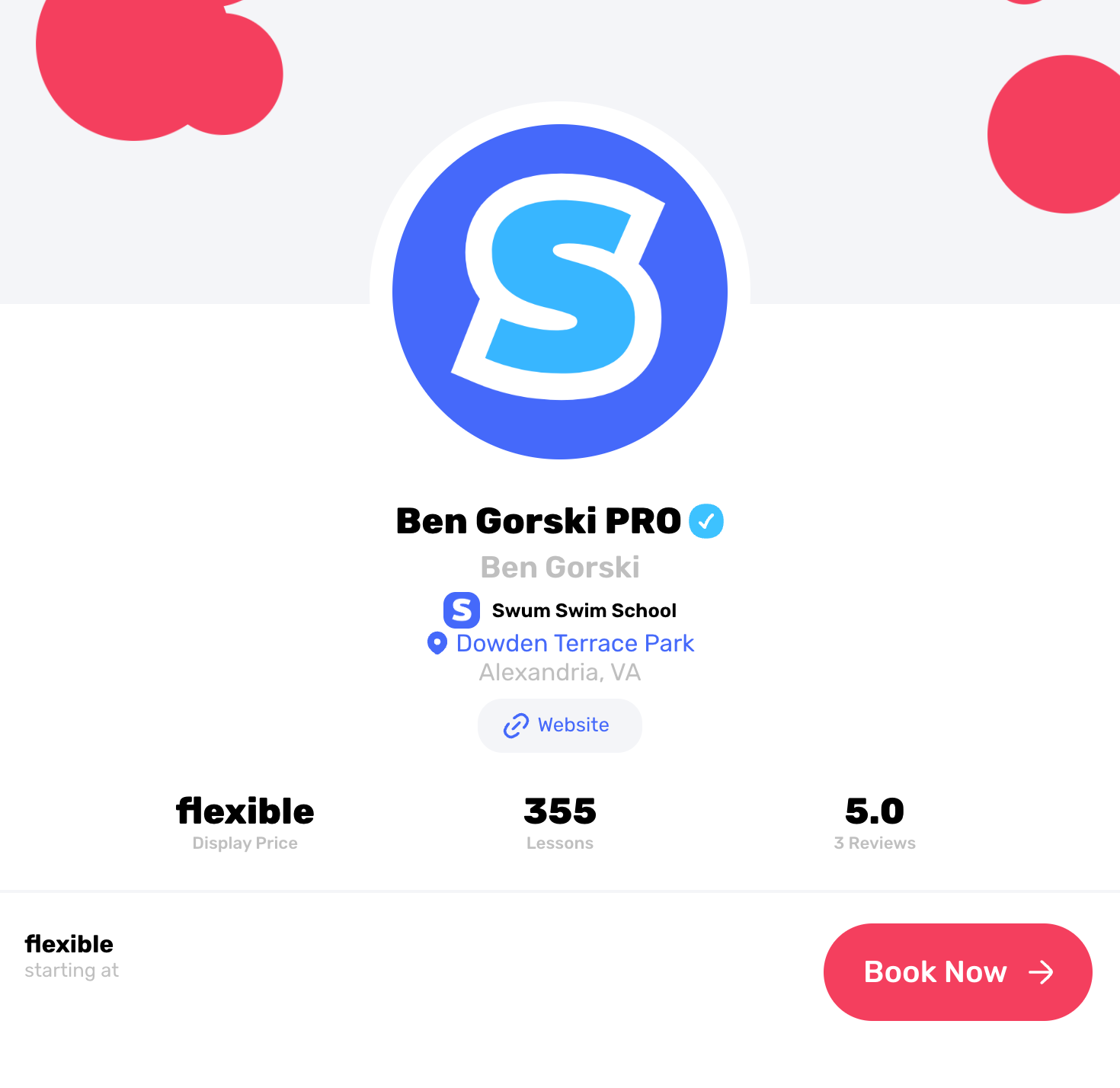
Every Swum account gets a public booking page, Standard included.
Text the link, print the QR code, or show the page inside your own website.
Families pick a time, sign your waivers and pay without calling you.
Every instructor on Swum gets a public booking page. A swim school also gets a school page that lists its instructors, and families can browse it by instructor or by location.
Already have a website? Copy your embed code from Swum and paste it into your site. Your whole booking page, with your live open times, shows inside it.
Or point your Book Now button at your Swum page. On Swum Pro and up, instructors can pick a custom link like app.swum.ai/instructors/yourname.
Every page also has a QR code for flyers, the front desk or the pool fence.
Your page stays hidden from families until it has a photo, a title, a bio, a price, a time slot, a location and a bank account for payouts.
Families can look at your page without an account. To book, they make a Swum account, which takes them through your waivers and payment.
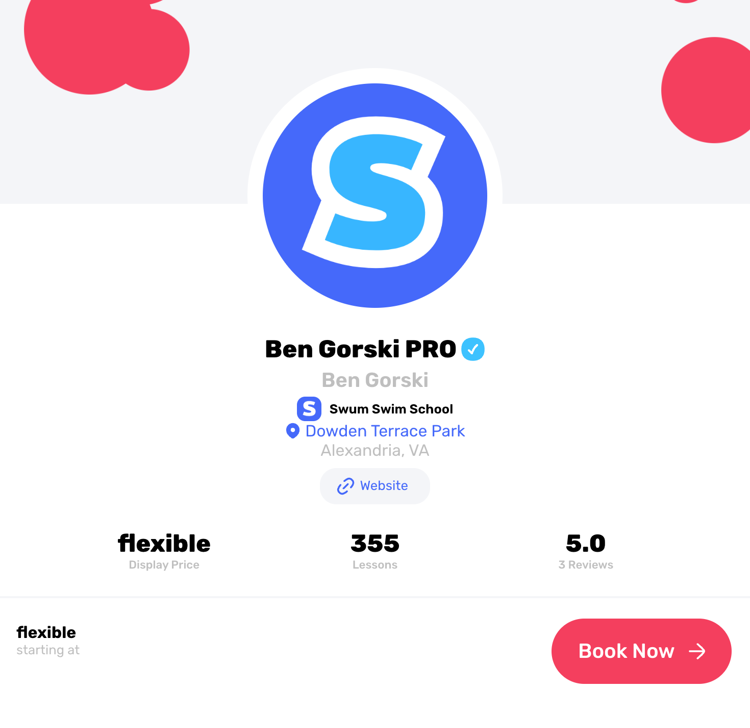
Your photo, school, location, reviews and a Book Now button.
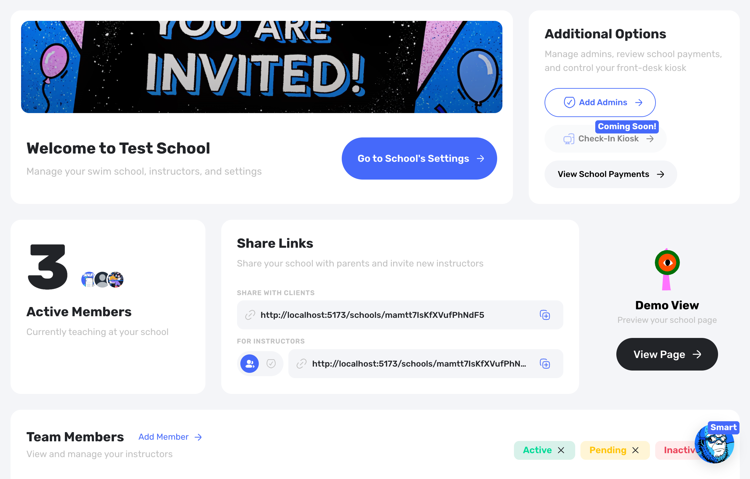
List your instructors so families can choose who teaches their swimmer.
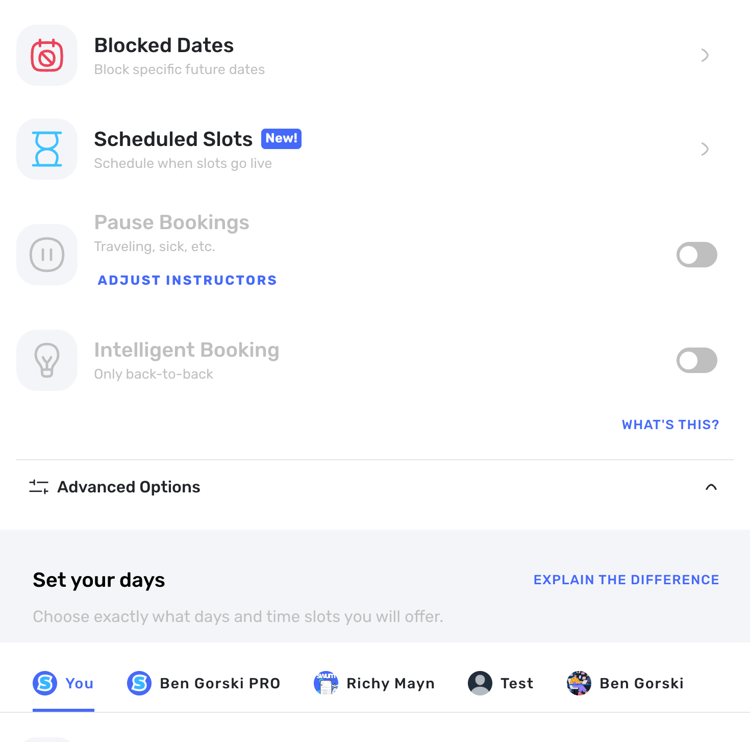
Families see the times you have open and book them directly.
A page with your photo, bio, reviews, locations, prices and open times.
All your instructors on one page, browsed by instructor or by location.
Paste one embed code into your site to show your booking page there.
Share your page anywhere, with a custom link on Swum Pro and up.
Families rate lessons 1 to 5 stars and leave a written review.
Families book, sign waivers and pay in one checkout.
Discover how Swum can transform every aspect of your swim instruction business
What families do after they tap Book: swimmers, questions, waivers, fees and payment.
The Swum app for iPhone and Android, for your team and your families.
Booking pages, payments and scheduling for private swim instructors.
See the complete platform for swim schools, aquatic centers, and growing lesson programs.
Automate availability, booking, payments, reminders, and parent self-service.
Compare Swum plans, platform fees, and enterprise pricing for higher-volume operators.
Swum gives you a public booking page, and a school page that lists your instructors. It isn't a full website builder. If you already have a website, you can embed your Swum booking page in it.
Yes. Copy the embed code from Swum and paste it into any website builder that lets you add an HTML embed. Your full booking page shows inside your site.
They can look at your page without one. To book, they make a Swum account, which takes them through your waivers and payment.
Yes. Turn on Private Price under Settings, Pricing, Advanced Options, and your price is hidden from your public page.
Instructors on Swum Pro and up can pick a custom link, like app.swum.ai/instructors/yourname.
It comes with every Swum plan, including Standard at $0 a month with fees on each booking. Group classes, packages, plans and the custom link need Swum Pro ($98 a month) or higher.
Bring booking, scheduling, payments, communication, and swim lesson operations into one platform.
Get Started Free