Is there a Swum app for iPhone and Android?
Yes. Swum is on the App Store and Google Play, and on the web at app.swum.ai. Swim schools, instructors and parents all use the same app, each with their own account.
Your calendar, families, messages and payments in one app. Families use the same app to book, pay and keep up with their swimmer.
Get Started Free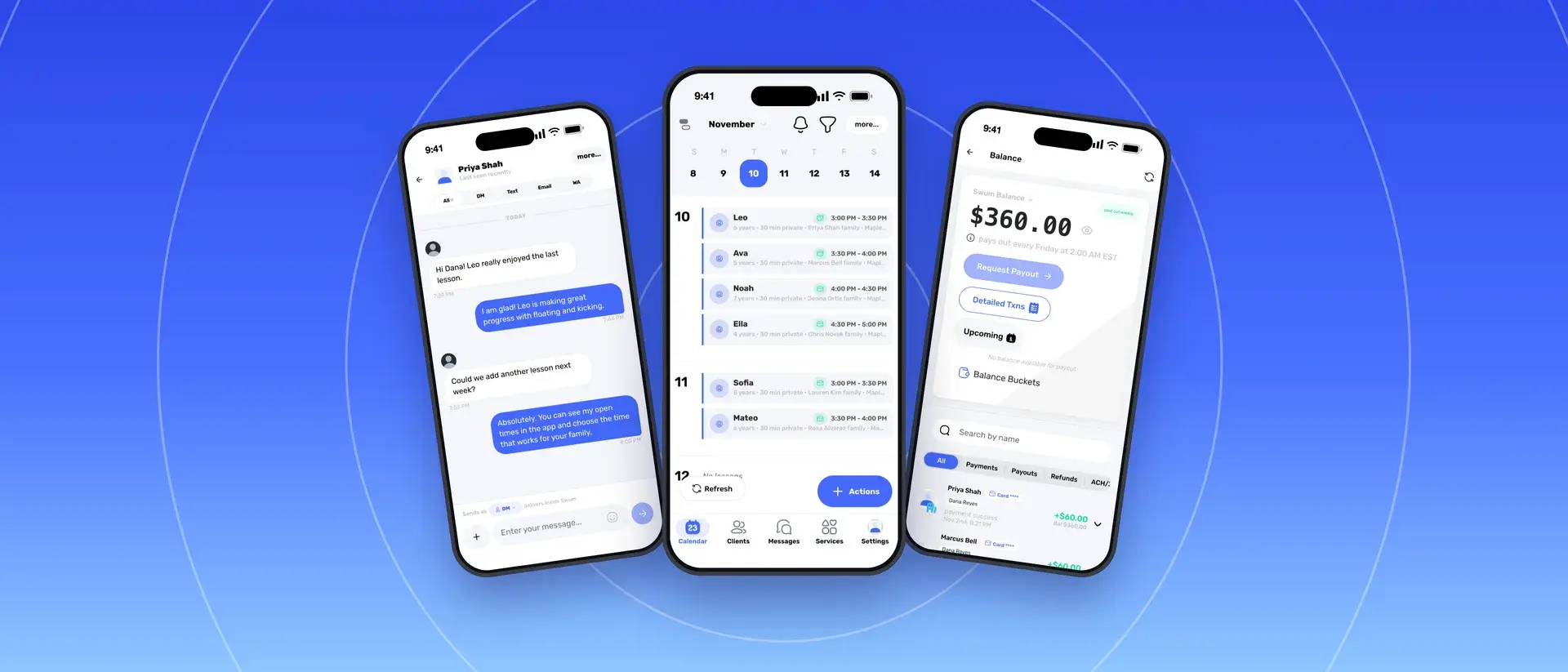
Get Swum from the App Store or Google Play. Everything also works on the web at app.swum.ai.
Sign in on your phone and your computer and see the same lessons, families and money.
You run the school in the app. Parents book, pay and message you in the same app.
Swum is one app for swim schools, swim instructors and the families they teach. Get it on the App Store or Google Play, or use it on the web at app.swum.ai. Your phone and your computer show the same account.
The app opens to your calendar. Along the bottom are Calendar, Clients, Messages, Services and Settings.
Parents use the same app to book with you. They see your open times and classes, pick a swimmer, sign your waivers and pay in one checkout.
Tap a lesson address to get directions. Show a QR code to take payment at the pool: the family scans it and pays on their own phone.
Swum doesn't have Tap to Pay or a card reader. If you drive to families' home pools, see mobile swim instructor software for how Swum plans bookings around drive time.
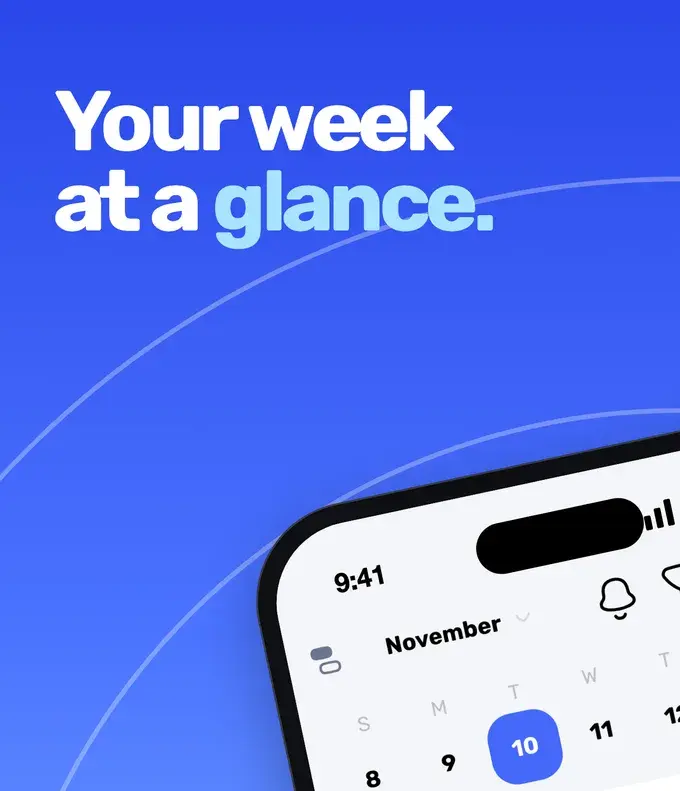
Every lesson and class in one calendar, with the swimmer, the time and the family on each.
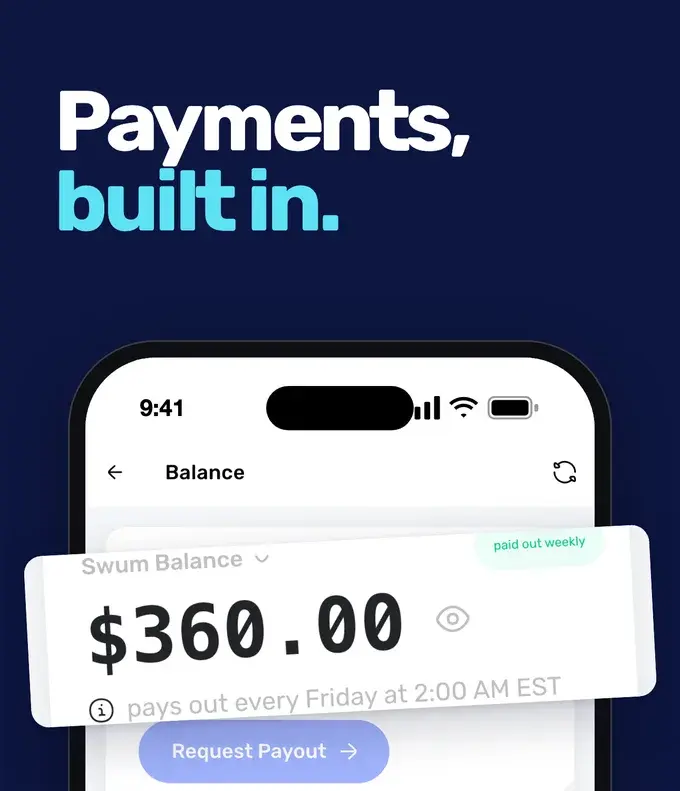
Your balance, each payment and refund, and when your next payout reaches your bank.
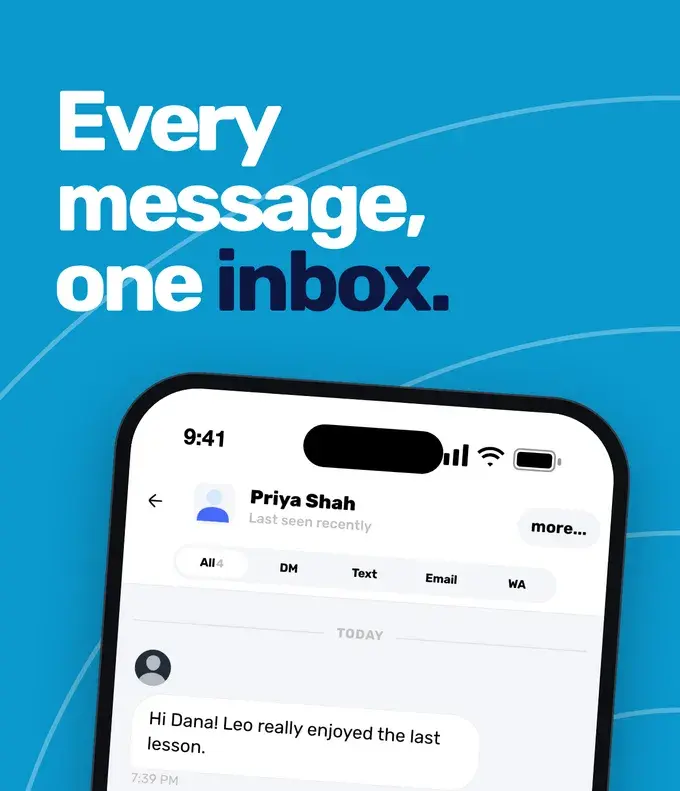
Reply to families by chat, text or email from the same thread.
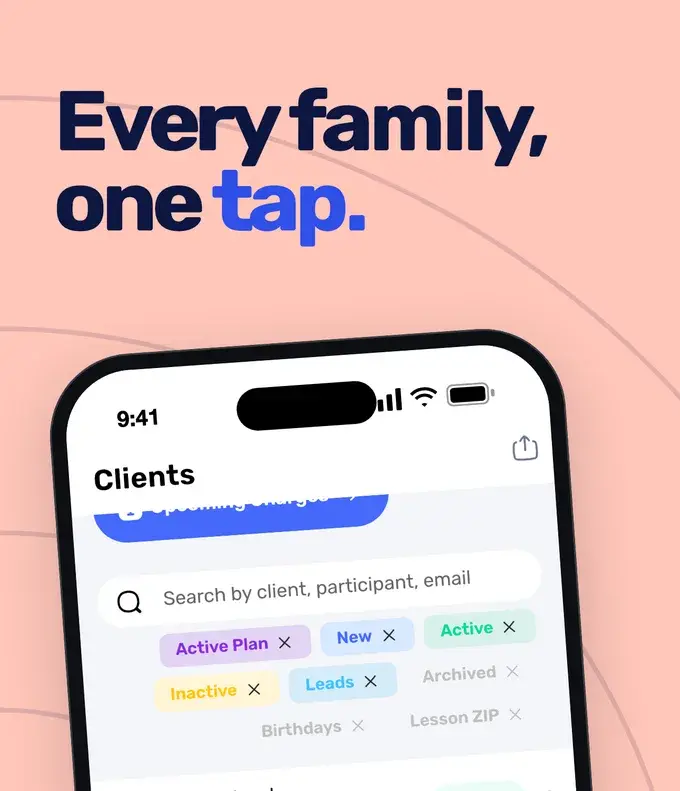
Search families, filter by plan or new clients, and read a swimmer's notes before the lesson.
Native apps from the App Store and Google Play, plus the full web app.
Day and week views of privates, semi-privates and classes.
Families, swimmers, plans and notes in your pocket.
Chat, text and email families from one thread.
Card payments for lessons, packages, plans and classes.
Families book, pay, sign waivers and message you.
Discover how Swum can transform every aspect of your swim instruction business
The booking page families use on the web, or inside your own website.
Drive time, service areas and home-pool lessons for instructors who travel.
See the complete platform for swim schools, aquatic centers, and growing lesson programs.
Automate availability, booking, payments, reminders, and parent self-service.
Compare Swum plans, platform fees, and enterprise pricing for higher-volume operators.
Yes. Swum is on the App Store and Google Play, and on the web at app.swum.ai. Swim schools, instructors and parents all use the same app, each with their own account.
Yes. Your calendar, clients, messages, payments and settings are all in the app. Sign in on a computer when you want a bigger screen; it is the same account.
No. Families can book on your booking page in any web browser. They need a Swum account to finish booking, and the app is there if they want it.
Yes, with a QR code. Make one for a class or an invoice, and the family scans it and pays on their own phone. Swum doesn't have Tap to Pay or a card reader.
The app is free to download. What you pay depends on your Swum plan: Standard is $0 a month with fees on each booking, Pro is $98 a month, Pro Max is $200 a month, and Enterprise starts at $500 a month.
Bring booking, scheduling, payments, communication, and swim lesson operations into one platform.
Get Started Free