Last updated: November 2026 · By Ben Gorski, founder of Swum
I make the Swum app (swum.ai), so read this knowing I'm biased. I swam at Notre Dame, coached, and built Swum for the team I coached. I've tried to say plainly where a free general scheduler is the better pick.
Is there a free scheduling app for swim instructors?
Yes. Swum Standard costs $0 a month for swim instructors, and it includes a booking page, card payments, waivers and locations. It isn't free per booking, though: Swum's pricing page lists "23% total fees per transaction", which is $11.50 on a $50 lesson.
General schedulers like Koalendar, Calendly and Google Calendar also have free plans. Those free plans let families pick a time, but none of them collects a card payment for free.
So the real question isn't "which app is free?" It's "do I pay per month, or per booking?"
What "free" means on each app
Here's what each free plan includes, from each company's own pricing page.
- Koalendar's free plan has no time limit and includes unlimited booking pages, event types and bookings. Koalendar puts payments, email reminders, group classes and recurring bookings on its paid plans. Koalendar says it takes no commission on payments.
- Calendly's Free plan includes one event type and one calendar connection. Calendly lists Stripe and PayPal payments on its Standard plan, at $10 a seat a month billed yearly. Calendly's comparison table doesn't list automated reminders on Free.
- Google Calendar's free booking page gives a personal Google account one booking page. Google's comparison chart lists payments on Workspace Individual and business plans, not on free personal accounts.
- Swum Standard is $0 a month and includes scheduling, card payments, single lessons, waivers and locations. Swum takes 23% of each card payment, and that includes card processing.
With Koalendar, Calendly or Google, when you do turn on payments, Stripe charges its own fee. Stripe's standard US card rate is 2.9% + 30¢, or $1.75 on a $50 lesson.
What a $50 lesson costs on Swum
Swum's fee comes out of the payment before it reaches your bank. Here's a $50 lesson on each Swum plan, using the numbers on swum.ai/pricing:
| Plan | Monthly price | Fees on a $50 lesson | You keep |
|---|---|---|---|
| Swum Standard | $0 | $11.50 (20% Swum fee + 3% processing) | $38.50 |
| Swum Pro | $98 | $2.50 (2% Swum fee + 3% processing) | $47.50 |
| Swum Pro Max | $200 | $1.75 (2.9% + $0.30) | $48.25 |
Swum Enterprise starts at $500 a month, for larger schools.
On Swum Standard, you pay nothing in a month with no bookings. That's the whole point of it. A slow February costs you $0.
When is Swum Pro worth $98 a month?
Swum Pro keeps $9 more of every $50 lesson than Swum Standard. At 11 lessons a month, that $9 adds up to more than the $98.
| Lessons a month at $50 | Swum Standard total cost | Swum Pro total cost | Cheaper |
|---|---|---|---|
| 4 ($200) | $46 | $108 | Swum Standard, by $62 |
| 8 ($400) | $92 | $118 | Swum Standard, by $26 |
| 11 ($550) | $126.50 | $125.50 | Swum Pro, by $1 |
| 20 ($1,000) | $230 | $148 | Swum Pro, by $82 |
| 40 ($2,000) | $460 | $198 | Swum Pro, by $262 |
My rule of thumb: stay on Swum Standard until you're booking about $550 a month through Swum. After that, Swum Pro costs less.
Swum Pro also adds things Swum Standard doesn't have: lesson packages, monthly plans, group lessons and your own swim school. If you want to sell an 8-lesson package or bill a family every month, you need Swum Pro anyway. Here's how packages and plans compare.
Swum Pro Max is for high volume. On $50 single lessons, it only pulls ahead of Swum Pro at about 136 lessons a month. Bigger charges get there sooner: with $200 monthly plan payments, it's about 27 families.
You can cancel Swum Pro anytime. You keep Swum Pro until the end of the billing period, then go back to Swum Standard's fees.
Why a swim instructor might still pick a free general scheduler
I'd rather you pick the right tool than pick mine.
- Your families pay you in cash or Venmo. If you only need a time picker, Koalendar's or Google's free plan costs $0 and does the job.
- You only teach a few families. A text thread can be enough.
- You only need a link plus card payments. Calendly Standard ($10 a month, billed yearly) plus Stripe's fee costs less than Swum at almost any volume. You'll handle waivers and swimmer details some other way.
What Swum adds for swim lessons
General schedulers book appointments. Swum was built for swim lessons, so these come with the booking:
- Waivers families sign while they book, on Swum Standard.
- Pool locations, with a Hide Address switch that shows families only the location name until they've booked.
- Repeat Weeks, so a family can book the same time for up to 12 weeks in one go.
- Lesson reminders that go to families as a push, an in-app notice and an email.
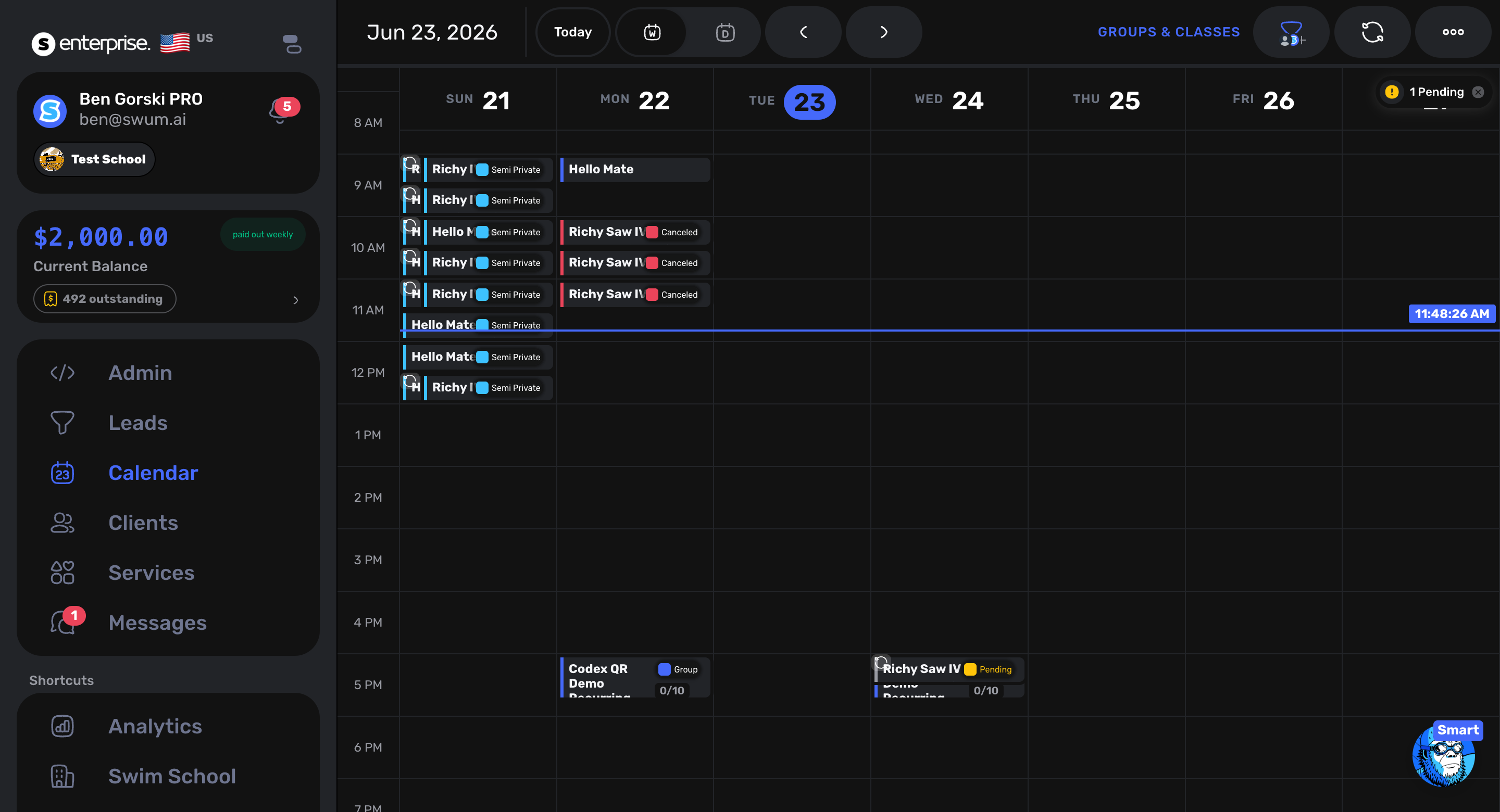
- A parent app on iPhone and Android, where families book and see their lessons.
If you want the setup steps, I wrote a guide to taking bookings and payments for swim lessons. Or start at swum.ai and set up your booking page.
FAQ
Is Swum free for swim instructors?
Swum Standard is $0 a month. Swum takes 23% of each card payment (a 20% Swum fee plus 3% card processing), so you only pay when a family pays you.
How much does Swum take from a $50 swim lesson?
On Swum Standard, $11.50, so you keep $38.50. On Swum Pro ($98 a month), $2.50, so you keep $47.50. On Swum Pro Max ($200 a month), $1.75, so you keep $48.25.
When should a swim instructor upgrade to Swum Pro?
At about 11 lessons a month at $50, or roughly $550 a month in bookings. Past that, Swum Pro's lower 5% fee saves more than its $98 price. You also need Swum Pro to sell packages, plans or group lessons.
Can I take payments with Calendly's free plan?
Calendly's pricing page lists Stripe and PayPal payments on its Standard plan ($10 a seat a month, billed yearly), not on Free. Stripe also charges its own card fee.
Does Google Calendar's booking page take payments for free?
Not on a free personal account. Google's chart lists payments for appointments on Google Workspace Individual and business plans, and a free personal account gets one booking page.
Does Koalendar's free plan take payments?
No. Koalendar puts payments on its paid plans and says it takes no commission. Its free plan also leaves out email reminders, group classes and recurring bookings.
Sources (competitor facts, checked Nov 14, 2026)
- Koalendar pricing: https://koalendar.com/pricing (free plan with no time limit; unlimited booking pages, event types and bookings; payments, reminders, group classes and recurring bookings on paid plans; "Koalendar does not take any commission").
- Calendly pricing: https://calendly.com/pricing (Free: one event type, one calendar connection; Standard: "Connect Stripe, PayPal", $10 a seat a month billed yearly; automated reminders not on Free).
- Google Calendar, "Compare premium features for appointment schedules": https://support.google.com/calendar/answer/16287038 (free personal account: one booking page; "Accept payments for appointments" on Workspace Individual, Business, Enterprise, Education and Nonprofits, not Google One Premium).
- Google Calendar appointment schedules help: https://support.google.com/calendar/answer/10729749 (payments through a connected Stripe account; some features need an eligible subscription).
- Stripe pricing: https://stripe.com/pricing ("2.9% + 30¢ per successful transaction for domestic cards").
- Swum pricing: https://swum.ai/pricing/