Last updated: November 2026 · By Ben Gorski, founder of Swum
I make the Swum app (swum.ai), so read this knowing I'm biased. I've tried to say plainly where another tool fits better. Most of this page works with any tool.
The short answer
Give families one booking link. On that link they pick an open time, sign your waiver, answer your questions and pay by card. The money goes to your bank, and reminders go out on their own.
Before you share the link, decide four things: what you sell (single lessons, packages or a weekly plan), when families pay, what happens when they cancel, and which forms they sign. Those four choices prevent most of the chasing, no-shows and awkward money texts.
You can build this from a calendar tool plus a payment app. Or you can use software made for swim lessons, like the Swum app (swum.ai), where the booking page, card payments, waivers, reminders and payouts are one setup.
What your booking setup should handle
Use this as a checklist, whatever tool you pick:
- One link that works on a phone and fits in your Instagram bio, a text or your website.
- Only real open times, with breaks between lessons and no last-minute surprises.
- One parent, several swimmers, so siblings book in one go.
- The way you sell lessons: single lessons, prepaid packages, or the same time every week.
- Payment before the lesson, in full or as a deposit, so a no-show still pays.
- A cancellation policy the tool enforces, so you're not the one saying no.
- Signed waivers and intake questions before the first lesson.
- Automatic reminders before every lesson.
- Messages with parents without giving out your cell number.
- Payouts to your bank with a clear record of every fee.
Single lessons, packages or plans?
This is the biggest choice, so here's how I think about it.
- Single lessons. Families pay for one lesson at a time. It's the easiest start and good for a first lesson. The catch: you sell every lesson again, one at a time.
- Packages. Families prepay for a bundle of lessons and book each one with their credit. It fits families with changing schedules, and you're paid upfront.
- Plans. The same time each week, billed monthly or for a set number of weeks. It gives you the steadiest income and the fewest booking messages.
A common path is one single lesson first, then a package or a plan once the family knows you.
How to set it up in the Swum app
These are the real settings, in the order I'd do them.
1. Connect your bank
Go to Settings → Bank Account → Set up Direct Payments. Stripe handles your bank details and identity check. You don't need an LLC: sole proprietors pick Individual.
2. Set your hours
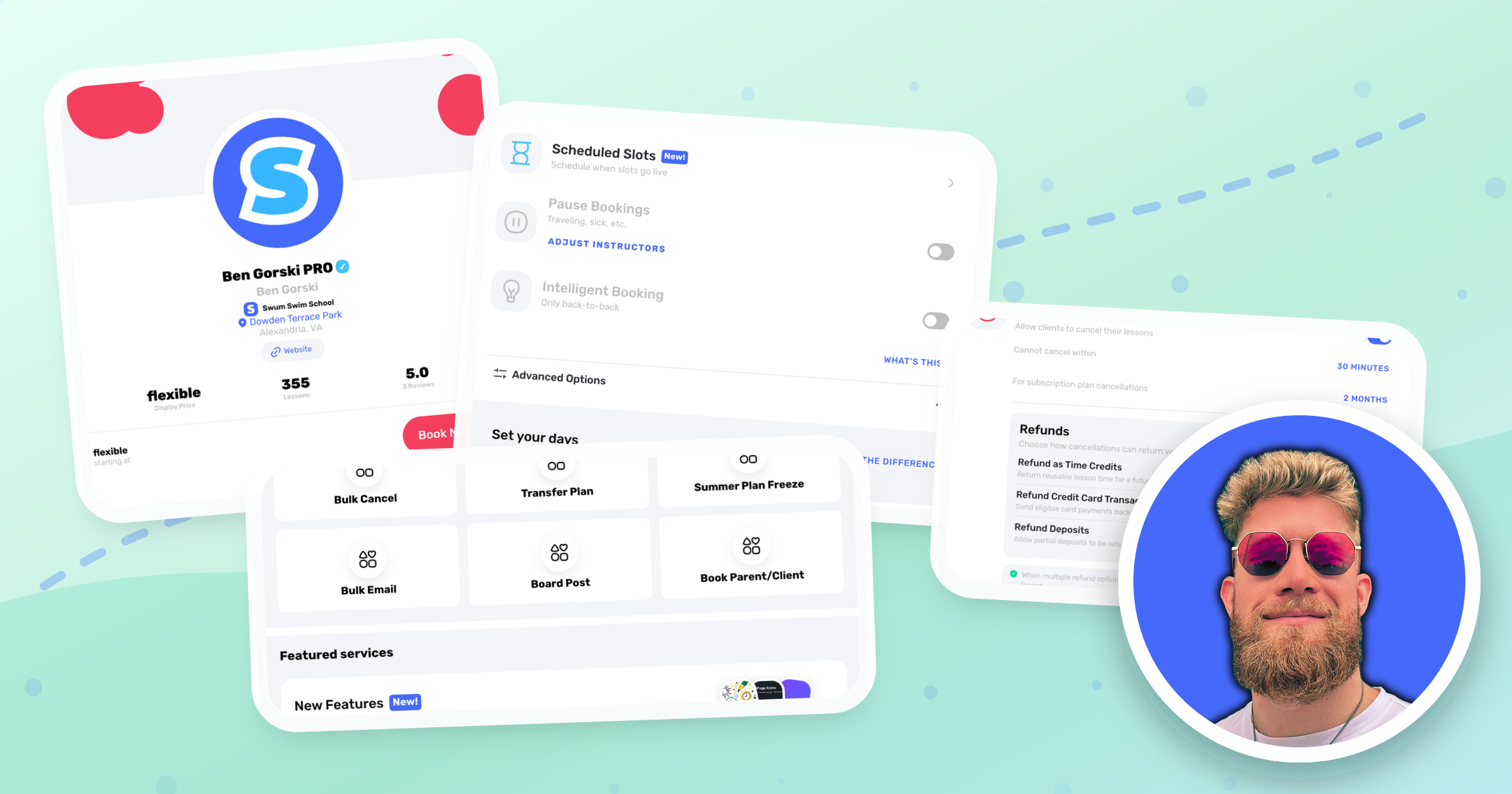
Go to Settings → Availability and tap each day to set your time slots and lesson length.
- Add a Lesson Buffer if you need time between swimmers.
- Set Minimum Notice so nobody books you an hour from now.
- Turn on Intelligent Booking to only offer slots right next to lessons you already have.
- Turn on Repeat Weeks so families can book the same time for up to 12 weeks.
- Use Blocked Dates for vacations.
3. Add where you teach
Go to Settings → Locations. A home pool's exact address stays hidden until the family books. If you drive to families, set a Max Travel Radius or draw Service Area Zones. Families outside them see a notice, and you get a location request.
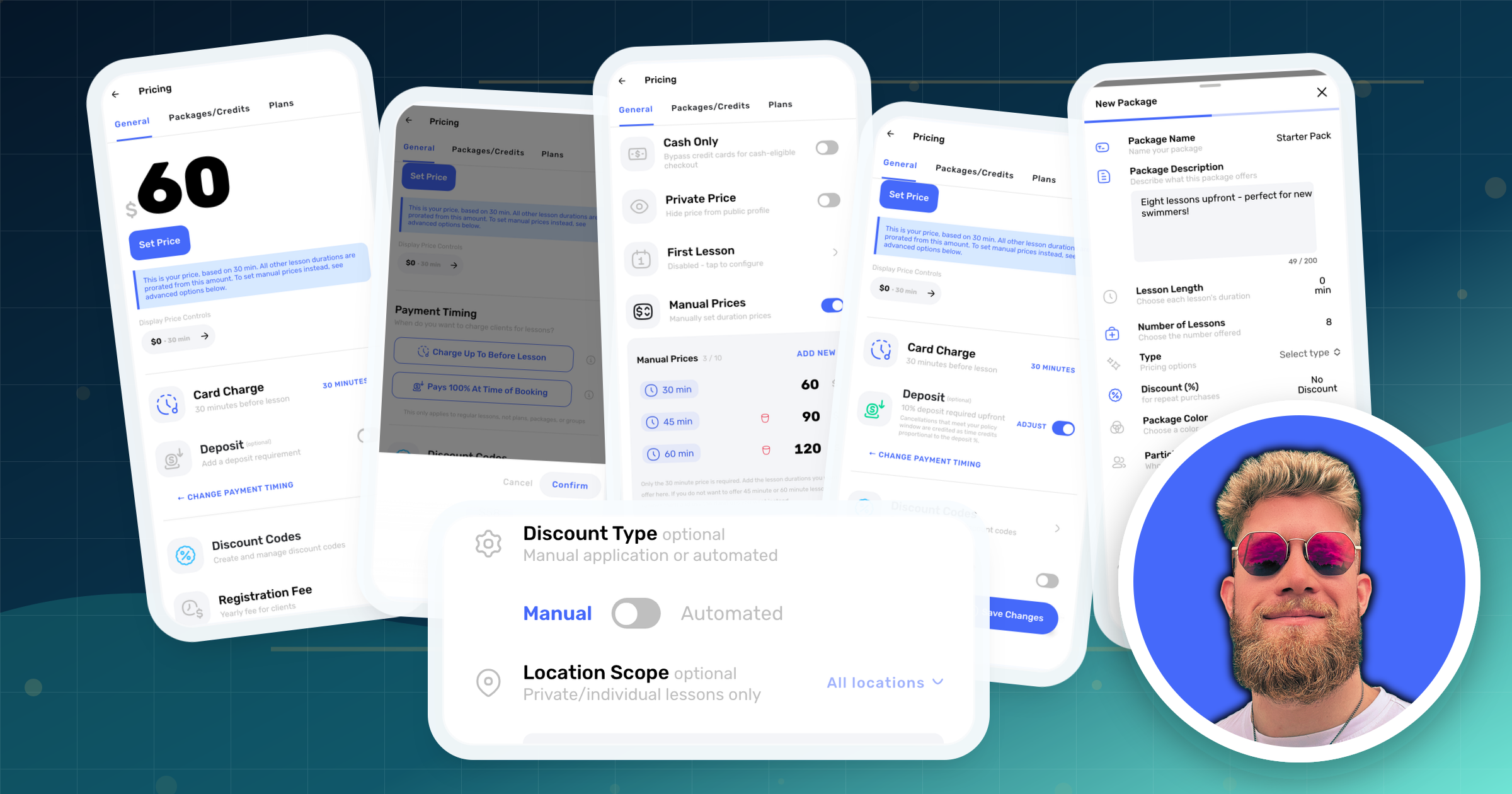
4. Set your price and when families pay
Go to Settings → Pricing and tap Set Price. You set a 30-minute price and other lengths are prorated, or turn on Manual Prices to price each length yourself.
Then pick the payment timing:
- Full Upfront: families pay the whole amount when they book.
- Charge Up To Before Lesson: the card is charged a set time before the lesson. You can add a Deposit, a percentage paid at booking.
Under Advanced Options, Pass Fees adds card fees to the family's total, and First Lesson sets a discount for new families. You can also charge a yearly Registration Fee, and Discounts & Gifts makes promo codes and gift certificates.
5. Add packages or a plan (Pro)
- Packages: go to Settings → Pricing → Packages → New Package. Pick the lesson length and number of lessons, then set the price yourself, as a percentage off, or as "buy X, get Y free". Choose when credits expire, or make them never expire. You can have up to 6 packages.
- Plans: go to Settings → Pricing → Plans → New Plan. Pick Subscription (renews monthly) or Fixed Term (a set number of weeks), then how many lessons a week and the price.
On Standard, families pay per lesson and can still repeat the same time for up to 12 weeks.
6. Put your cancellation policy into the settings
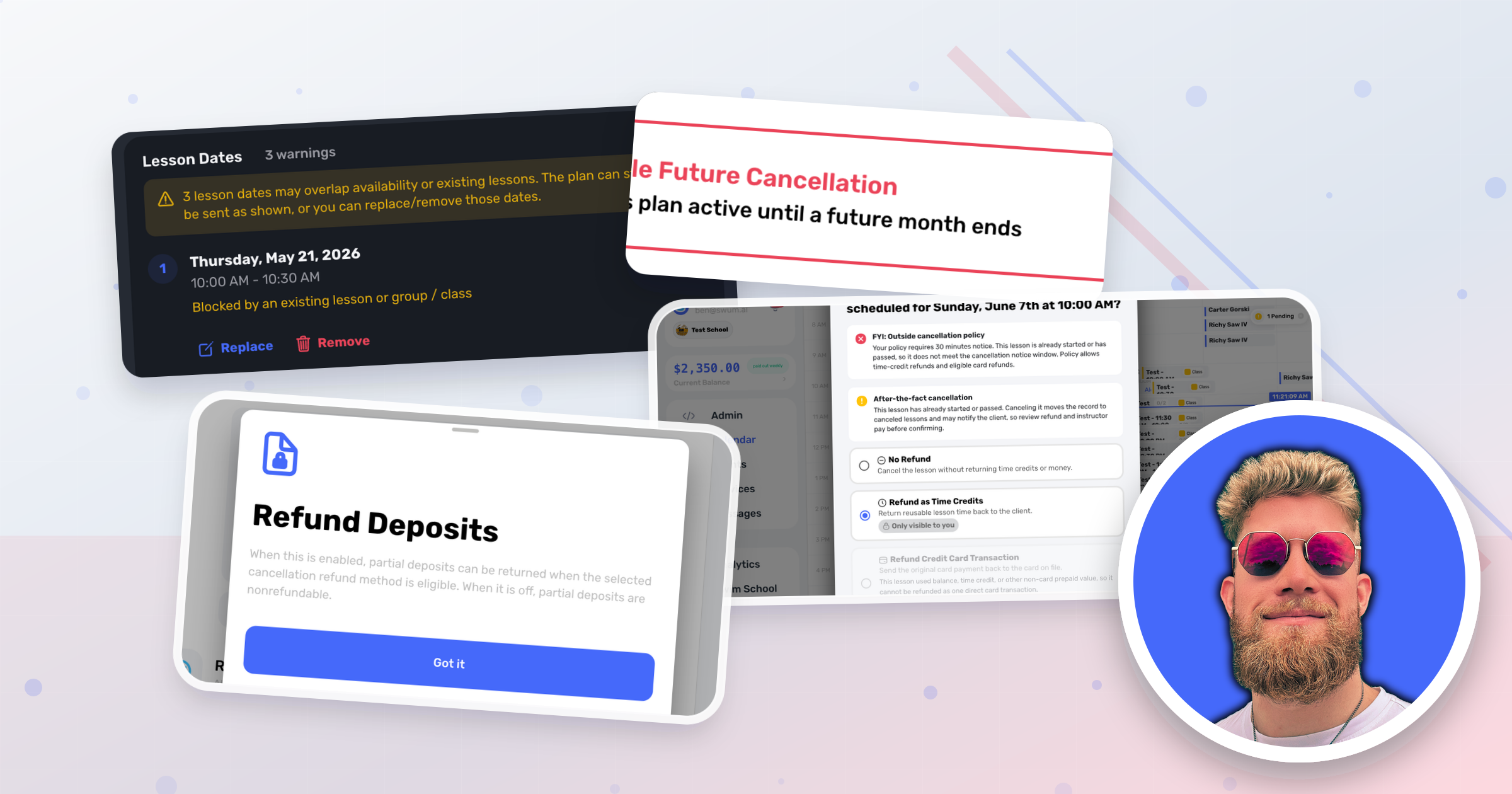
Go to Settings → Booking Controls and open Cancellations. Set Cannot cancel within, for example 24 hours. Under Refunds, choose what an on-time cancel gets back: time credits to rebook, a refund to their card, or both. Leave both off for a strict no-refund policy.
There's a 5-minute grace period after booking, so a parent who taps the wrong day can fix it.
When you cancel a lesson, you choose each time: No Refund, Refund as Time Credits, or a card refund. For a rained-out day, Services → Weather Cancellation cancels the whole day and sends families one notice.
7. Add your waiver and questions
Go to Settings → Waivers & Contracts → New Waiver. Upload your document or type it in, then turn on Waiver Required and Requires Signature. Families sign while they book.
Your waiver's wording is between you and your lawyer or insurer. Swum collects the signature; it doesn't write the waiver.
On Pro, Settings → Client Questions adds intake questions, like swim experience or medical notes, and can make them mandatory.
8. Turn on reminders
Go to Settings → Booking Controls and set Client Lesson Reminders to how far ahead families should be reminded. Reminders arrive as a push and in-app notification, plus an email unless you turn off Send reminder emails. Keep Booking Confirmations on.
Use the Messages tab to talk with parents in the app. The + button has quick messages for things like running late.
9. Share your link
In Settings, tap Copy Link next to your profile photo and paste it into your bio, texts and emails. To put booking on your own website, use Copy Embed Code. Families need an account to book, but they can see your times without one.
Test it before you share it: book yourself as a parent, using a second email.
10. Watch the money
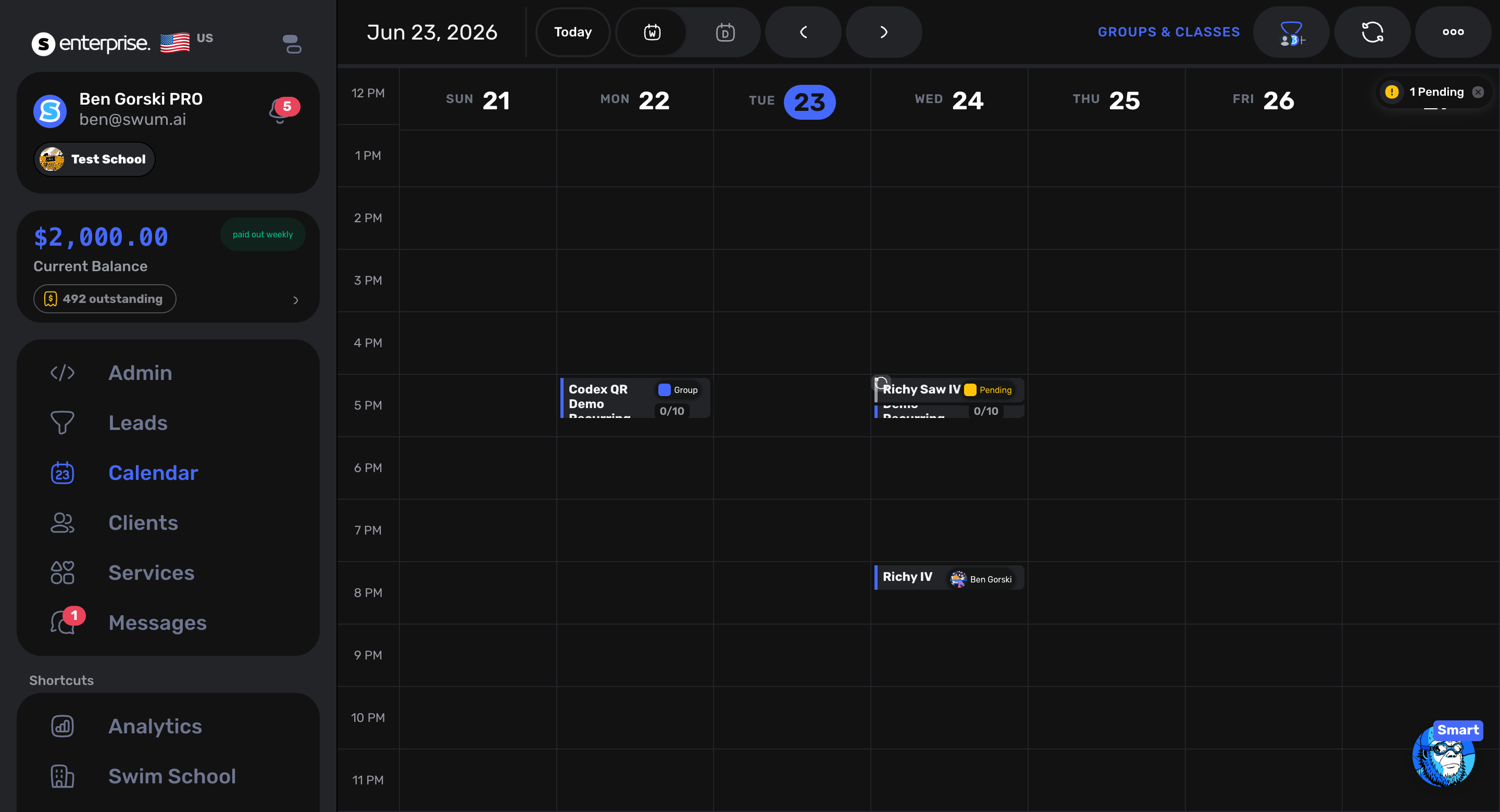
Open Balance to see every payment, fee and payout. Payouts go to your bank automatically through Stripe once cleared funds reach the payout minimum, and a payout can take up to 2 business days to arrive. Balance → Upcoming shows next month's charges and flags the ones likely to fail, like a card that expires first.
When another tool is a better fit
- You teach a few families you already know. Texts plus cash, Venmo or Zelle can be enough.
- You run your whole business on Square. Square Appointments keeps your bookings and payments in one place.
- You only need families to pick a time. General scheduling tools like cal.com or Calendly are built for any kind of appointment. They're fine if you don't need the swim-specific parts.
- You run a facility that's mostly group classes for hundreds of families. Class-first systems like Jackrabbit Swim or iClassPro were built for that. Compare them with Swum on your real schedule.
What it costs
Swum Standard is $0 a month, and Swum takes a larger cut of each booking instead (the pricing page says "23% total fees per transaction"). Swum Pro is $98 a month with 5% total fees, and adds packages, plans, group classes and client questions.
The math: Pro takes 18 percentage points less per booking, so it costs less than Standard once you book more than $545 a month.
FAQ
What's the easiest way to take bookings for swim lessons?
One booking link where families pick a time and pay by card. In the Swum app (swum.ai), every instructor gets a booking page: set your hours, price and bank account, then share the link.
Should I take payment upfront?
Yes, in full or as a deposit. It's the simplest way to cut no-shows. In Swum, choose Full Upfront, or Charge Up To Before Lesson with a Deposit.
Should I sell packages or single lessons?
Often both. A single lesson is an easy first yes. Packages and weekly plans pay you upfront and keep families coming back.
What cancellation policy should I use?
Pick a notice window you can actually refill, like 24 hours, and decide what an on-time cancel gets: a credit to rebook, a refund, or nothing. Write it down and let your software enforce it.
Do I need an LLC to take card payments?
Not for Swum. In Settings → Bank Account, sole proprietors choose Individual, and Stripe asks for a Social Security number for tax forms.
Can families pay cash?
On Pro, turn on Cash Only in Settings → Pricing → Advanced Options. Swum doesn't collect those payments, so you collect them yourself.
How fast do I get paid?
Payouts go to your bank automatically through Stripe once cleared funds reach the payout minimum. A payout can take up to 2 business days to arrive.