Can Swum bill swim families automatically every month?
Yes. Monthly plans renew and charge the family's card automatically every month, by default on the 1st. A family that starts mid-month pays a prorated first month.
Monthly tuition that charges itself, plus packages, registration fees and invoices. Families pay in the app, and you see every charge before it runs.
Get Started Free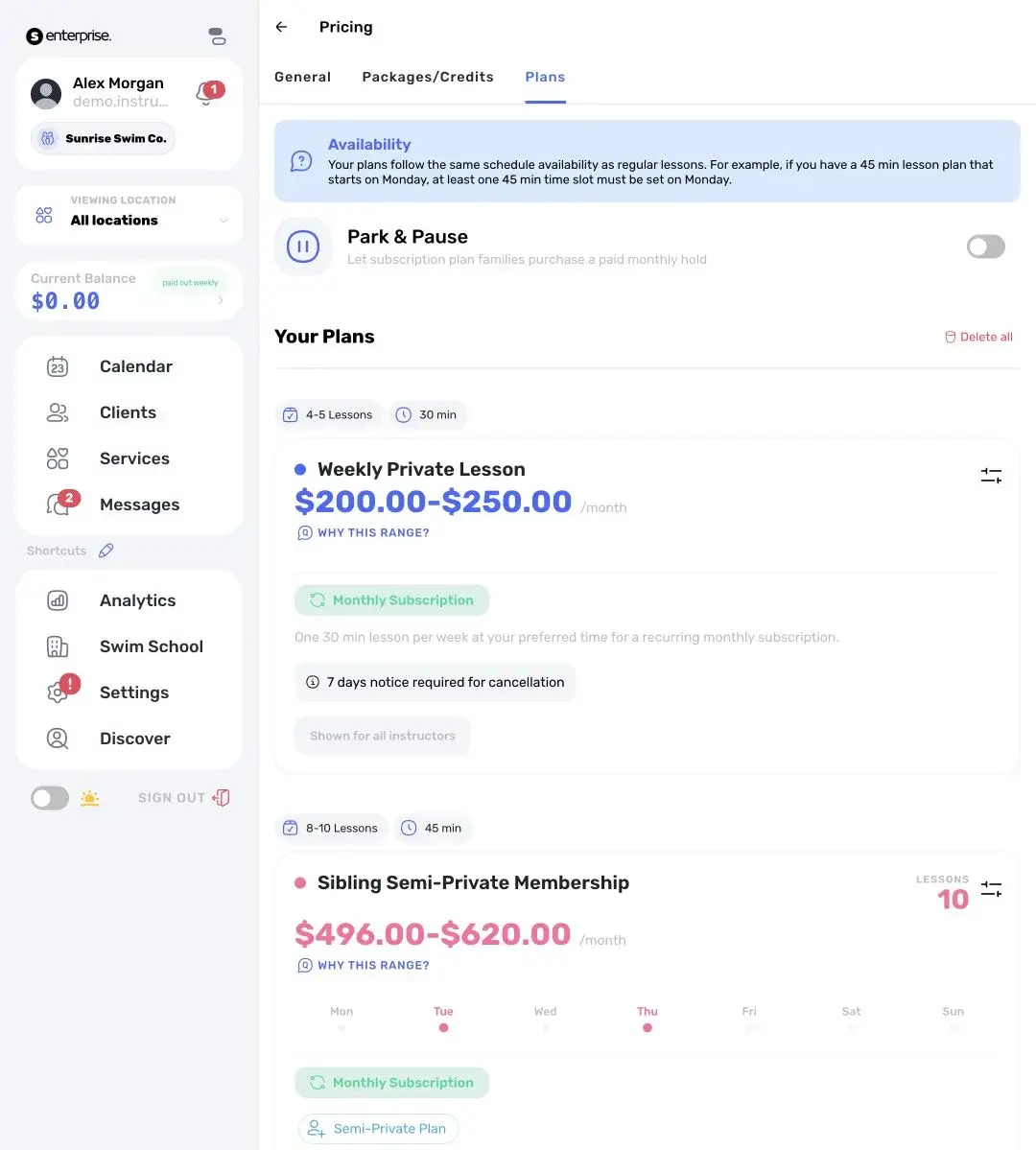
Plans renew and charge automatically, by default on the 1st. Mid-month starts are prorated.
See next month's charges by day, and which cards may fail.
Families pay, see what they owe and download statements in the Swum app.
Sell lessons as a plan. Families sign up once, and Swum charges their card every month until they cancel.
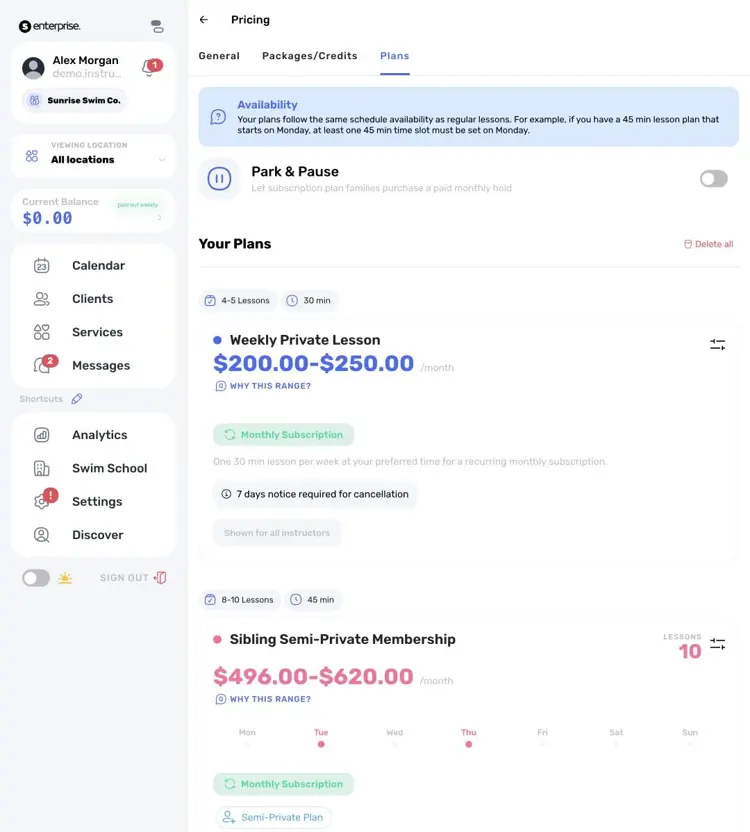
Weekly lessons sold as a monthly plan, with your cancel notice and price range.
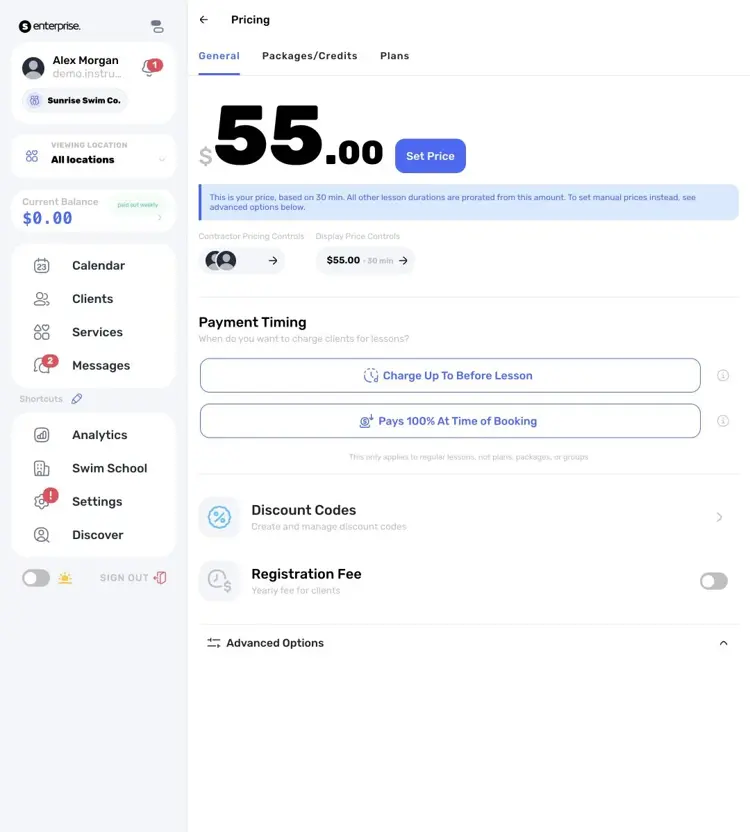
Set lesson prices, when cards are charged, a registration fee and discount codes in one place.
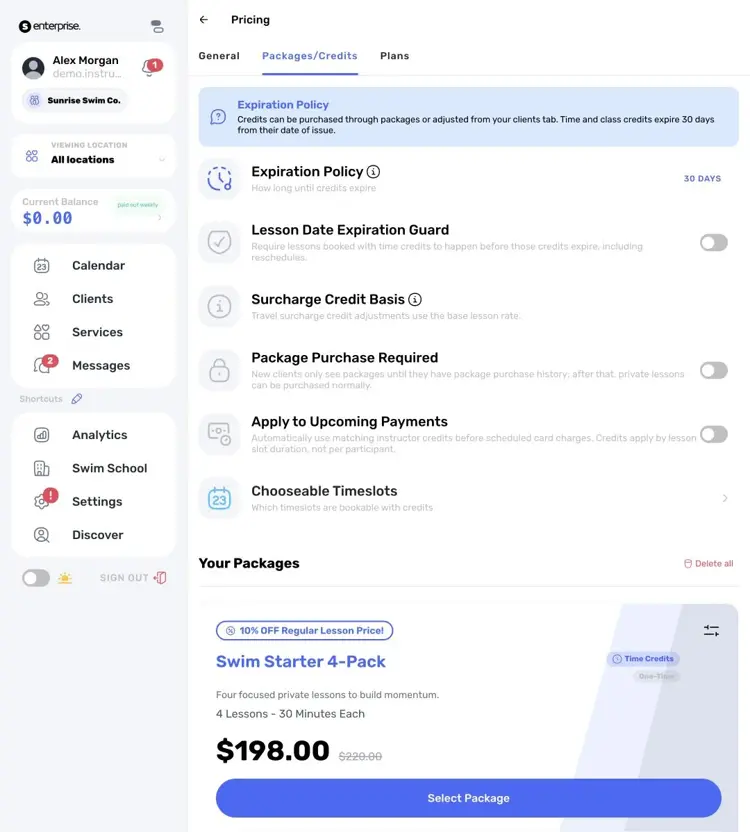
Sell lesson bundles and decide when the credits expire.

Payments, payouts and refunds in one list, searchable by family.
Recurring tuition charged automatically, with prorated starts.
Bill any charge, and let families pay in the app.
A yearly or one-time fee charged with the first payment.
Prepaid lessons that families spend as credits.
Card at booking or before the lesson, a QR code at the pool, or cash.
See what will charge next month and what already came in.
Discover how Swum can transform every aspect of your swim instruction business
How families sign up, answer your questions, sign waivers and pay.
Deposits, packages and payouts for private swim instructors.
Pay contractor instructors per lesson from the same balance.
See the complete platform for swim schools, aquatic centers, and growing lesson programs.
Automate availability, booking, payments, reminders, and parent self-service.
Compare Swum plans, platform fees, and enterprise pricing for higher-volume operators.
Yes. Monthly plans renew and charge the family's card automatically every month, by default on the 1st. A family that starts mid-month pays a prorated first month.
Yes. Charge it once or every year, per family or per swimmer with a family maximum, on the plans and classes you choose.
Yes. Send an invoice for any charge and the family pays it in the app. Invoices show as Pending, Paid, Cancelled or Overdue.
Yes. Upcoming charges shows next month's charges by day. Cards that are likely to fail are marked "Needs a look", and you can move or cancel a scheduled charge.
A QuickBooks Online connection is in beta. It syncs your income from Swum into QuickBooks.
Monthly plans, packages and group classes need Swum Pro ($98 a month) or higher. Invoices and single lessons work on every plan.
Bring booking, scheduling, payments, communication, and swim lesson operations into one platform.
Get Started Free