Happy New Year! We're starting 2026 with a bang, delivering a fresh set of requested features designed to give you even more control over your swim school's operations. From granular communication tools to massive time-savers for administrative tasks, this update is all about efficiency and precision.
Here is what's new for January:
1. Detailed Lesson Cancellation Tracking
Access: Lesson Details → History
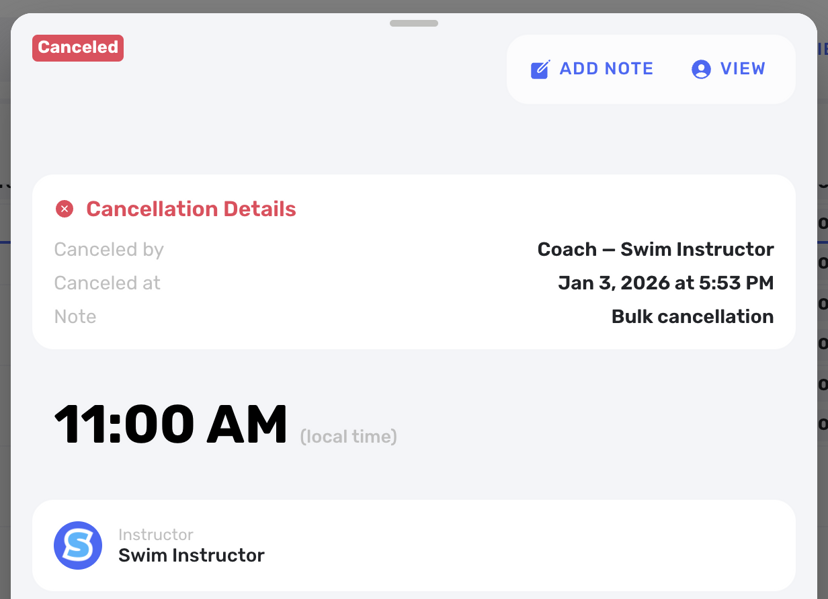
We've upgraded our cancellation system to provide complete transparency. You can now save a specific reason for every lesson cancellation, and the system will track exactly who canceled it, the date it happened, and why. This paper trail is invaluable for resolving disputes and understanding cancellation trends.
2. Targeted Message Board Visibility
Access: Message Board → New Post
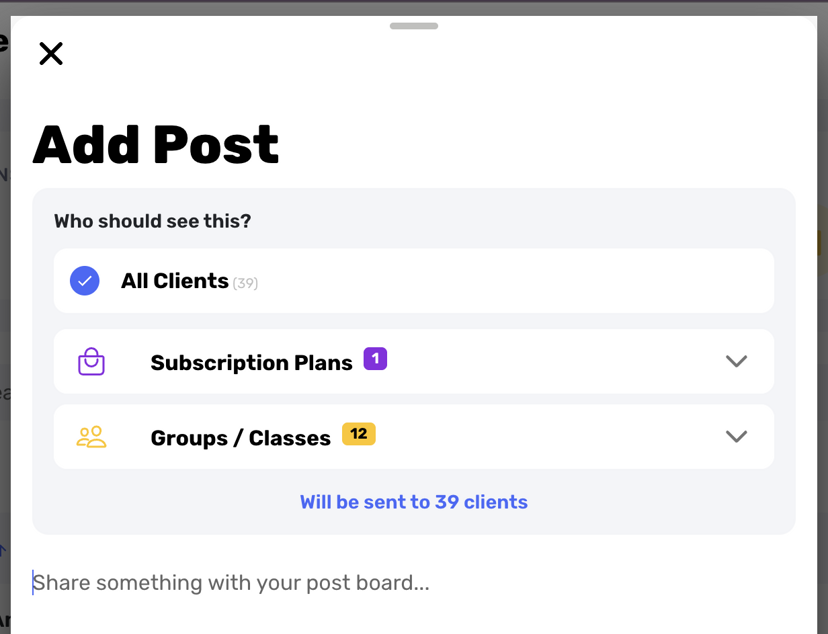
Your communications just got smarter. You can now choose specifically which client groups see your Message Board updates. Need to send a message only to your Weekly/Plan clients? Or maybe just your Crash Course families? Now you can target your announcements to ensure they remain relevant to the reader, reducing noise and confusion for your families.
3. Advanced Calendar Search
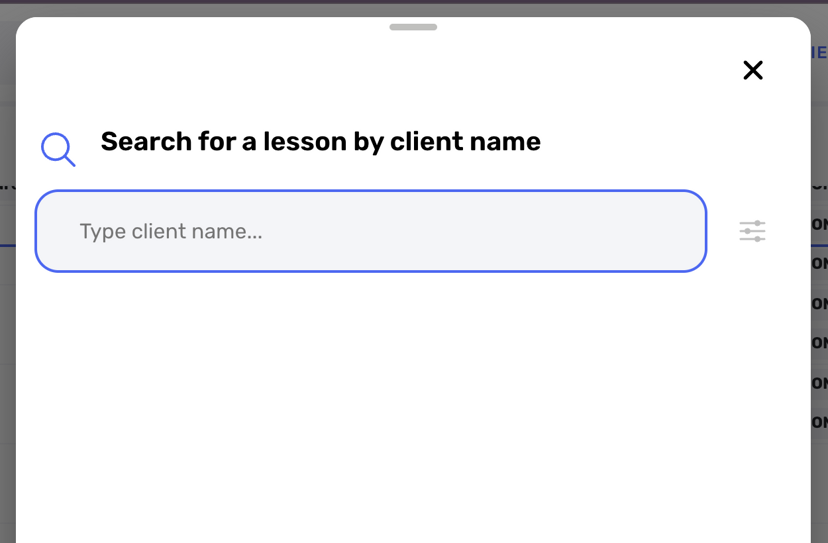
Access: Calendar View → Search Bar
We've added a robust search bar directly to the calendar. You can now instantly pull up a specific client's history—past and upcoming—right from the calendar view. This prevents the need to jump between tabs when you're trying to resolve a scheduling question on the fly.
4. Custom Date Range Views
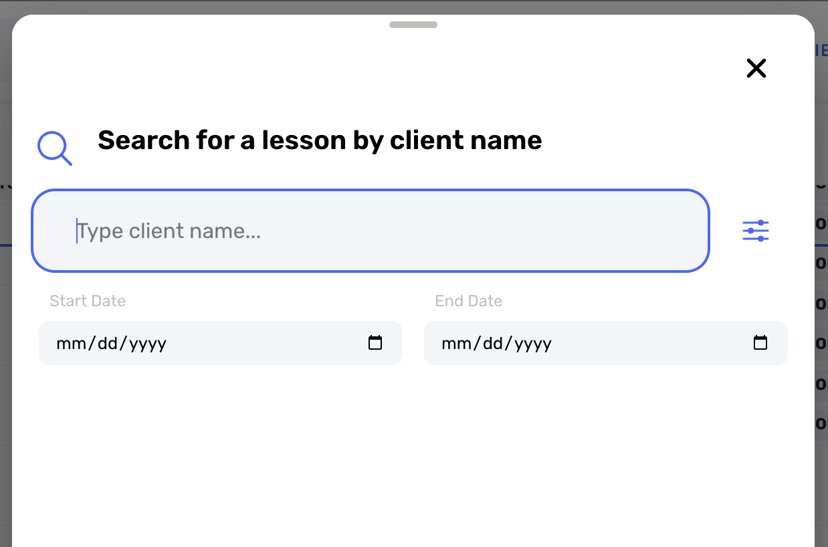
Access: Calendar View → Date Filter
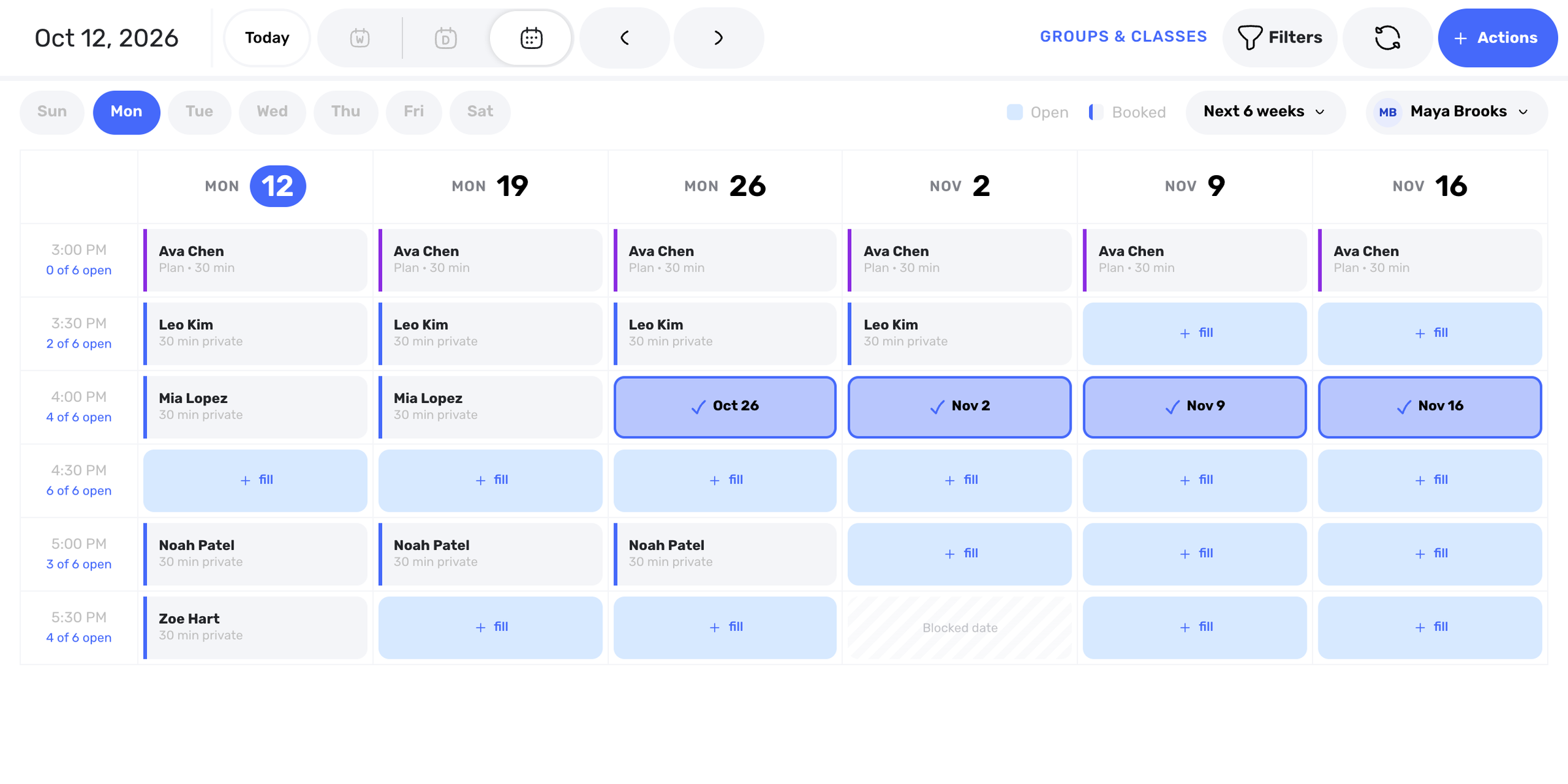
No longer restricted to just "Week" or "Day" views, you can now select a specific date range to view on your calendar. This offers greater flexibility for planning and reviewing schedules over irregular periods or specific blocks of time.
5. Mass Lesson Cancellation
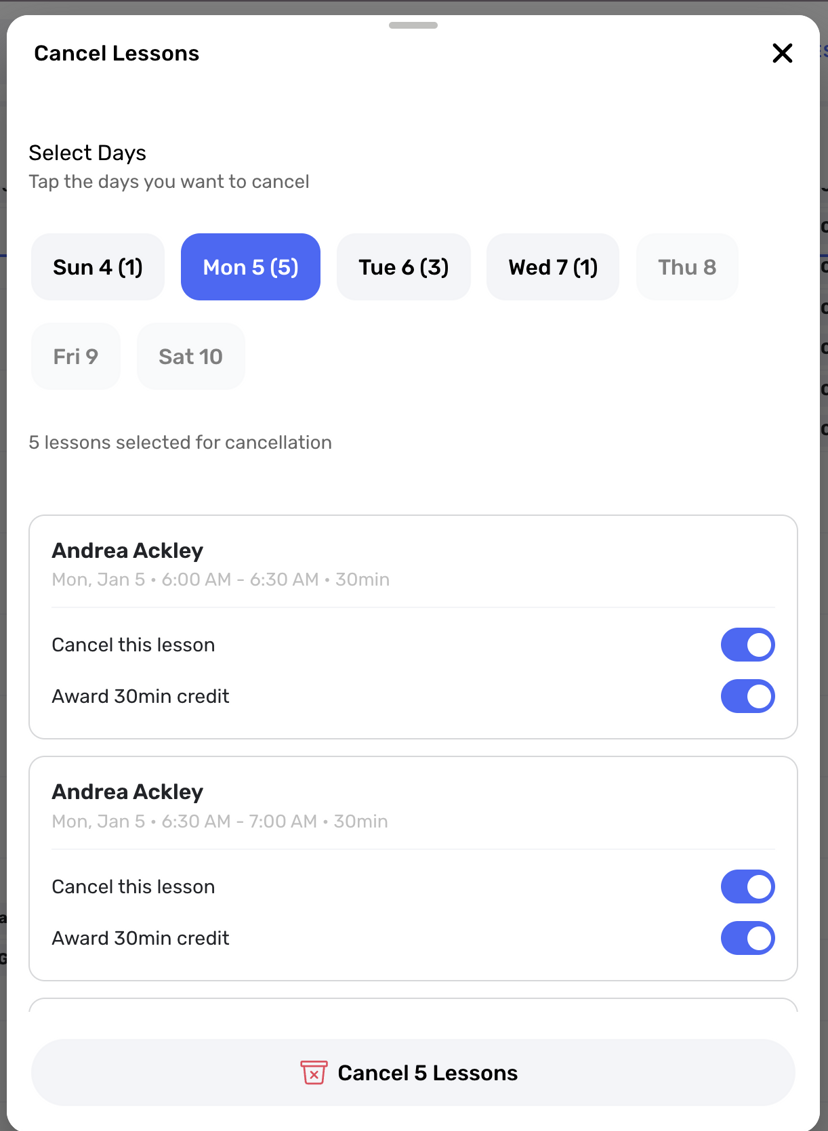
Access: Calendar → Day Menu
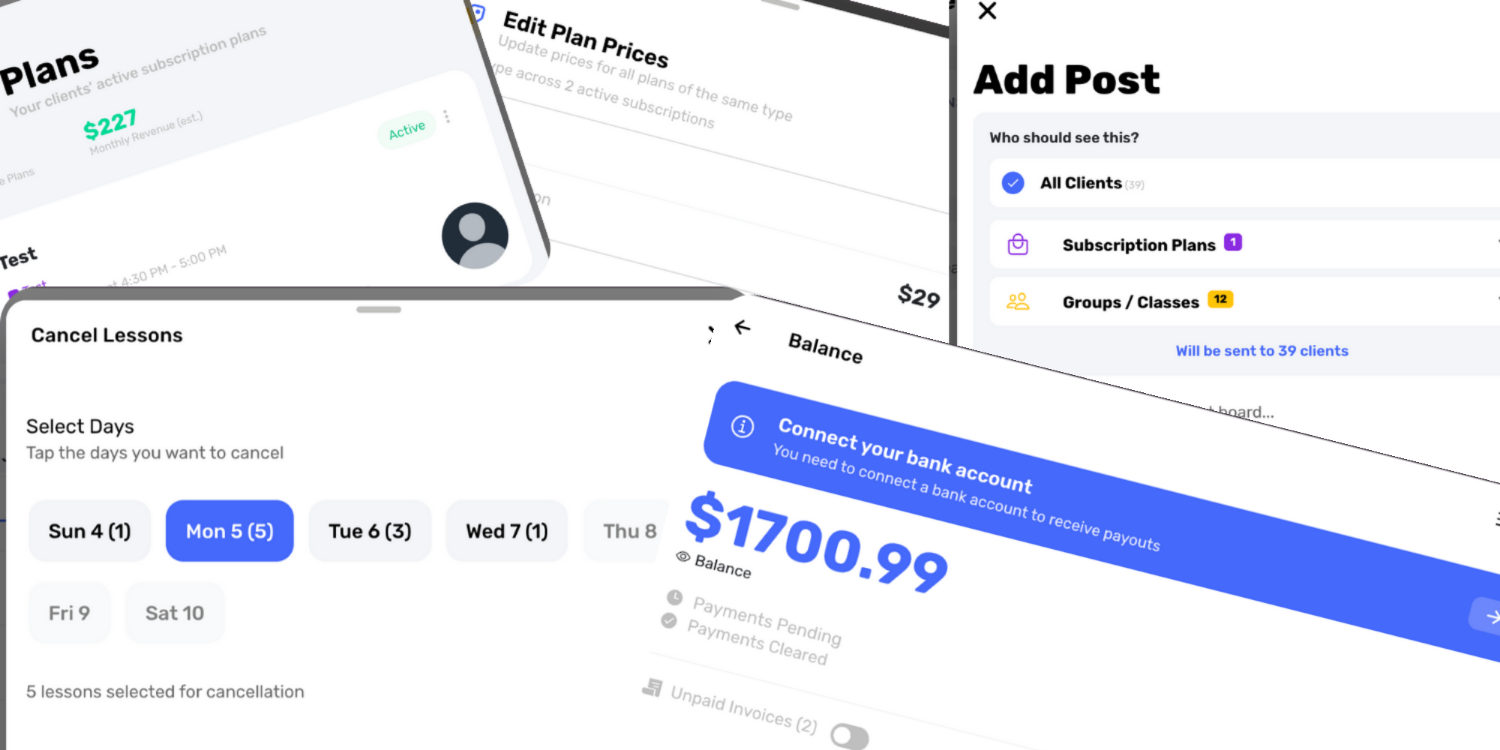
Need to close the school for a sudden emergency or maintenance day? You can now cancel all lessons on a specific day with a single action. This massive time-saver eliminates the tedious process of canceling appointments one by one.
6. Bulk Price Adjustments
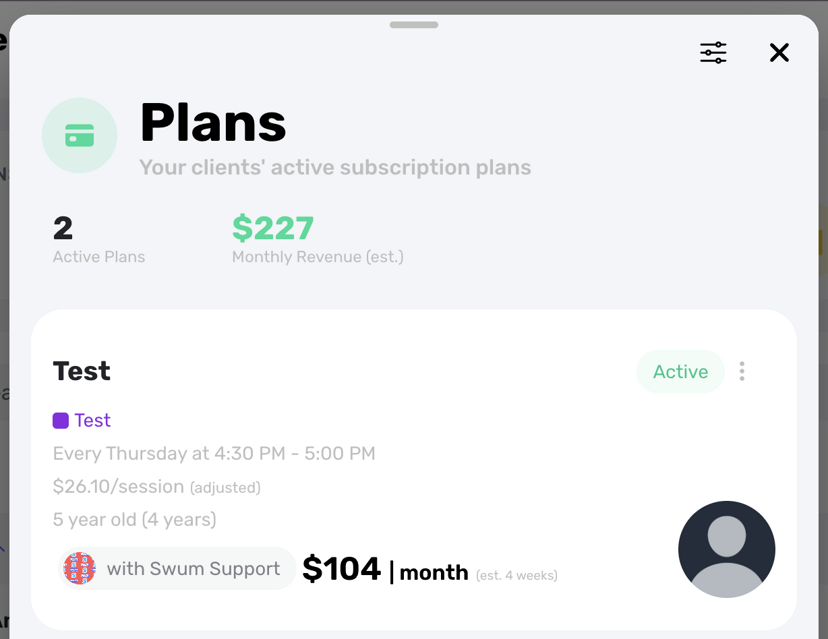
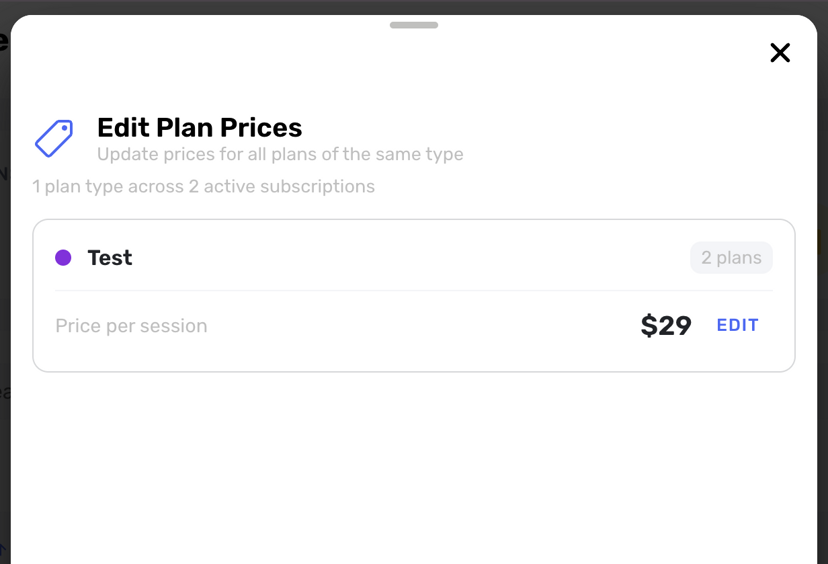
Access: Plans & Pricing → Filter Private Lessons
Raising your rates for the new year? You can now filter all existing private lesson plans and mass-edit their prices in one go. Instead of manually updating each family's plan individually, you can apply your 2026 pricing across the board instantly.
7. Financial "Buckets" and Tax Splits
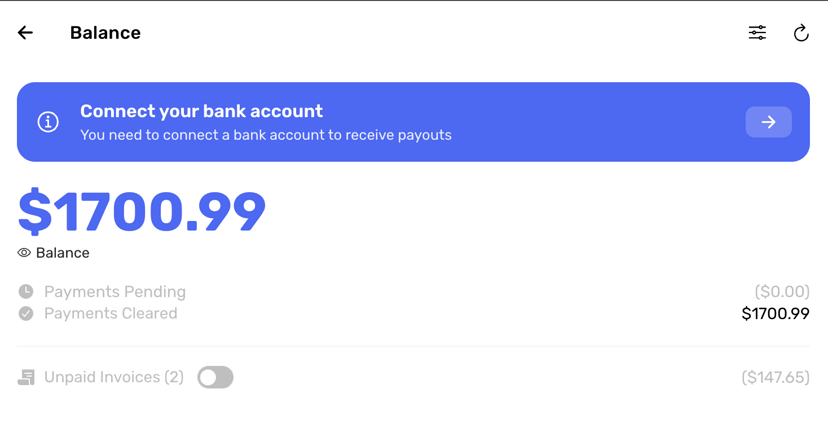
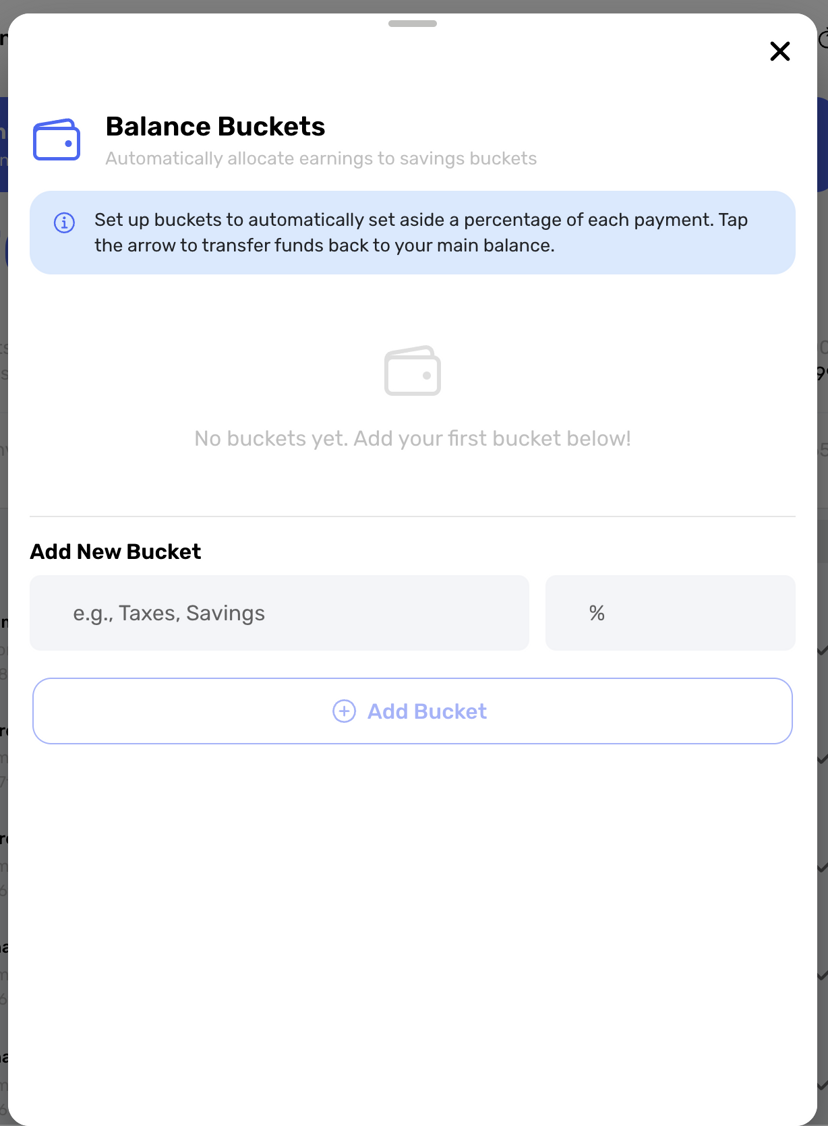
Access: Settings → Financials
Get your accounting in order automatically. We've built a "% bucket pool" feature that allows you to automatically split incoming payments into different "buckets." For example, you can divert 25% of every transaction directly into a "Taxes" bucket, helping you save for tax season without thinking about it.
8. Comprehensive Data Exports
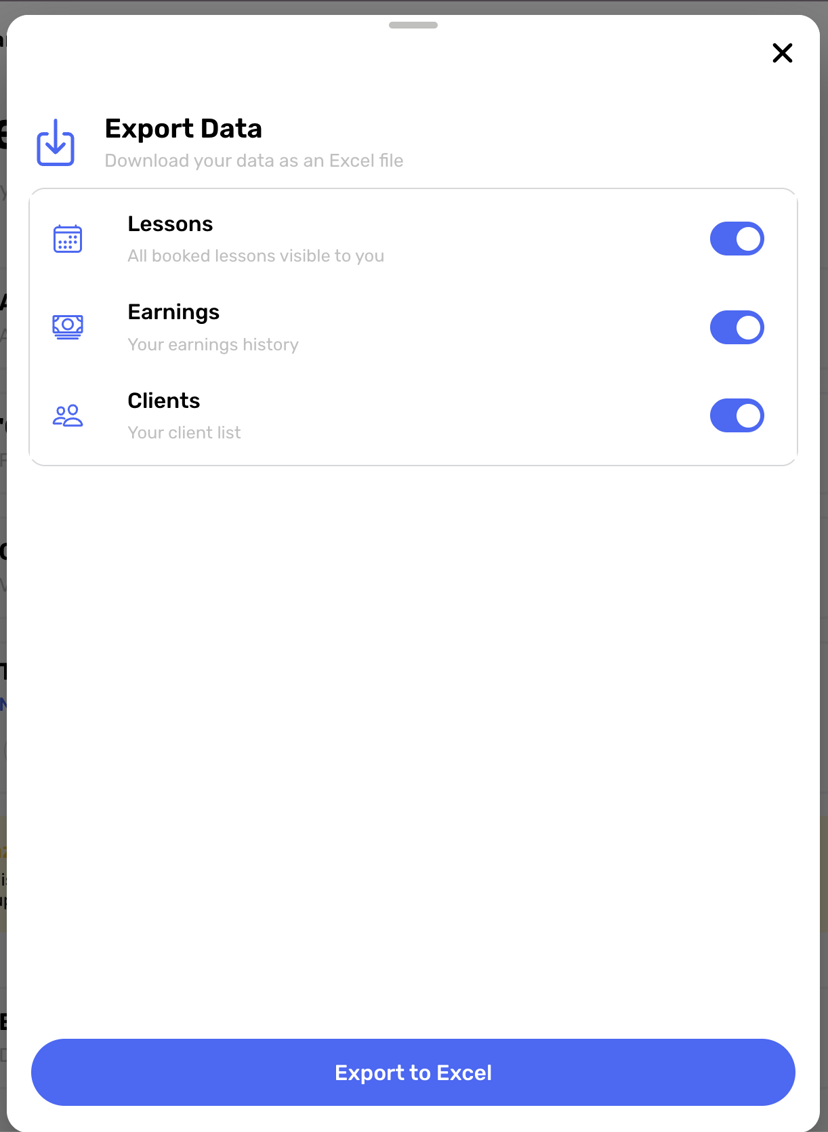
Access: Settings → Exports
Data is power. You can now export detailed CSVs for Earnings, Lessons, and Clients. Whether you need to run your own custom analysis in Excel or share data with your accountant, your data is now fully portable.
Ready for 2026?
We are committed to giving you the best tools to run your business. These updates are a direct result of your feedback (including some great suggestions from Danielle!).
If you have any questions or need assistance with the new features, just drop us a line at support@swum.ai. Here's to a prosperous and streamlined year ahead!