Hello everyone! We're back with another massive update packed with features designed to make your swim school management even more efficient and flexible. August and September bring 14 incredible new features that will transform how you handle everything from holiday scheduling to client communications and payment processing.
Without further ado, let's dive into what's new:
1. Post-Lesson Tipping Option

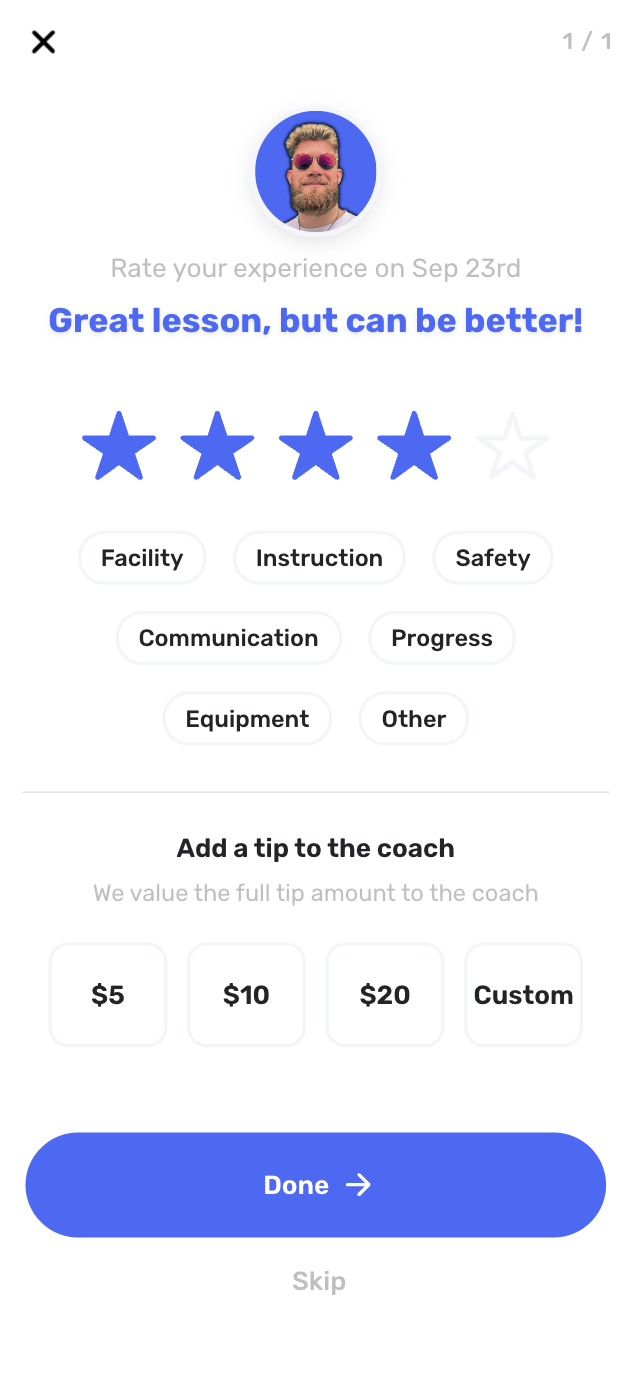
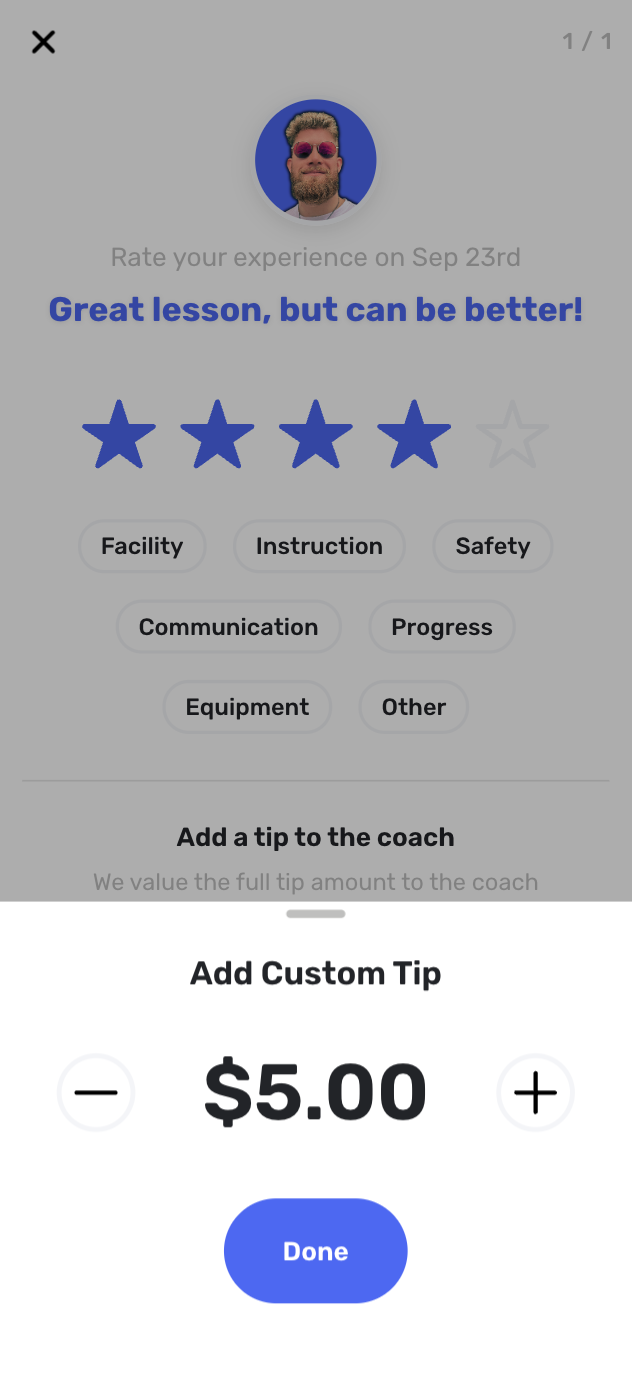
We now show parents a popup after their lessons asking them to review the lesson with an option to tip their instructor. This feature helps instructors earn additional income while encouraging valuable feedback from parents - a game-changing addition that directly impacts your bottom line.
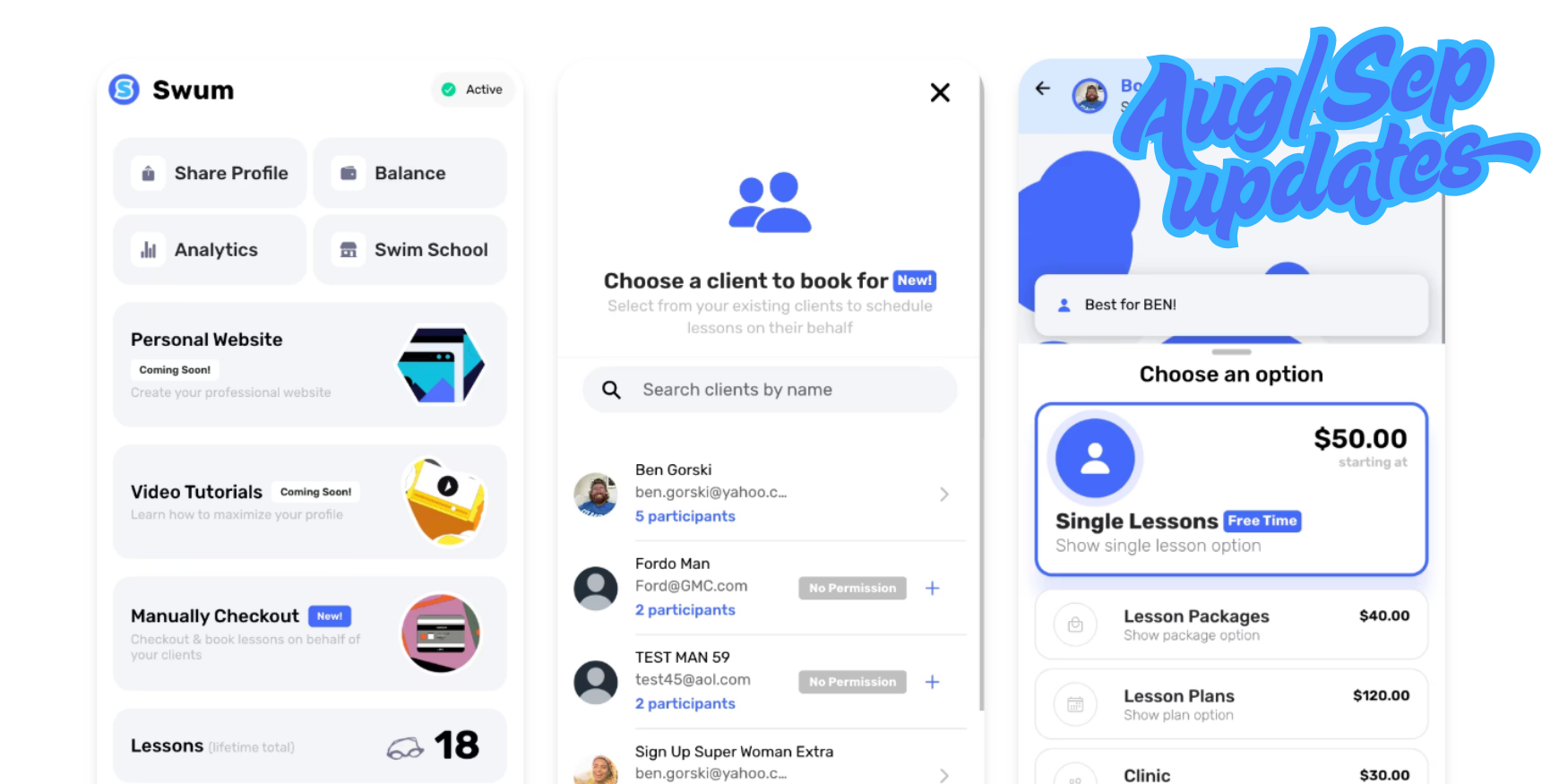
2. Checkout on Behalf of Clients
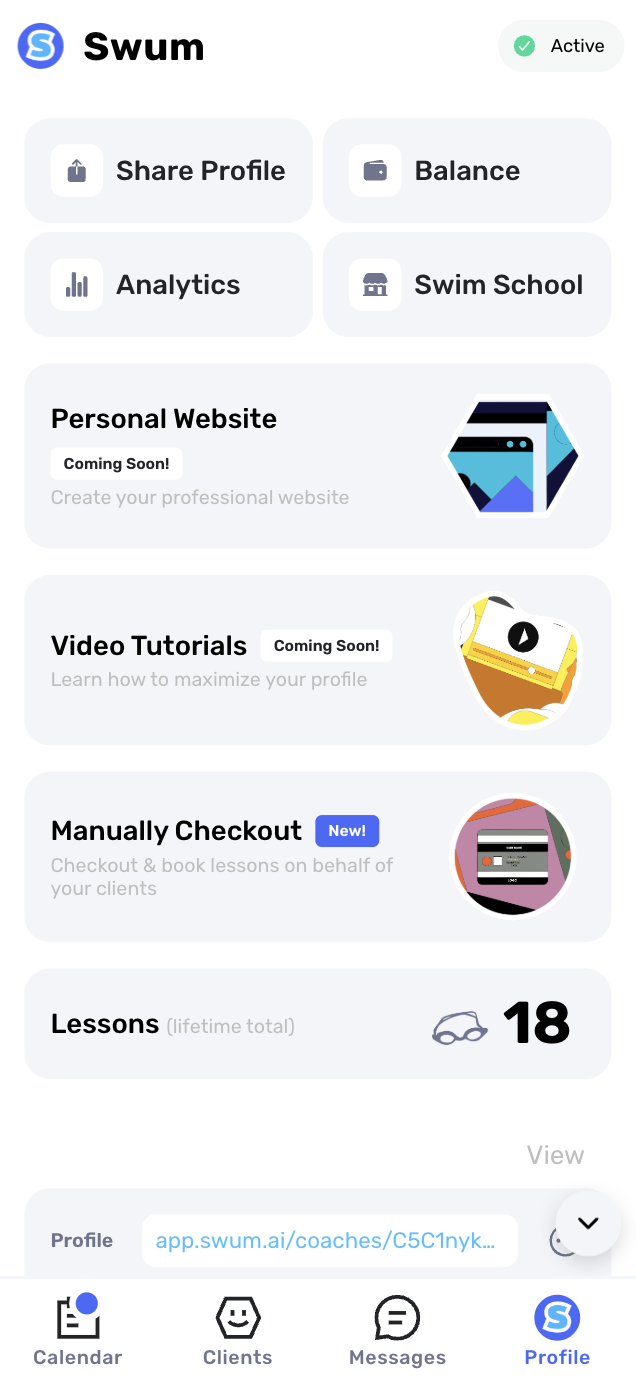
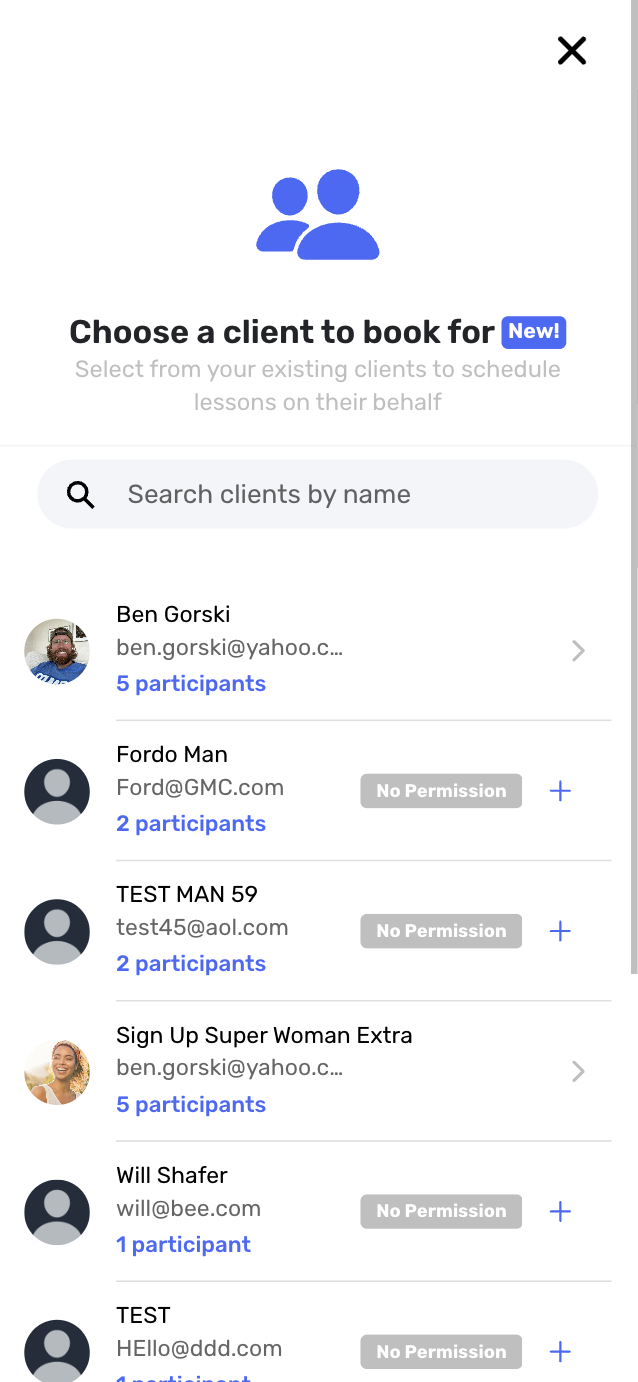
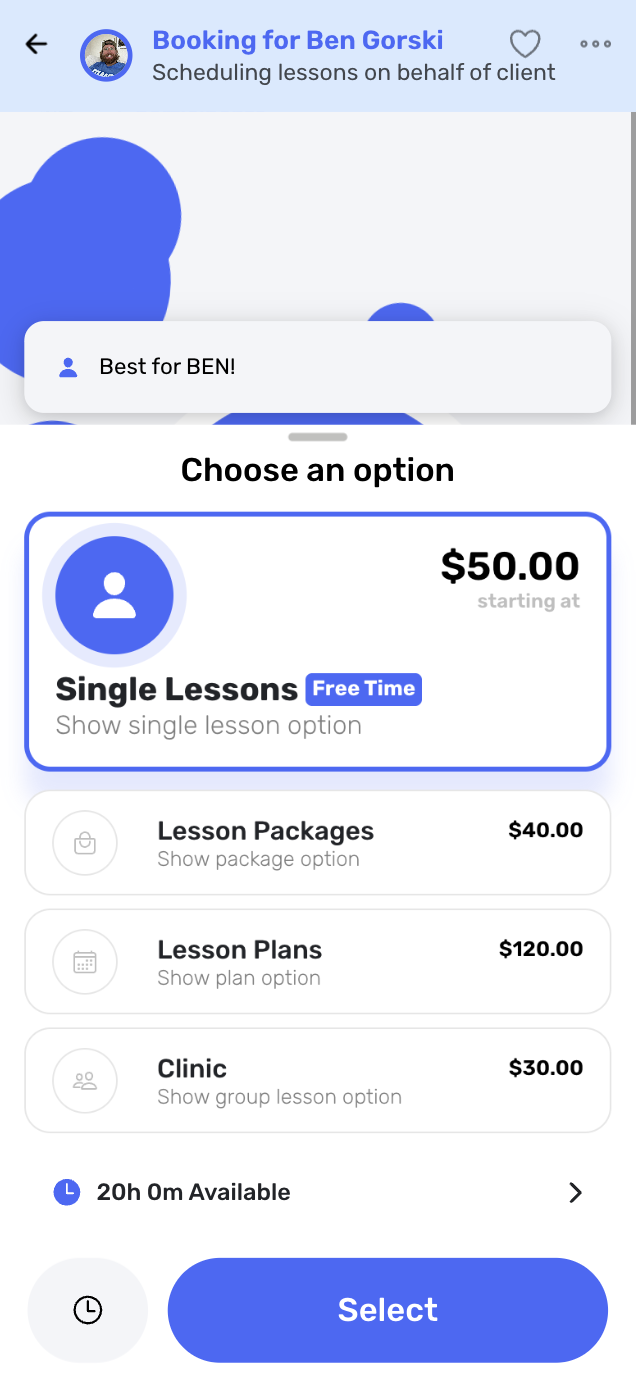
When clients grant you permission, you can now go through the entire checkout process on behalf of your client. You can book everything for them while still having the lessons show up in their app and maintaining proper account ownership. This eliminates friction for busy parents and dramatically improves customer service.
3. Message Boards for Client Communication
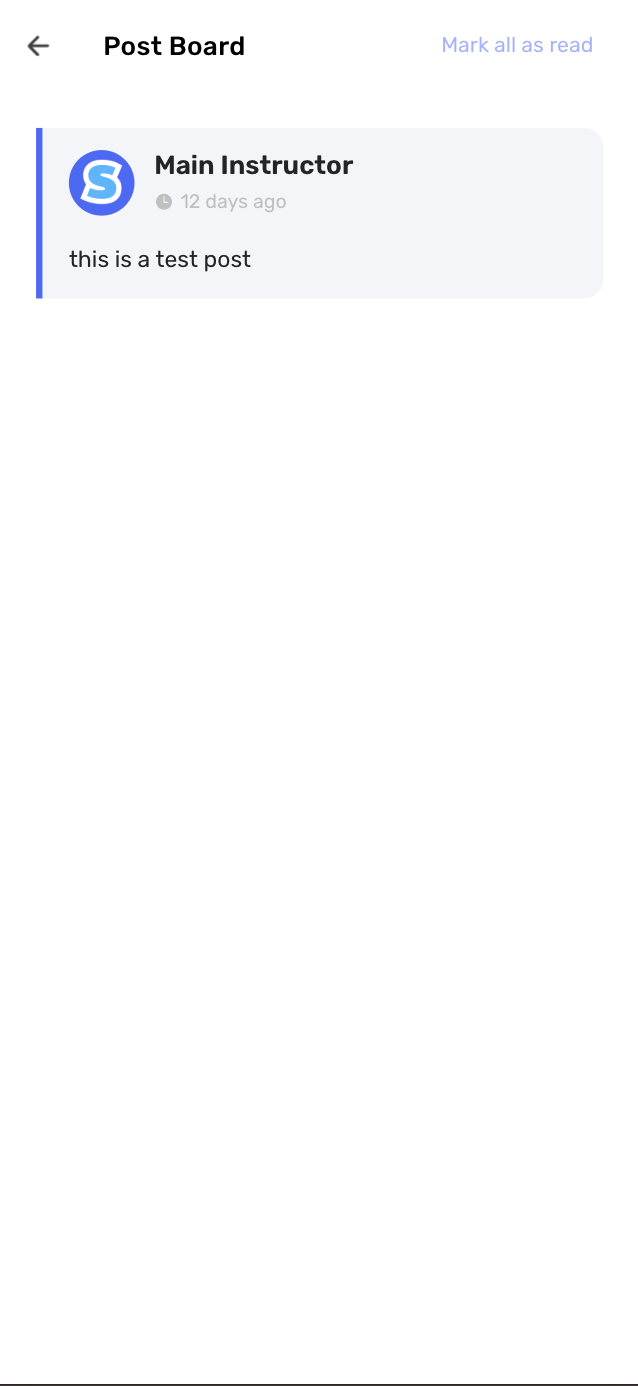
Access: Clients → Message Board
Introducing message boards! You can now write posts that get displayed on a message board for all your clients to see. This is perfect for sharing important announcements, schedule changes, safety reminders, or celebrating student achievements with your entire swim school community. Say goodbye to sending individual messages to hundreds of clients!
4. Automatic Client List Addition via Profile Link
When clients sign up through your profile link, they are now automatically added to your client list. This streamlines the onboarding process and ensures no potential customers fall through the cracks during the signup process. Never lose a lead due to manual oversight again.
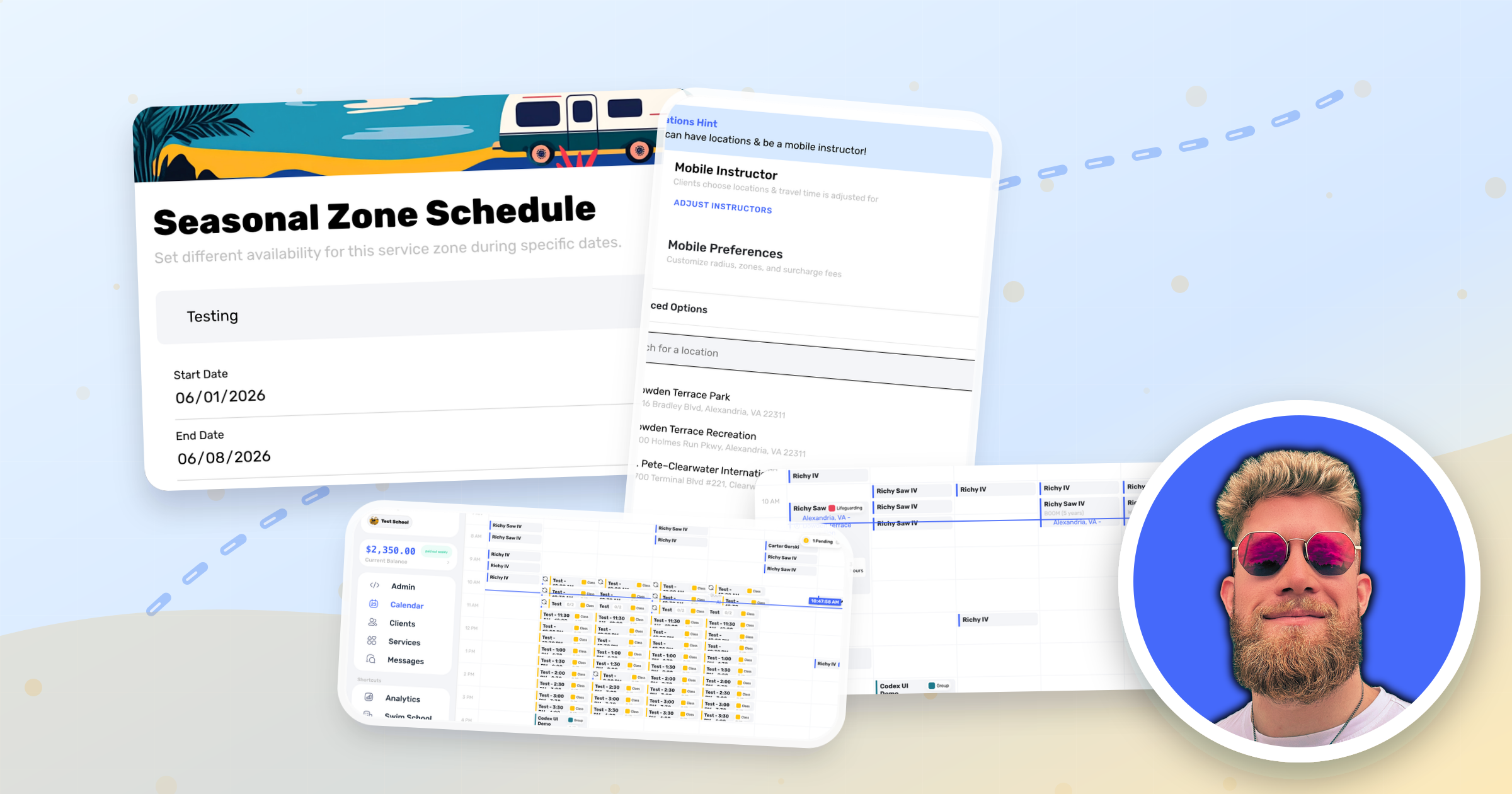
5. Date-Specific Operating Hours

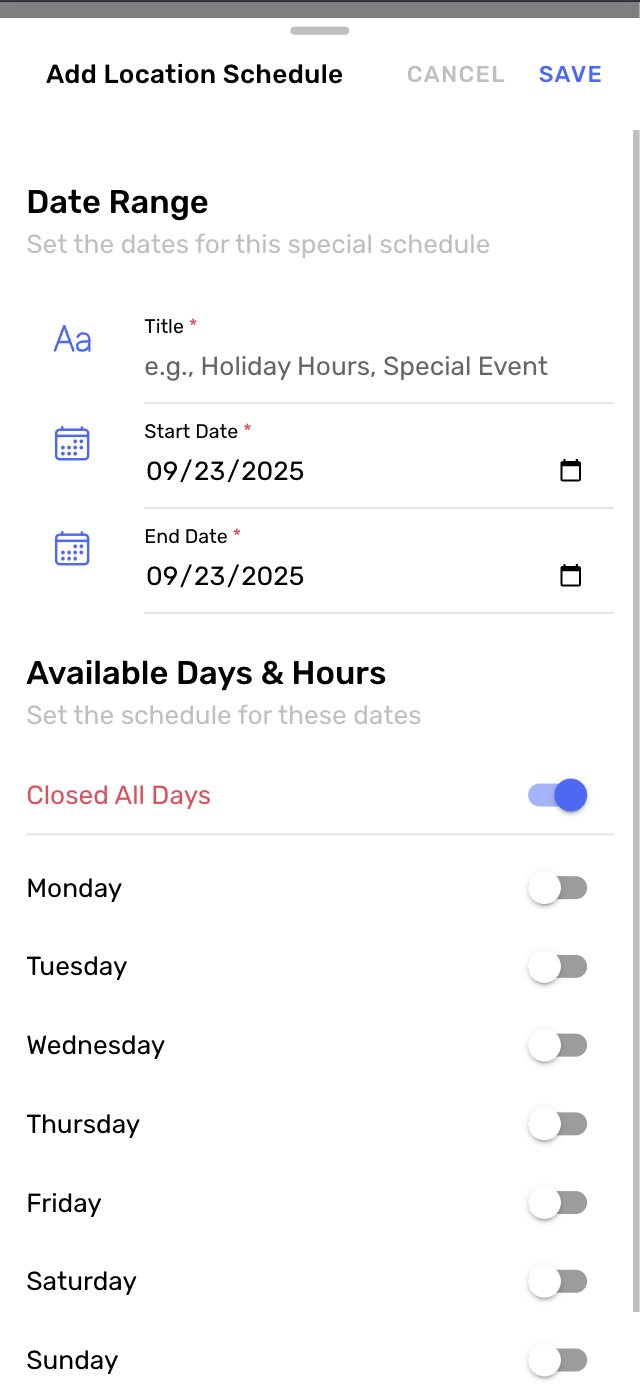
Access: Locations → Operating Hours
You can now set date-specific operating hours for your locations, allowing you to easily adjust schedules for holidays, special events, or weekend variations. This feature eliminates the confusion around holiday hours and ensures your availability accurately reflects your actual operating schedule throughout the year.
6. One-Off Invoice Creation
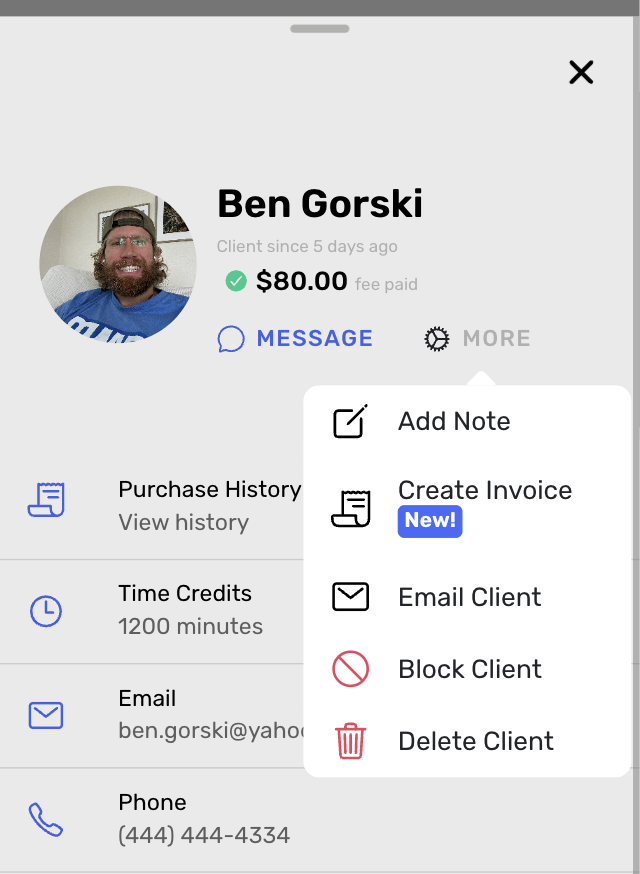
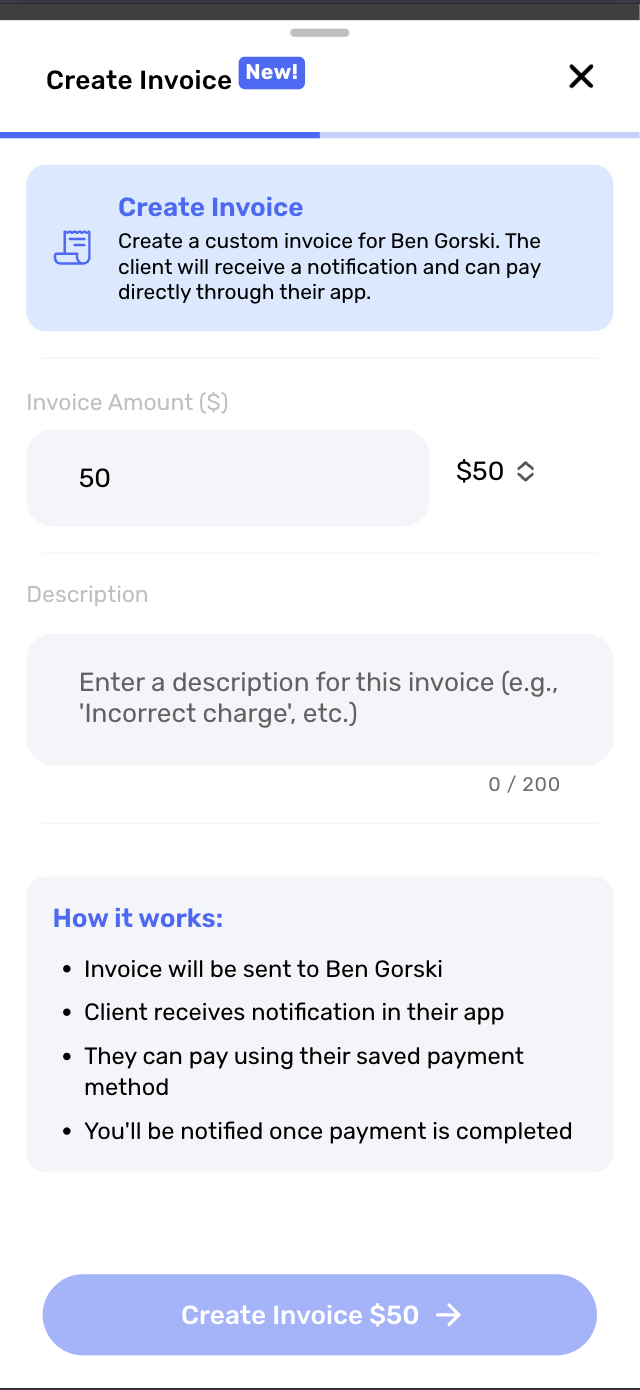
Access: Client Profile → Create Invoice
You can now create one-off invoices for clients directly from their profile page. This feature is perfect for special services, equipment sales, or custom arrangements that fall outside of your regular lesson plans. Generate additional revenue streams with ease.
7. Self-Service Refund Processing for Instructors
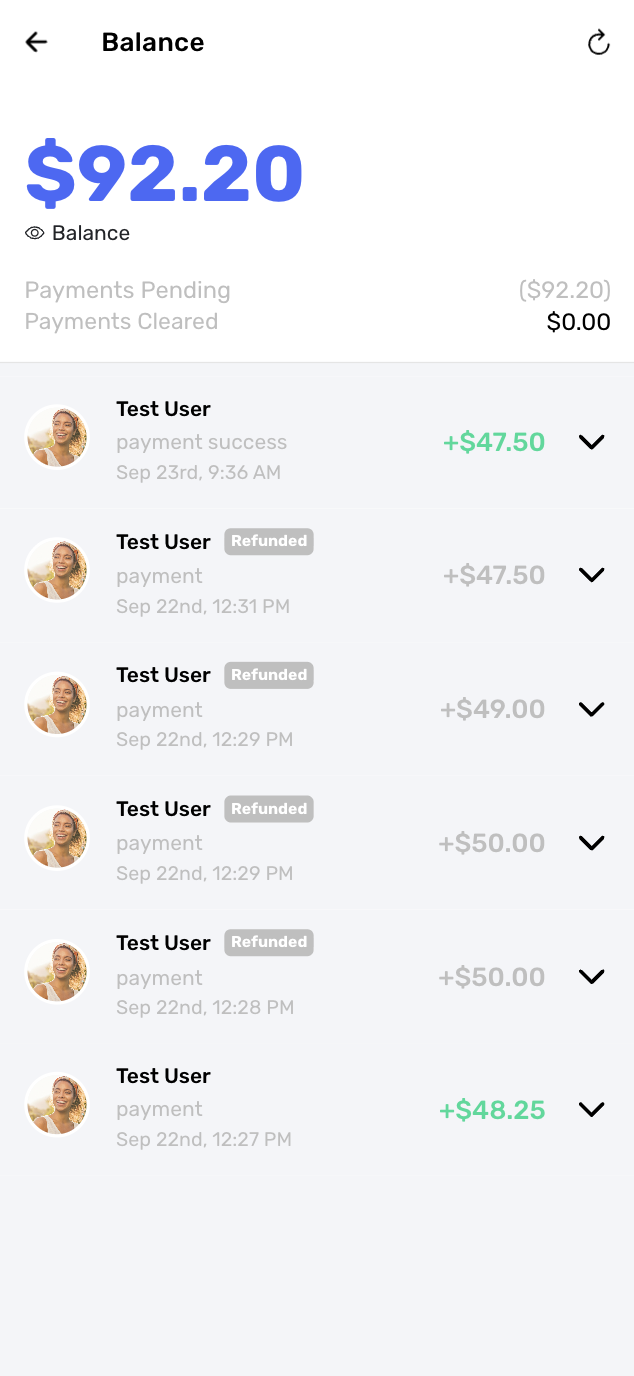
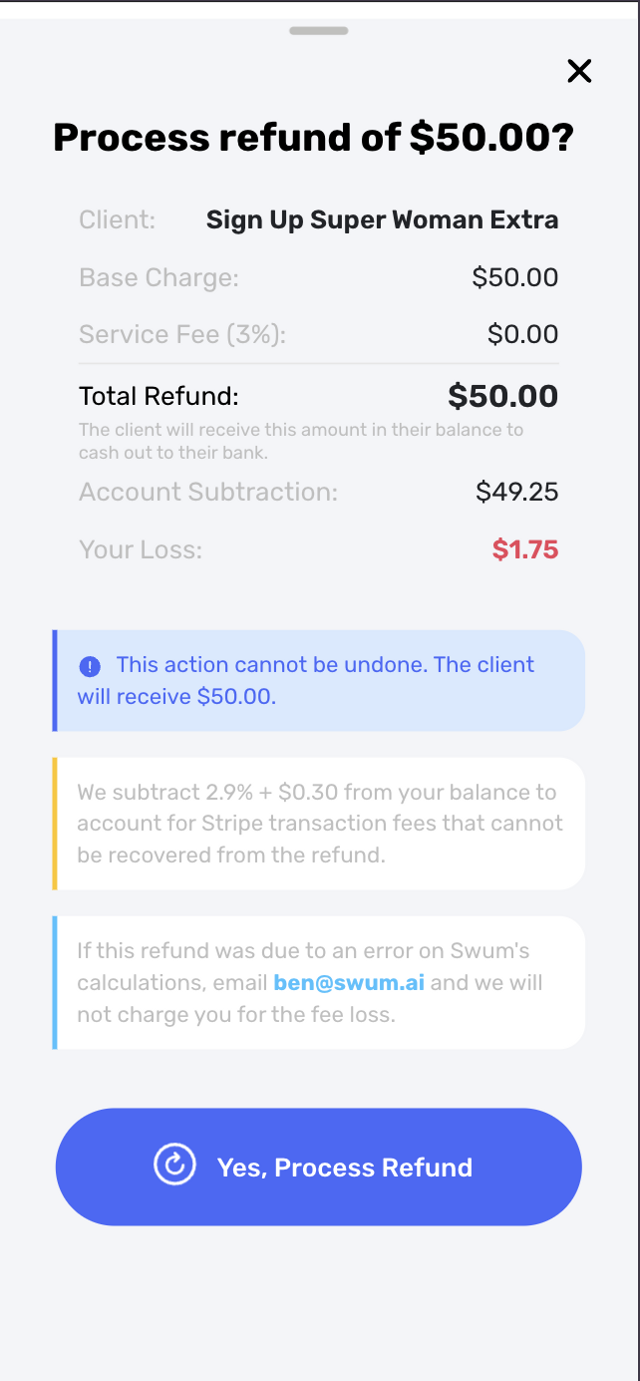
Access: Transactions/Balance → Click on payment → Refund payment
Instructors can now process refunds themselves, giving clients a balance in their account that can be paid out to their bank account. This streamlines the refund process and reduces administrative overhead while maintaining proper financial controls.
8. Cash Payment Analytics Tracking
Access: Analytics
We've enhanced our analytics system to include cash payment tracking for school owners. You can now get a complete picture of all revenue streams, including cash transactions, making your financial reporting more comprehensive and accurate than ever before.
9. Time Credits History Tracking for Instructors
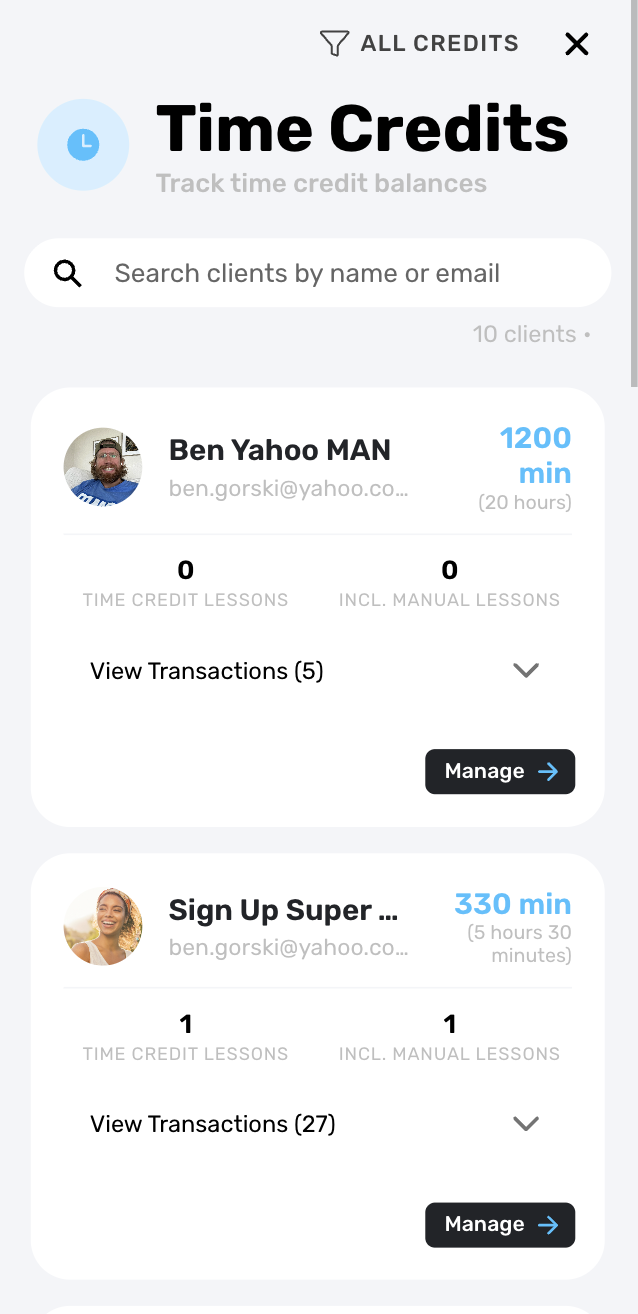
Access: Clients → Time Credits
Instructors now have access to a dedicated time credits section from the clients tab, where you can see a detailed breakdown of time credit history for each customer. This transparency helps track lesson credits, makeups, and ensures accurate record-keeping for all client accounts.
10. Notification Details Enhancement
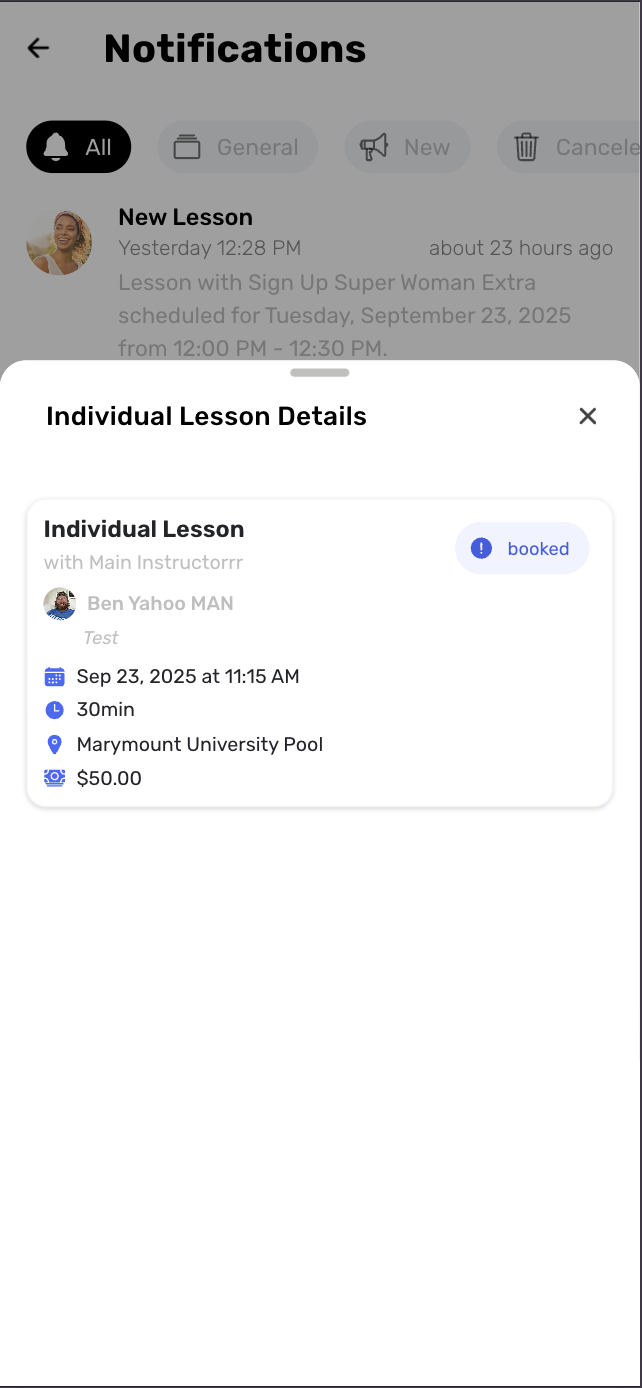
Access: Notifications Panel
When a user signs up for a lesson, you can now view all the details right from the notification itself. This eliminates the need to navigate to multiple screens to understand what action was taken and by whom.
11. Canceled Lesson Placeholders
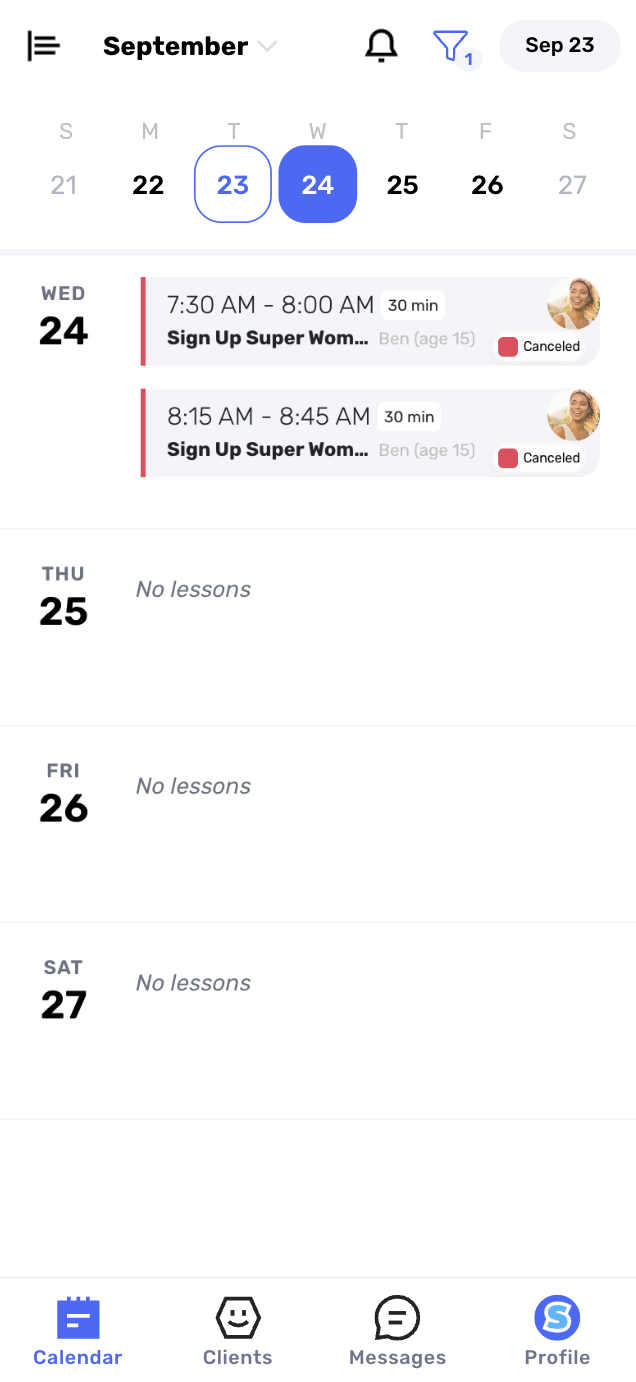
Access: Calendar View
When you cancel a lesson, it will now show on your calendar as "canceled" until it gets filled by a new lesson. This visual indicator helps you track open slots that need to be filled and provides better visibility into your scheduling gaps.
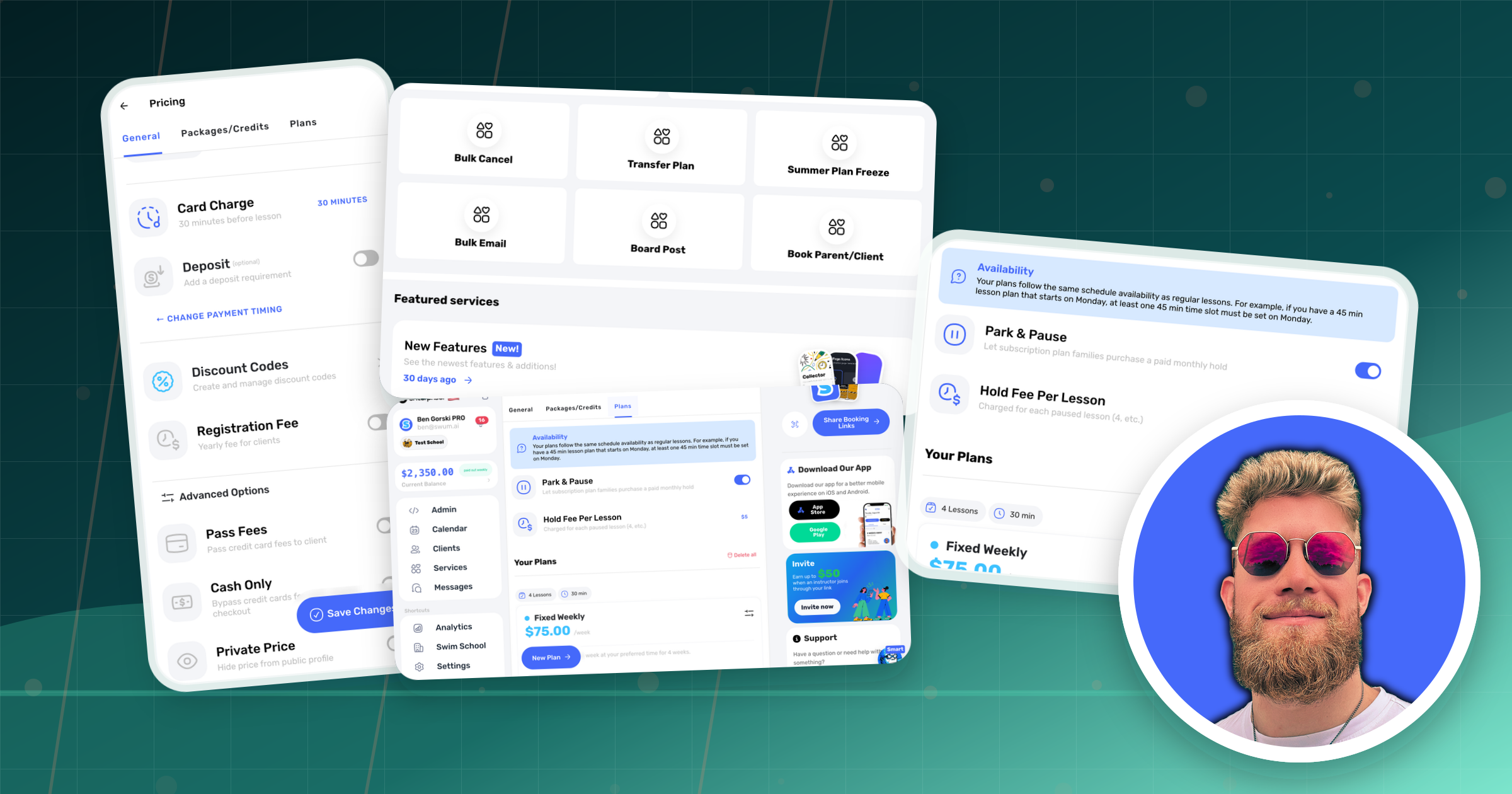
12. Enhanced Fee Pass-Through Options
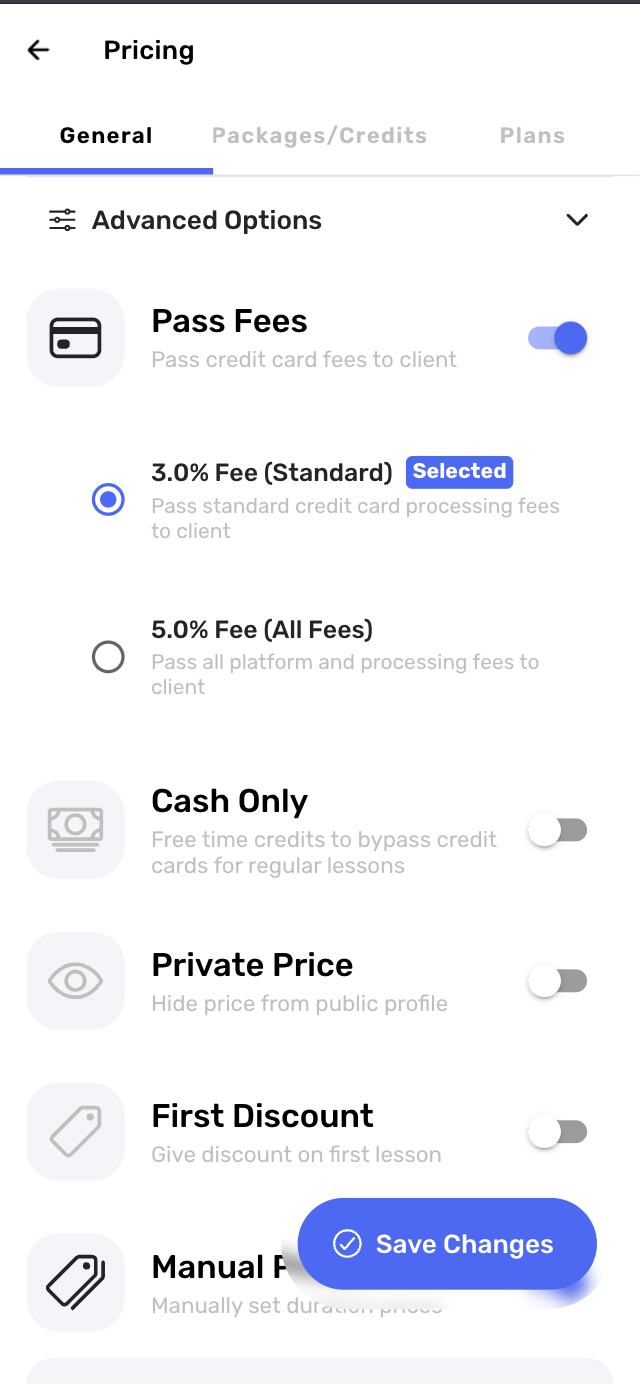
Access: Settings → Price → Advanced Options
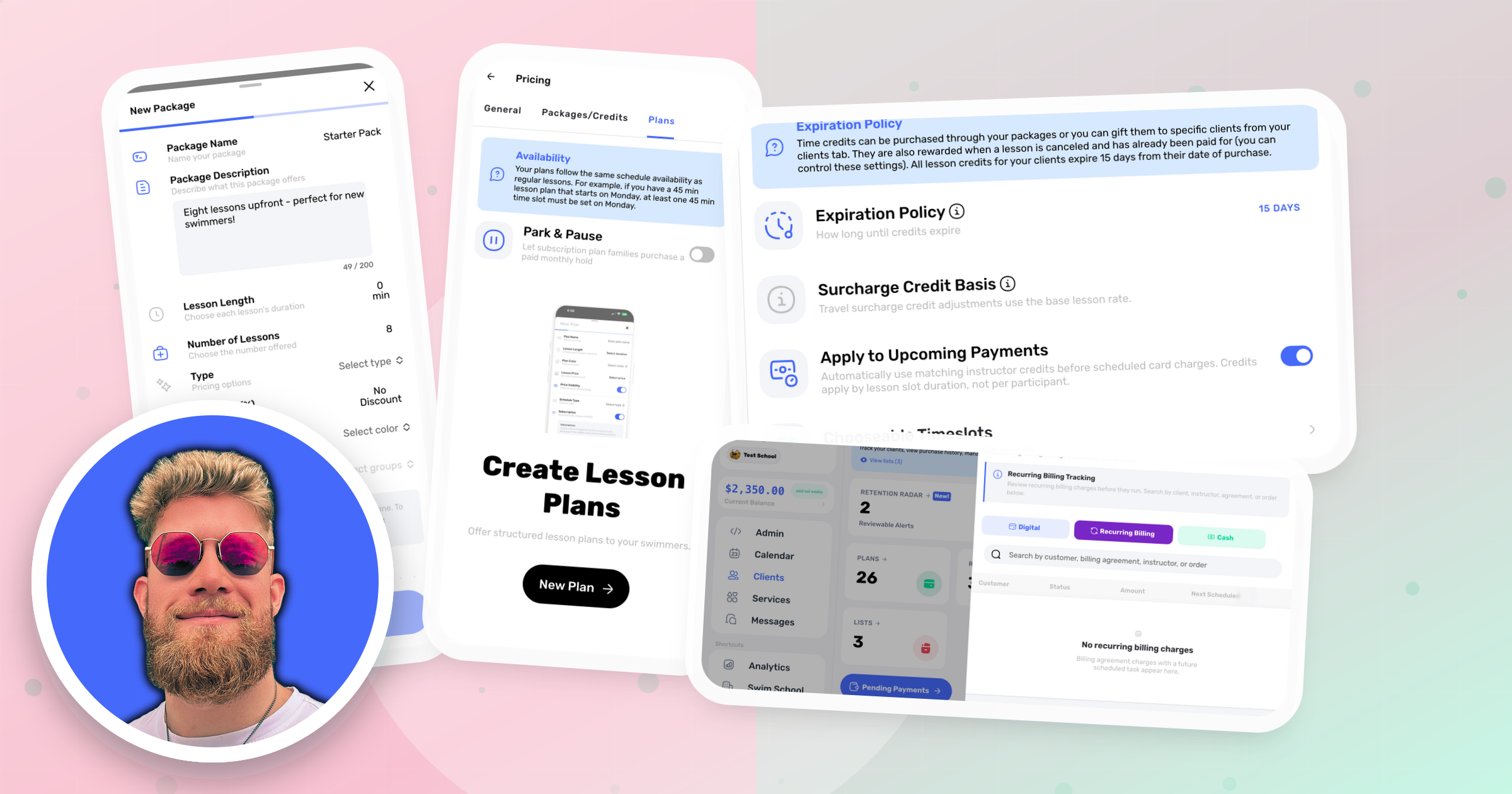
You now have the ability to pass through all 5% processing fees to the client, instead of just the previous 3%. This gives you more flexibility in how you structure your pricing and manage transaction costs.
13. Affiliate Schedule Visibility for School Owners
Access: School Management → Affiliates
School owners can now opt to view their affiliates' schedules on request, providing better oversight and coordination across your entire network. This feature helps maintain consistency in service delivery and allows for better resource planning across multiple instructors or locations.
14. Improved Plan Details
Access: Client Plans → Edit plan
We've improved the system in plan details to make it easier to edit and update plan information. The enhanced interface provides better organization and quicker access to important preferences.
Additional Improvements
Enhanced Automated Email Receipts
We've improved our automated email receipt system to provide clearer, more detailed transaction information. Clients now receive better-formatted receipts that include all relevant lesson and payment details.
Wrapping Up
This August/September update represents another massive leap forward in swim school management capabilities! From flexible scheduling controls to enhanced client communication tools, these 14 new features are designed to make your daily operations smoother and more profitable.
The addition of message boards alone will revolutionize how you communicate with your entire client base, while features like checkout-on-behalf and post-lesson tipping create new opportunities for service excellence and additional revenue. Combined with the enhanced analytics and self-service capabilities, you now have even more tools to grow and manage your swim school effectively.
If you have any questions about these new features or need help getting started with any of them, please don't hesitate to reach out to us at support@swum.ai.
Ready to explore these powerful new features? Log into your Swum dashboard and start taking advantage of these game-changing tools today!