This release is about less clicking, cleaner billing, better staff operations, and more ways to keep lessons moving when a family or team member needs help.
We shipped 23 updates across the calendar, billing, semi-private lessons, staff tools, location operations, lifeguarding, and retention.
Calendar and Booking
1. Click Any Calendar Opening to Fill It
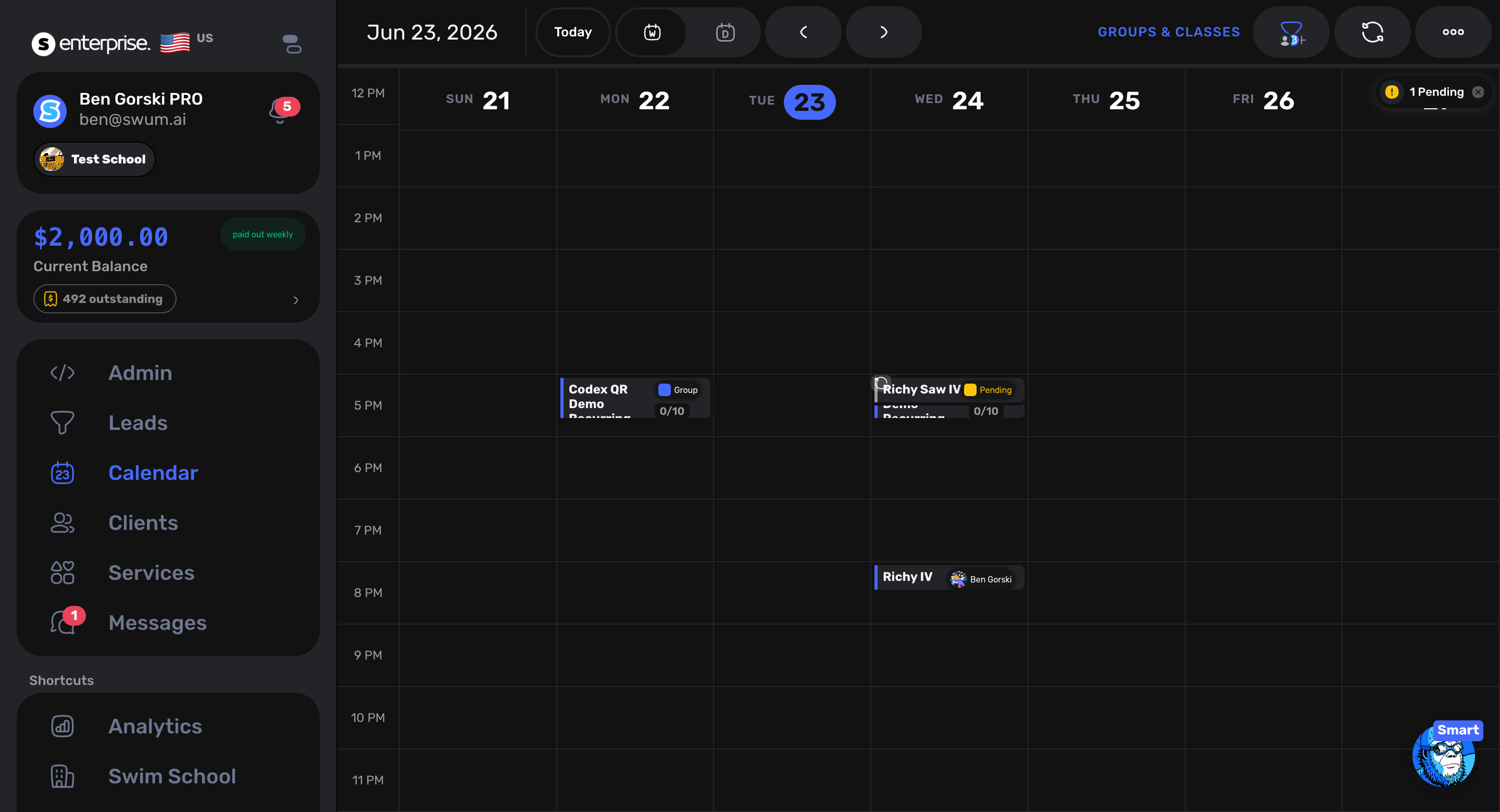
Access: Calendar -> empty time slot
Open time on the calendar is now actionable. Click an opening and Swum starts a new lesson flow with the date and time already filled in, so the team can convert schedule gaps into booked lessons faster.
2. New Drag and Drop Lesson Rescheduler
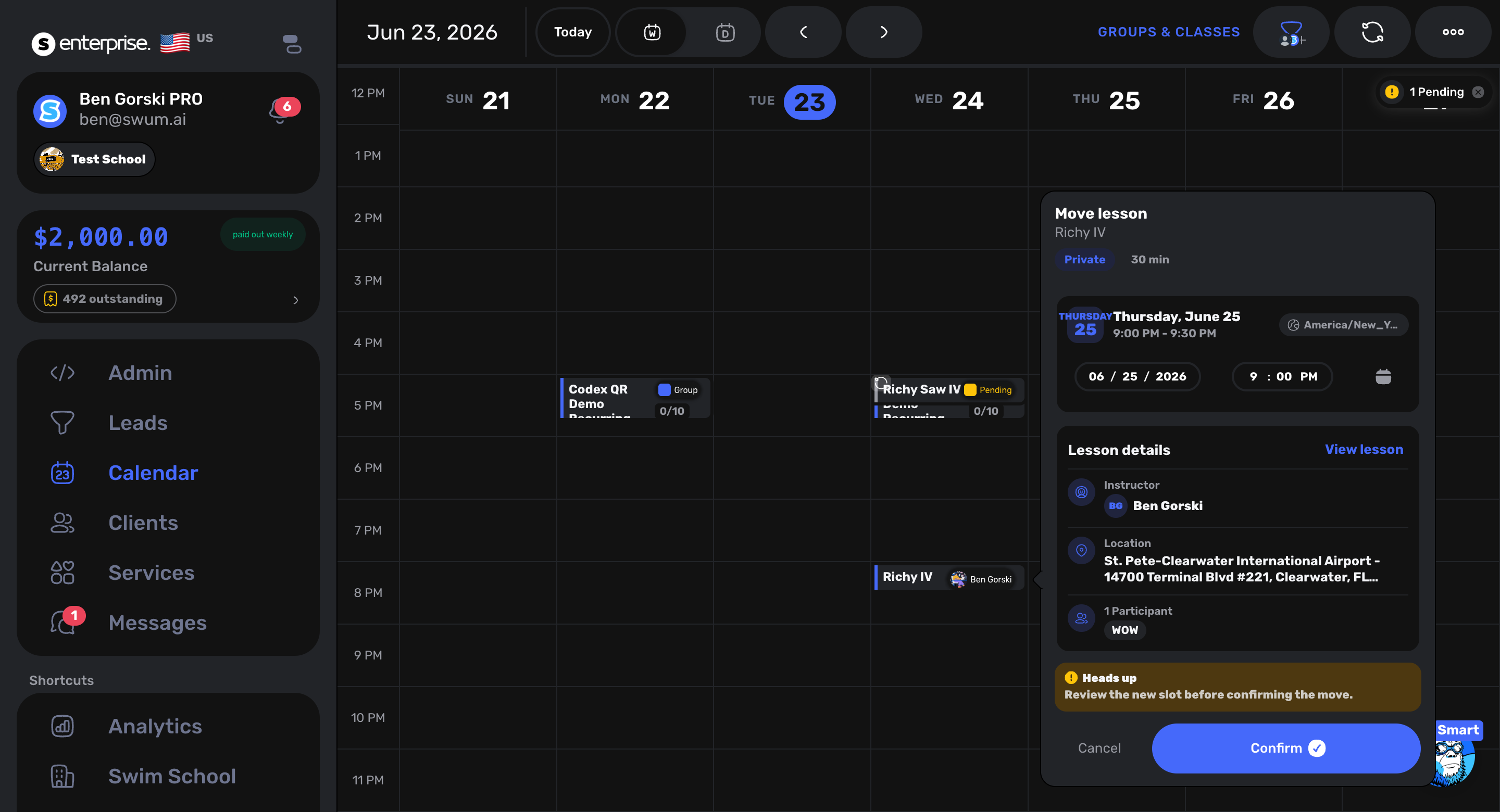
Access: Calendar
Rescheduling is becoming more direct from the calendar. The new rescheduler makes calendar movement easier to understand visually, especially for teams adjusting busy days or moving lessons between open slots.
3. Bulk Reschedule
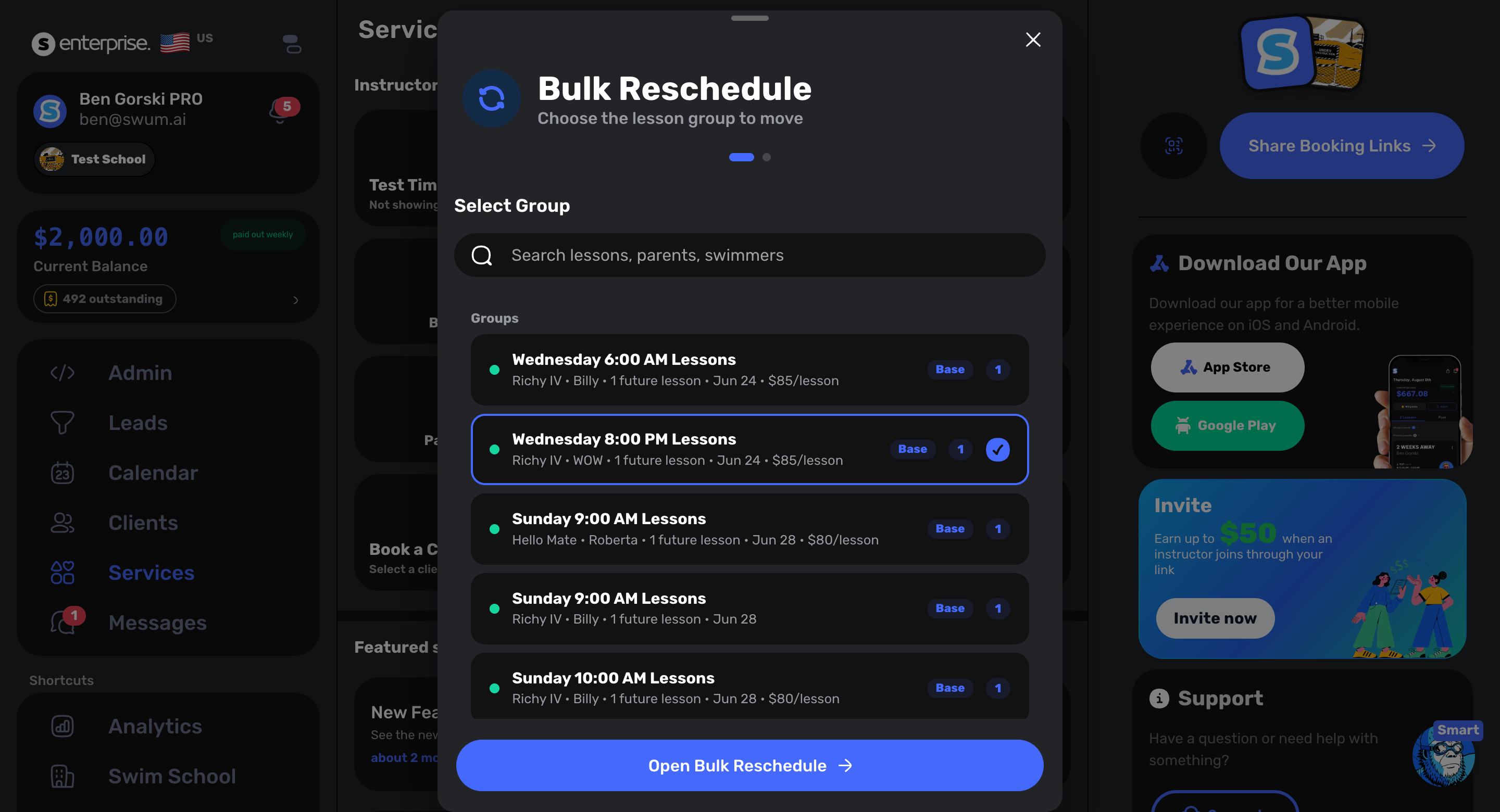
Access: Calendar and lesson operations
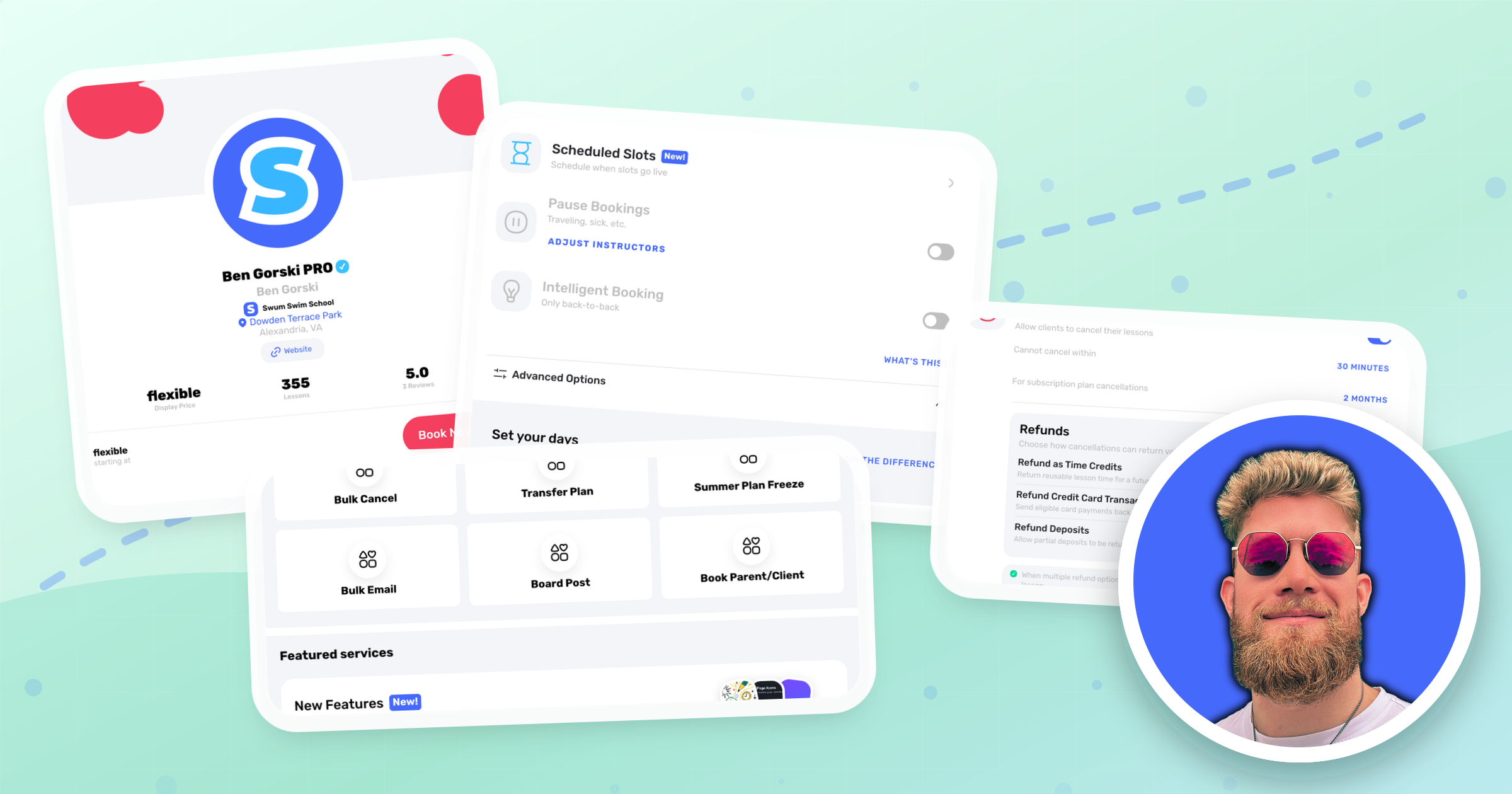
Teams can now handle schedule changes in larger batches instead of moving every lesson one at a time. This is built for weather days, instructor availability changes, location disruptions, and other operational shifts that affect more than one lesson.
4. Quick Mode Booking
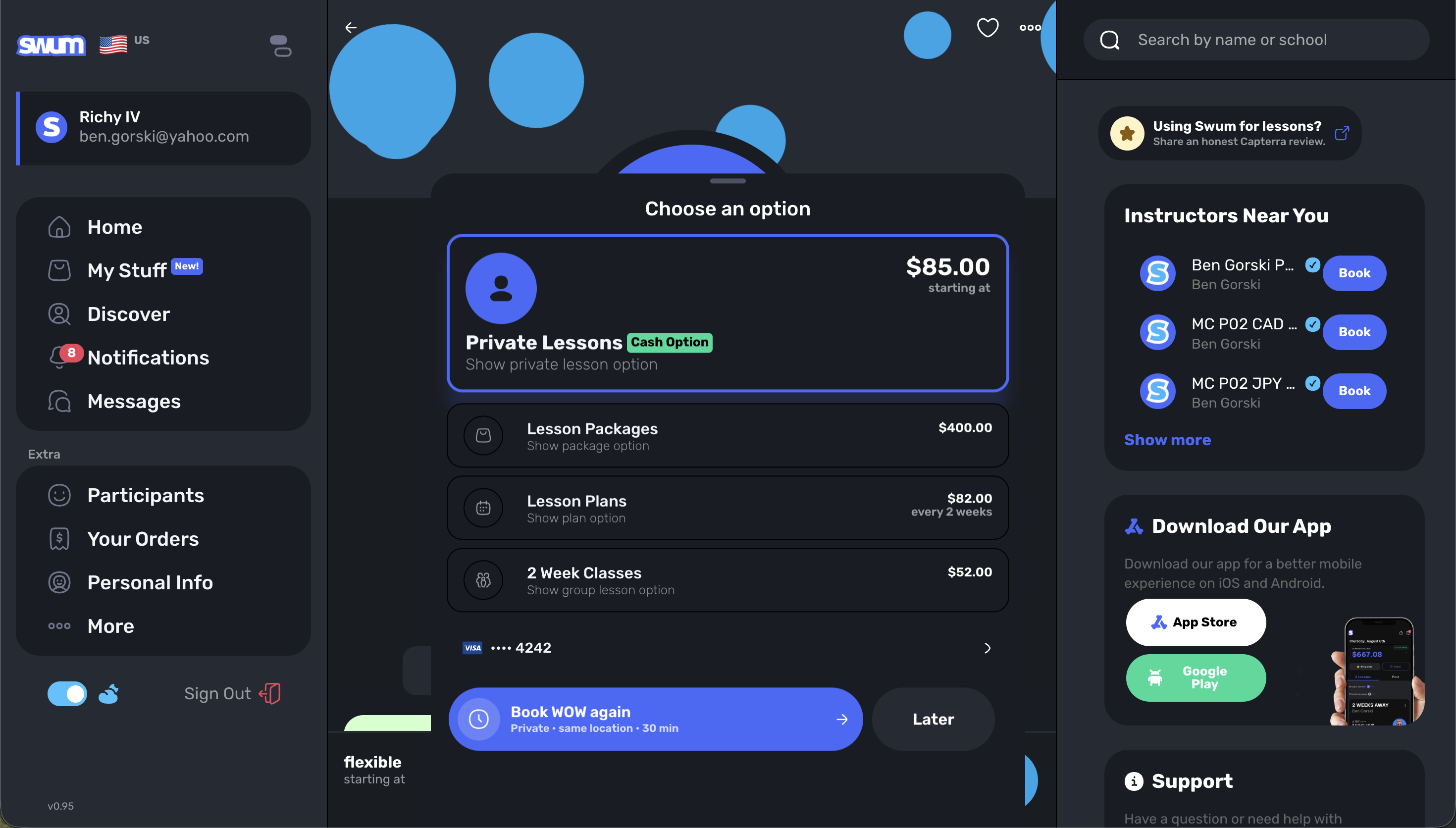
Access: Calendar booking flow
Quick Mode Booking gives staff a faster path for common lesson creation work. It keeps the booking workflow moving when the details are already known and the goal is to get the lesson onto the schedule quickly.
Groups, Classes, and Semi-Private Lessons
5. Class Perpetual Enrollment and Custom Charges
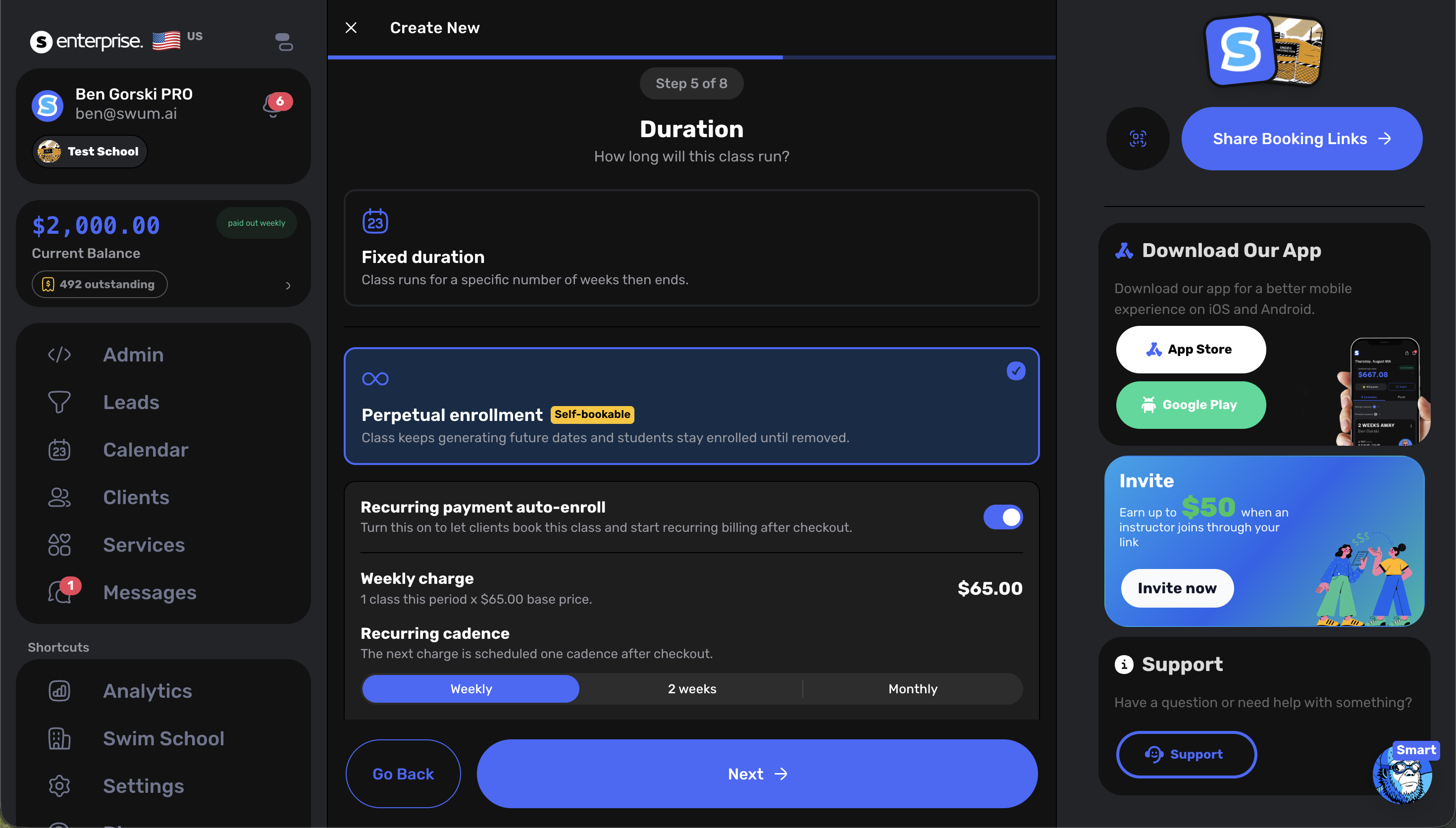
Access: Groups & Classes and Create Single Lesson -> Groups and Classes
Classes can now support perpetual enrollment patterns, which are useful for programs that run continuously instead of ending after a fixed short session. Staff can also apply custom charges and create invoices directly from group and class booking when a special price, manual adjustment, or custom payment path is needed.
6. Invite a Friend to Semi-Private Lessons
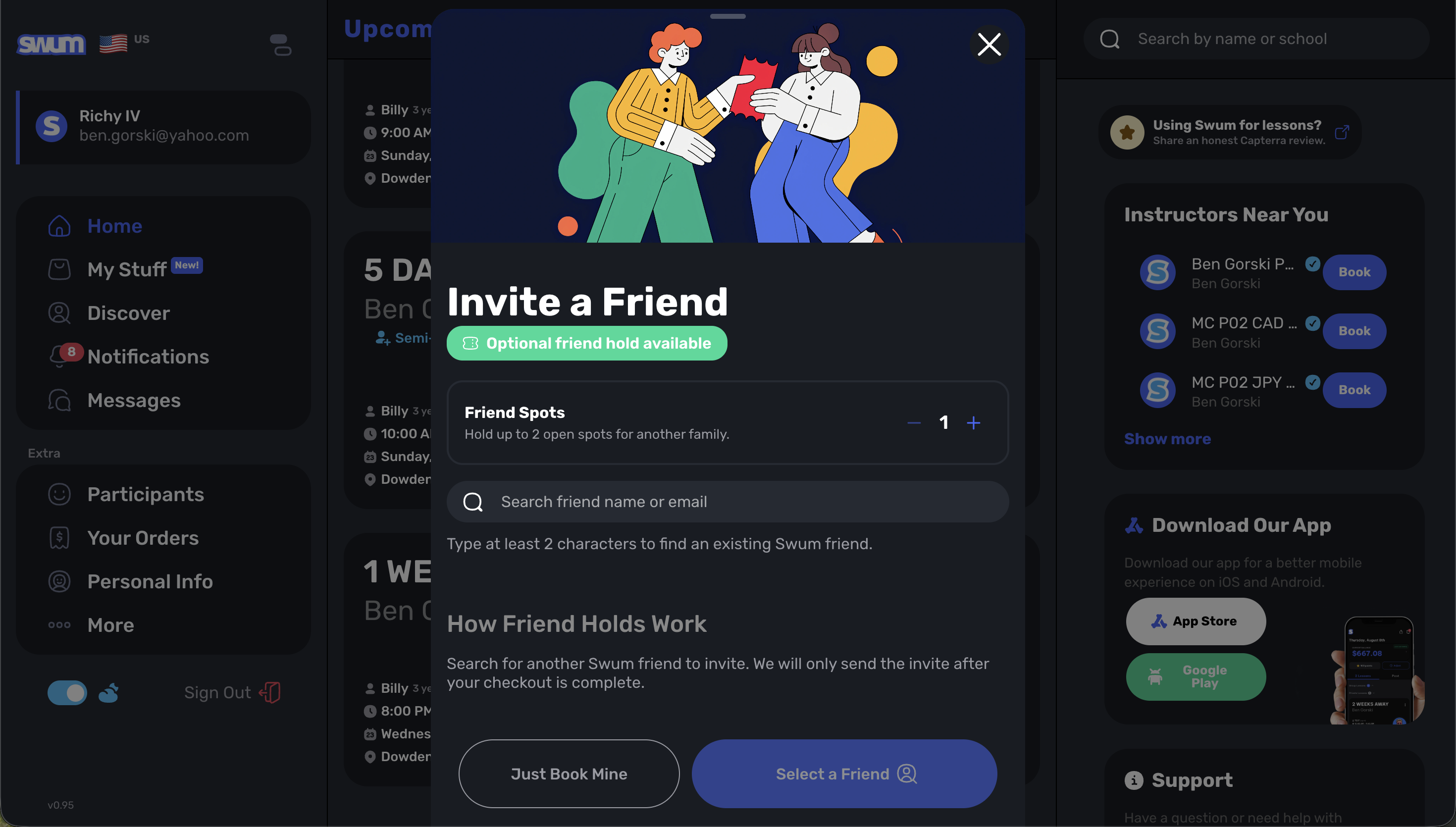
Access: Semi-private lesson workflows
Semi-private lessons now support friend invitations, making it easier for families to bring another swimmer into the same lesson format without creating a disconnected booking flow.
7. Flat Rate and Upfront Charging for Semi-Private Lessons
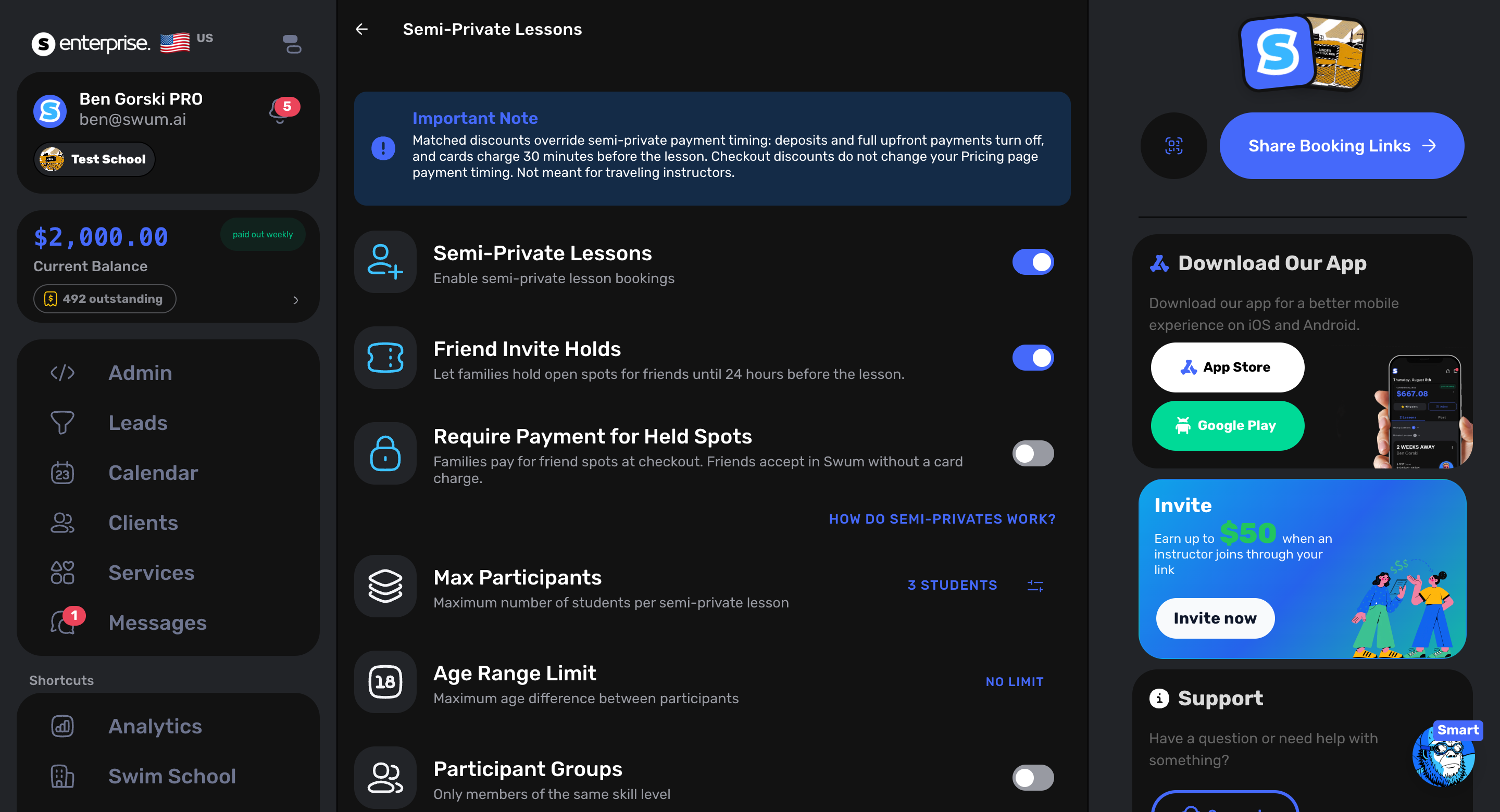
Access: Semi-private pricing
Semi-private lessons can use flat-rate pricing and upfront charging. This gives schools a simpler way to collect payment for shared lessons without manually stitching together each family's charge.
8. Different Hourly Pay for Regular and Semi-Private Lessons
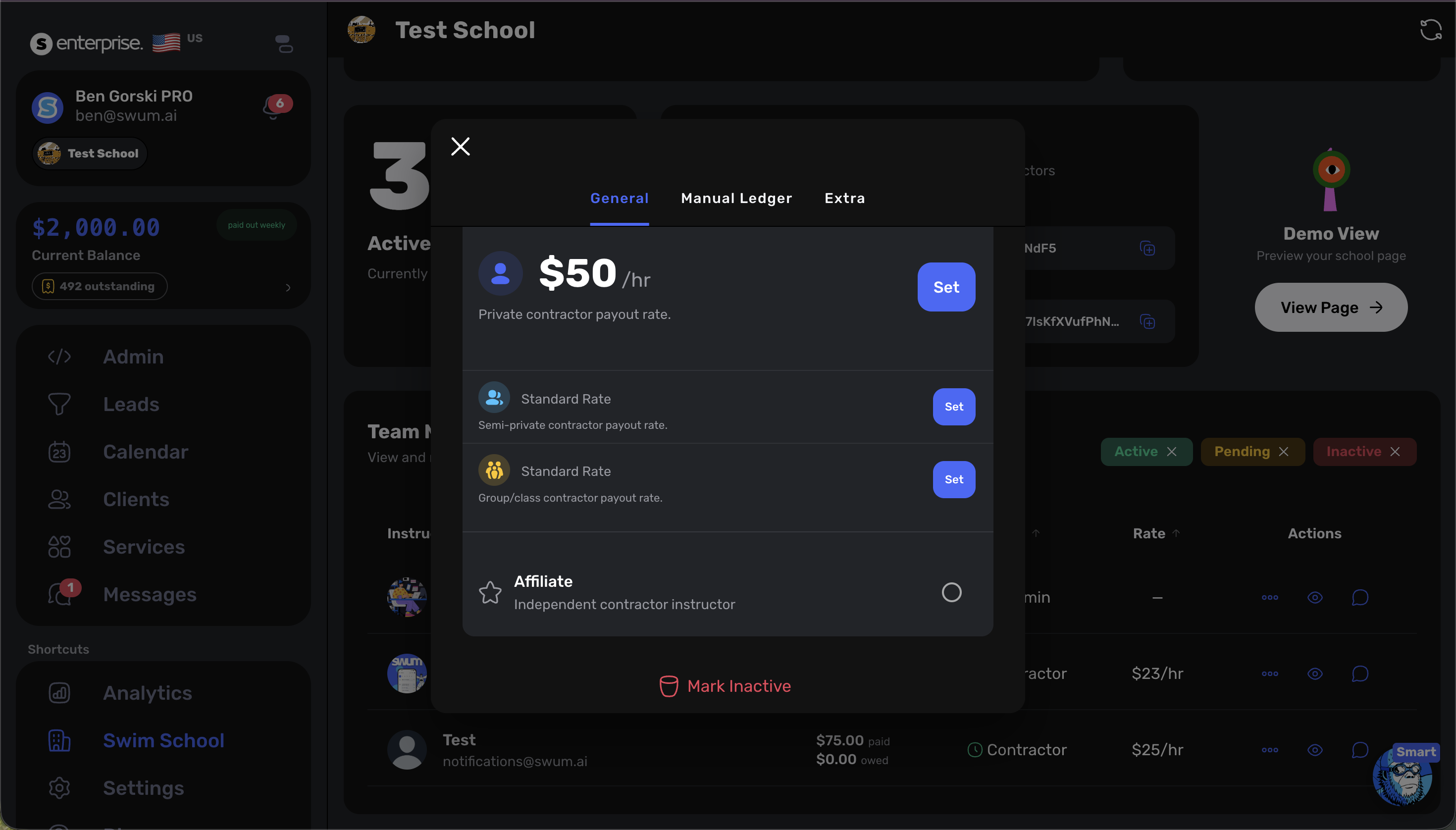
Access: Swim School -> Staff -> contractor settings
Schools can now set different hourly pay for regular private lessons, semi-private lessons, groups, and classes. That keeps instructor compensation aligned with how each lesson format is sold and staffed.
Front Desk and Staff Operations
9. Add Staff Members
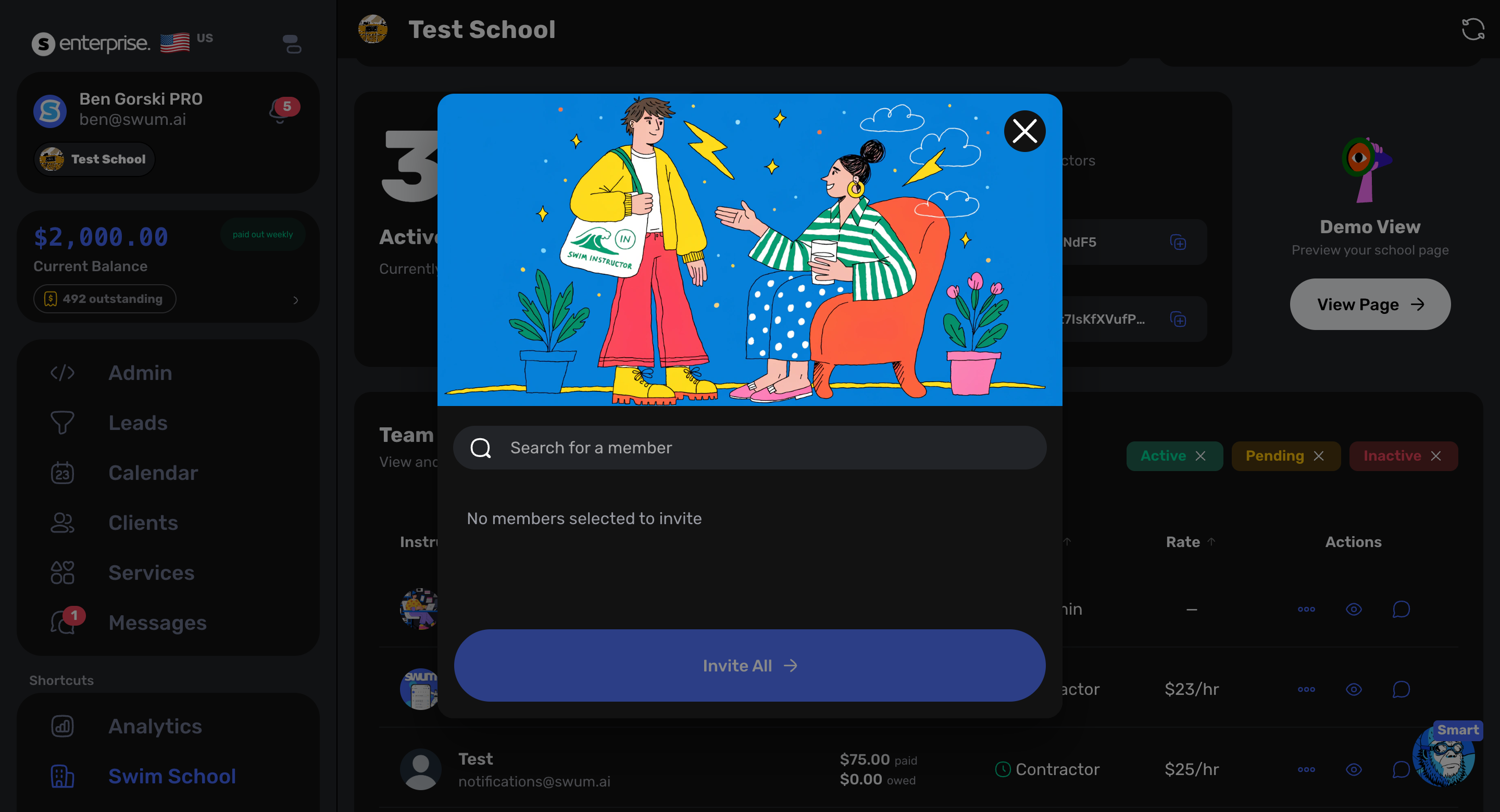
Access: Swim School -> Staff
School owners can add staff members from the staff area. This keeps hiring, permissions, and operational setup closer to the same place teams already manage instructors and team roles.
10. Front Desk Kiosk
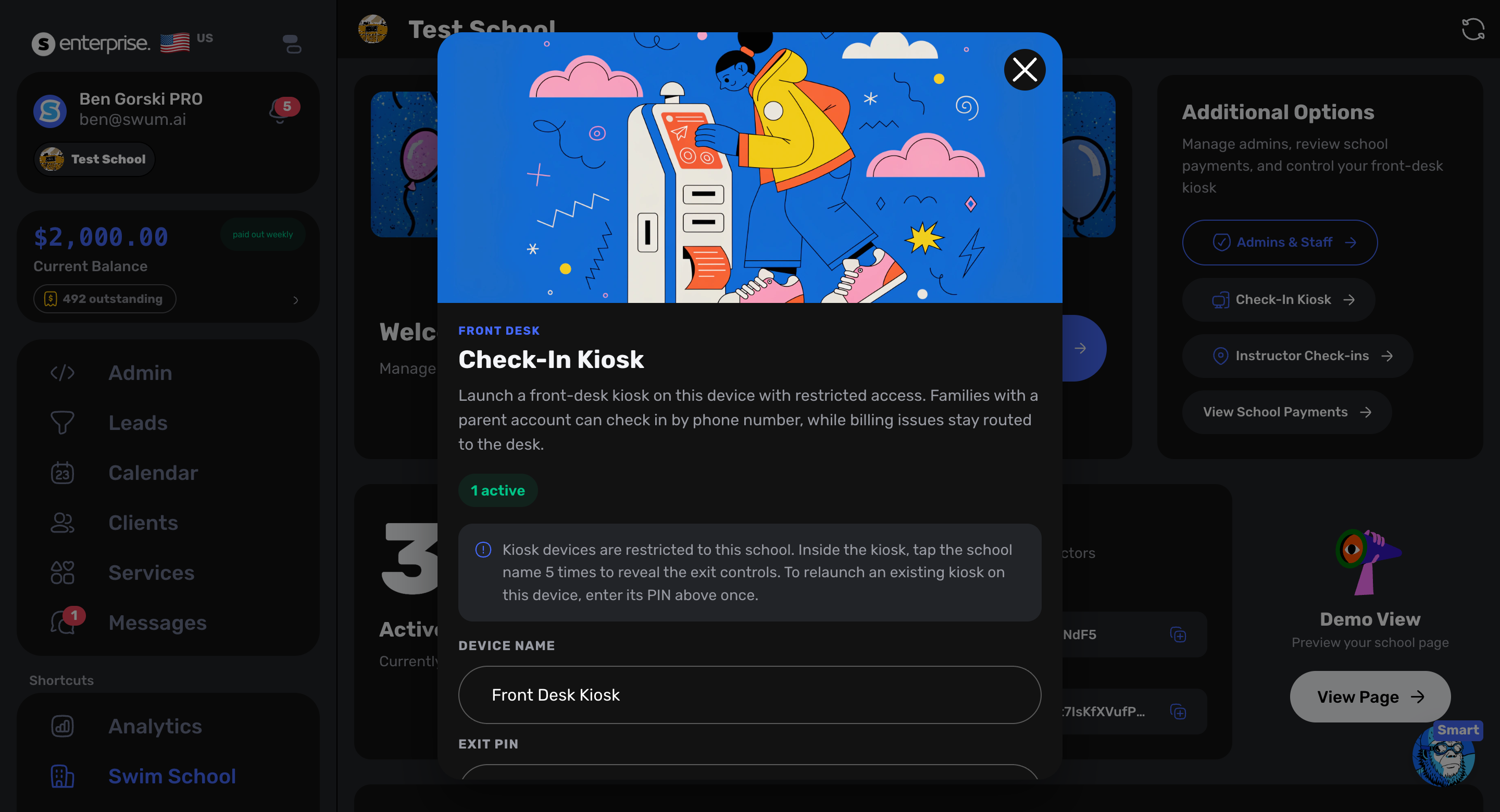
Access: Swim School -> Staff -> Check-In Kiosk
The new Front Desk Kiosk gives swim schools a dedicated front-desk check-in experience. Staff can configure the kiosk device, set an exit PIN, and launch the mode for on-site use.
11. Check In and Check Out
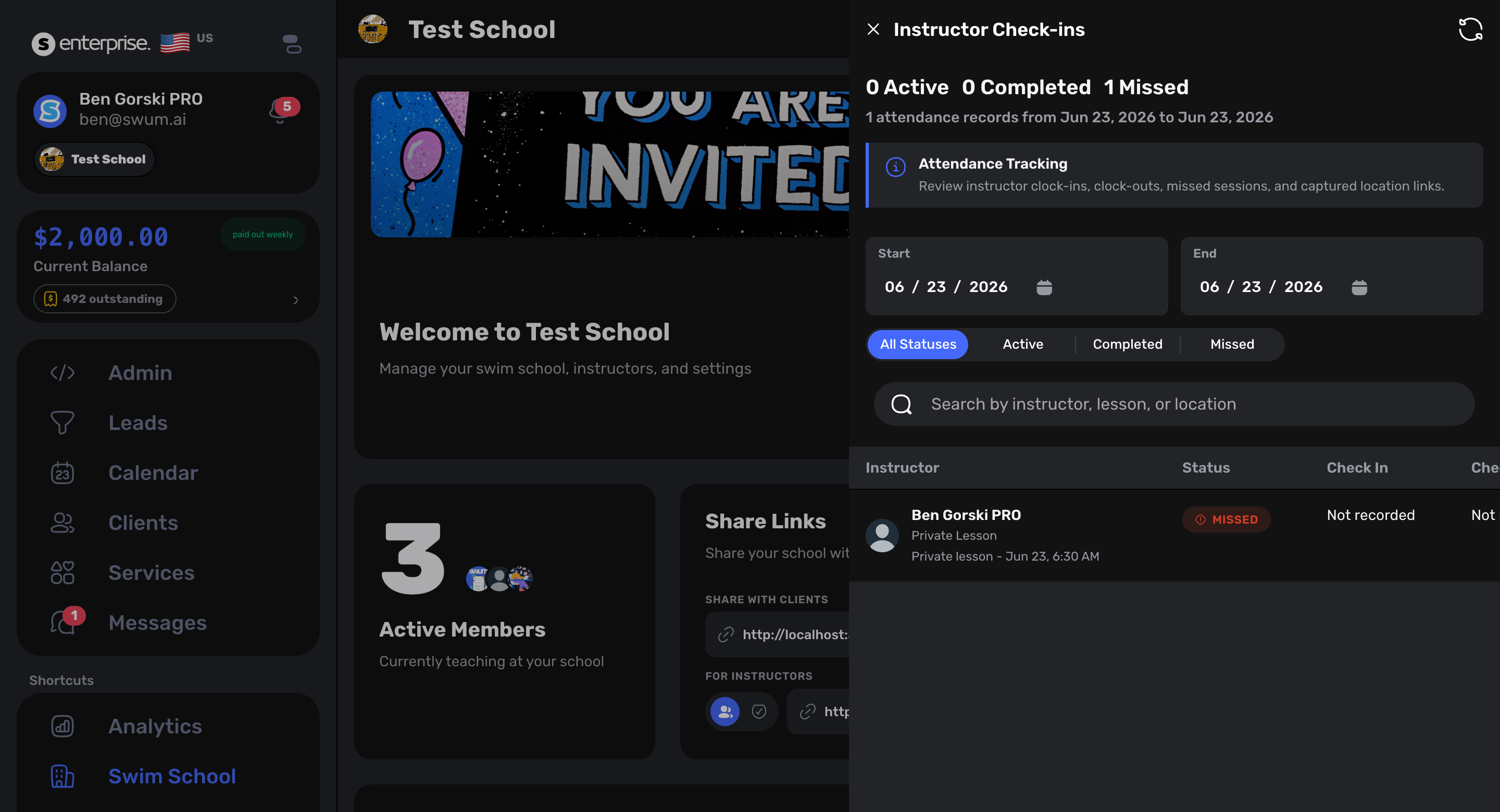
Access: Swim School -> Staff -> Instructor Check-ins
Instructor check-ins now include clearer check-in and check-out tracking. Owners can review who checked in, who checked out, who is missing, and which lessons were tied to the shift.
Billing, Invoices, and Credits
12. Instructor Registration Fee Bypass
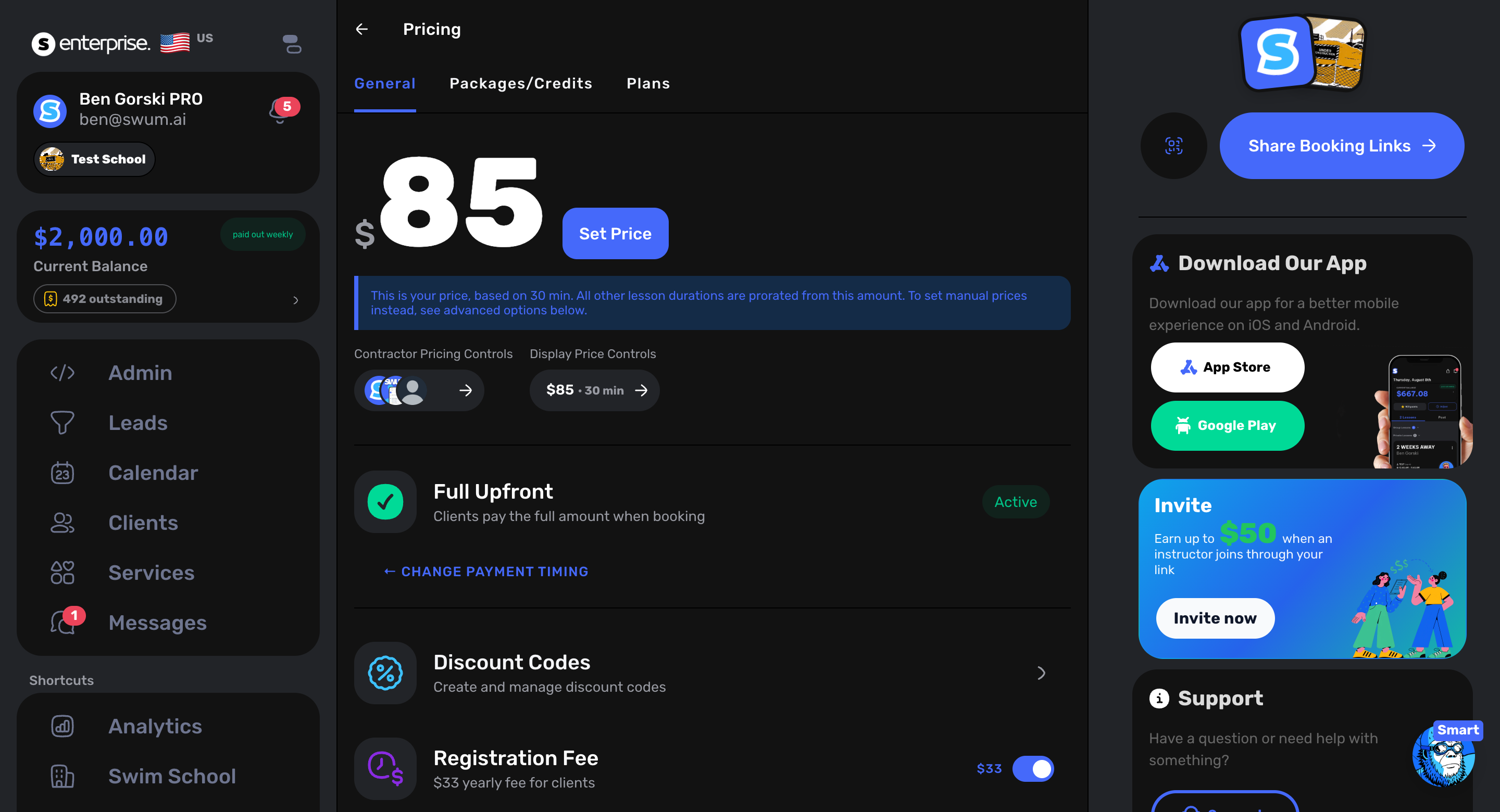
Access: Pricing -> Registration Fees
School owners can now allow instructors to bypass registration fees. This is useful when trusted staff need to book or adjust lessons without forcing a standard family-facing fee every time.
13. Manual Invoice Card-on-File Charging
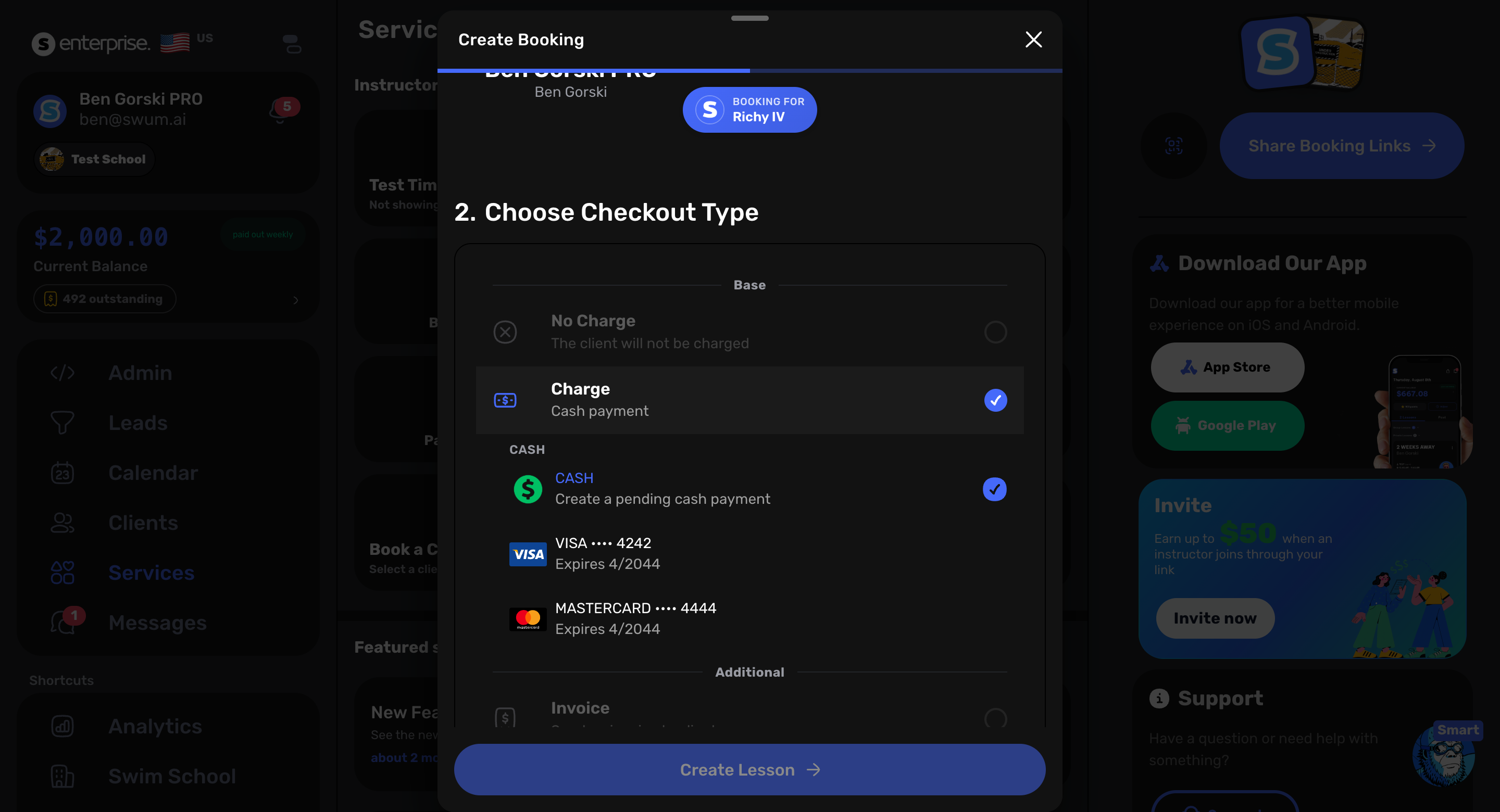
Access: Invoices and payment operations
Manual invoices can once again be charged to a saved card on file. This gives staff a clean recovery path when an invoice needs to be handled directly instead of waiting on the family to pay from a link.
14. Automatic Invoice Processing With Retries
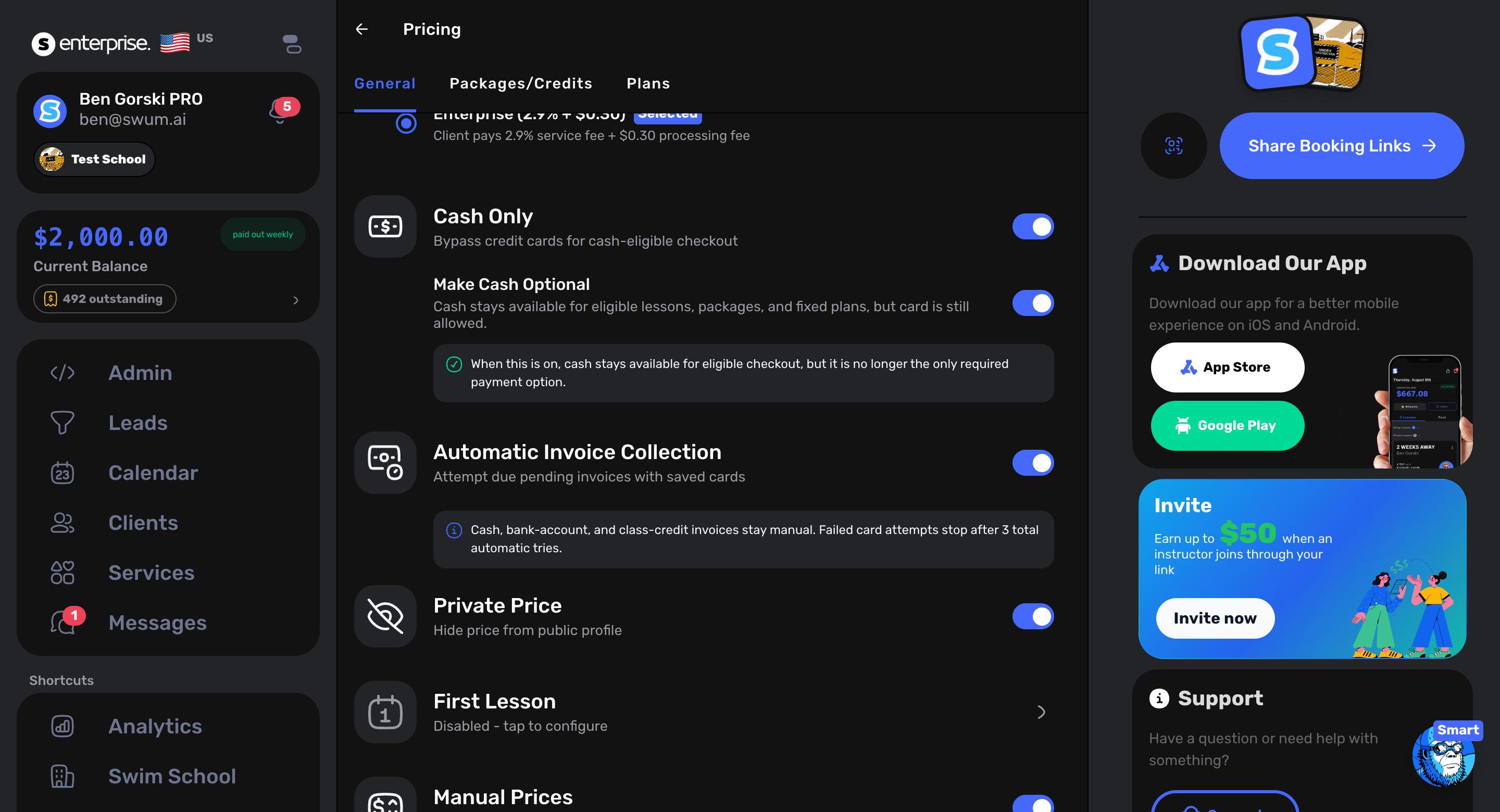
Access: Pricing -> Automatic Invoice Collection and Invoices
Swum can process invoices automatically overnight, with up to three tries. That reduces manual follow-up for recurring invoice collection and gives failed payments a structured retry path.
15. Detailed Card Transaction List
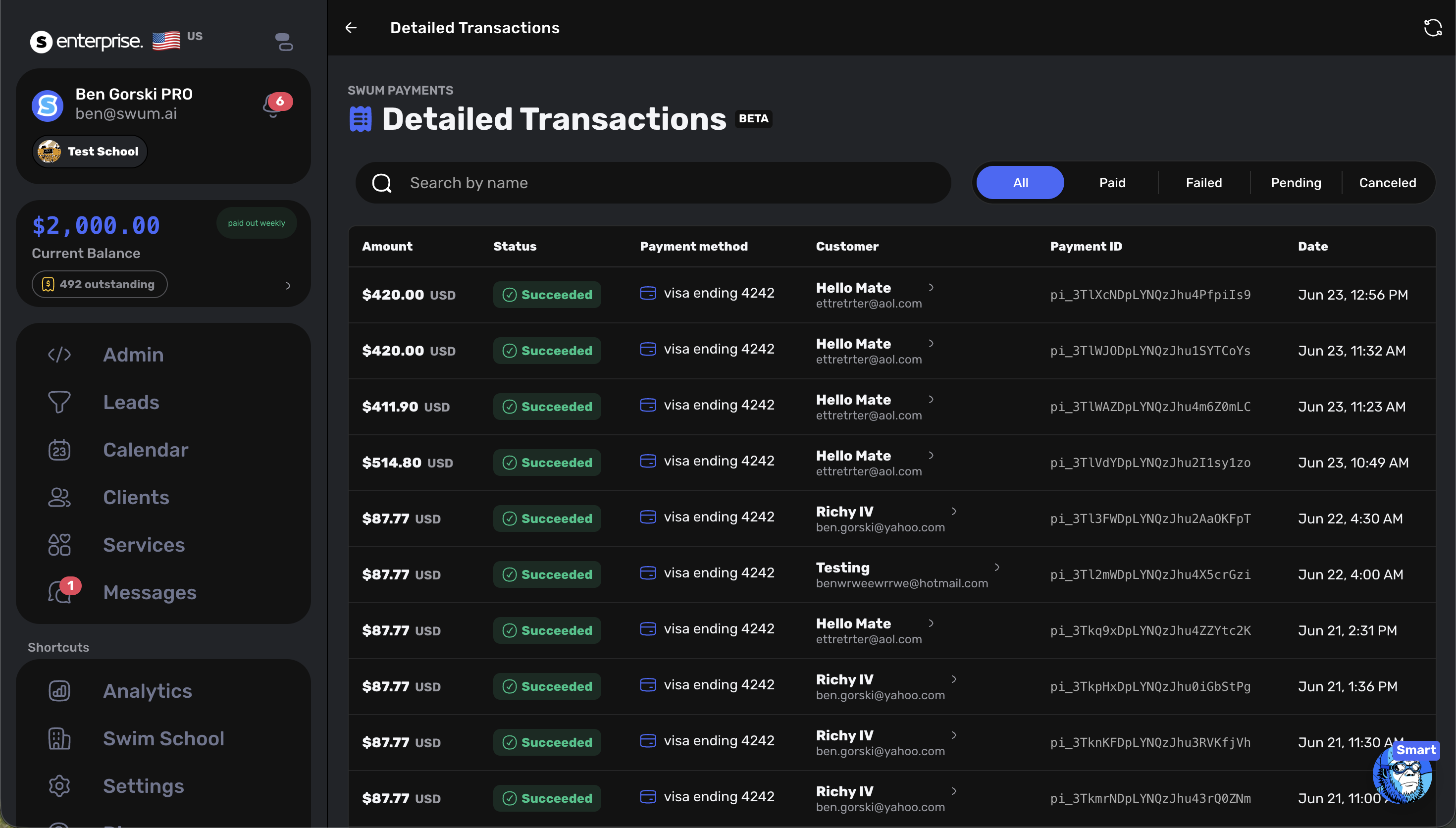
Access: Payment and invoice detail views
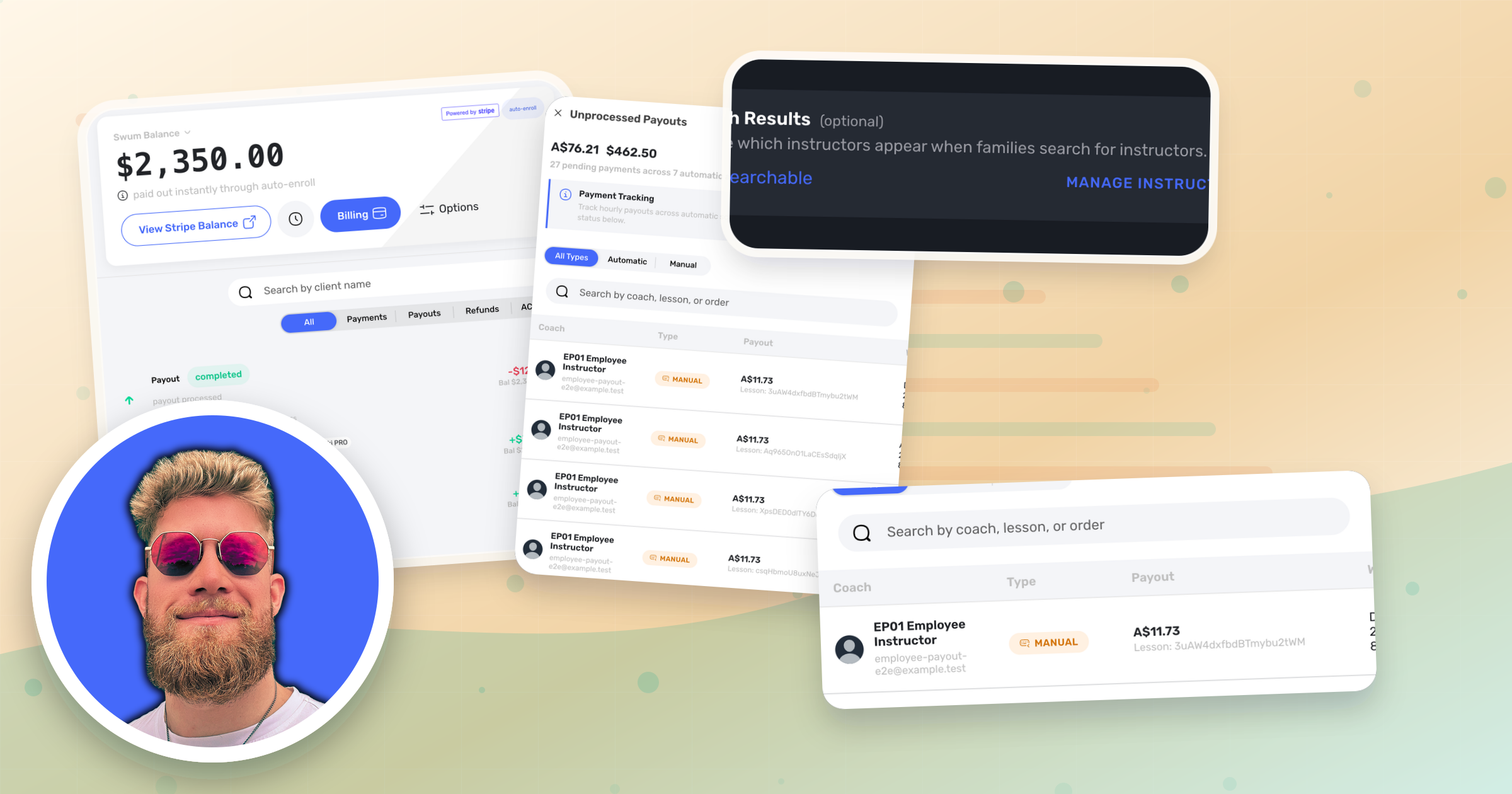
The new detailed card transactions list gives schools a better payment audit trail. Staff can review transaction status, amounts, linked invoices, and client context without digging through disconnected records.
16. Extend Time Credits
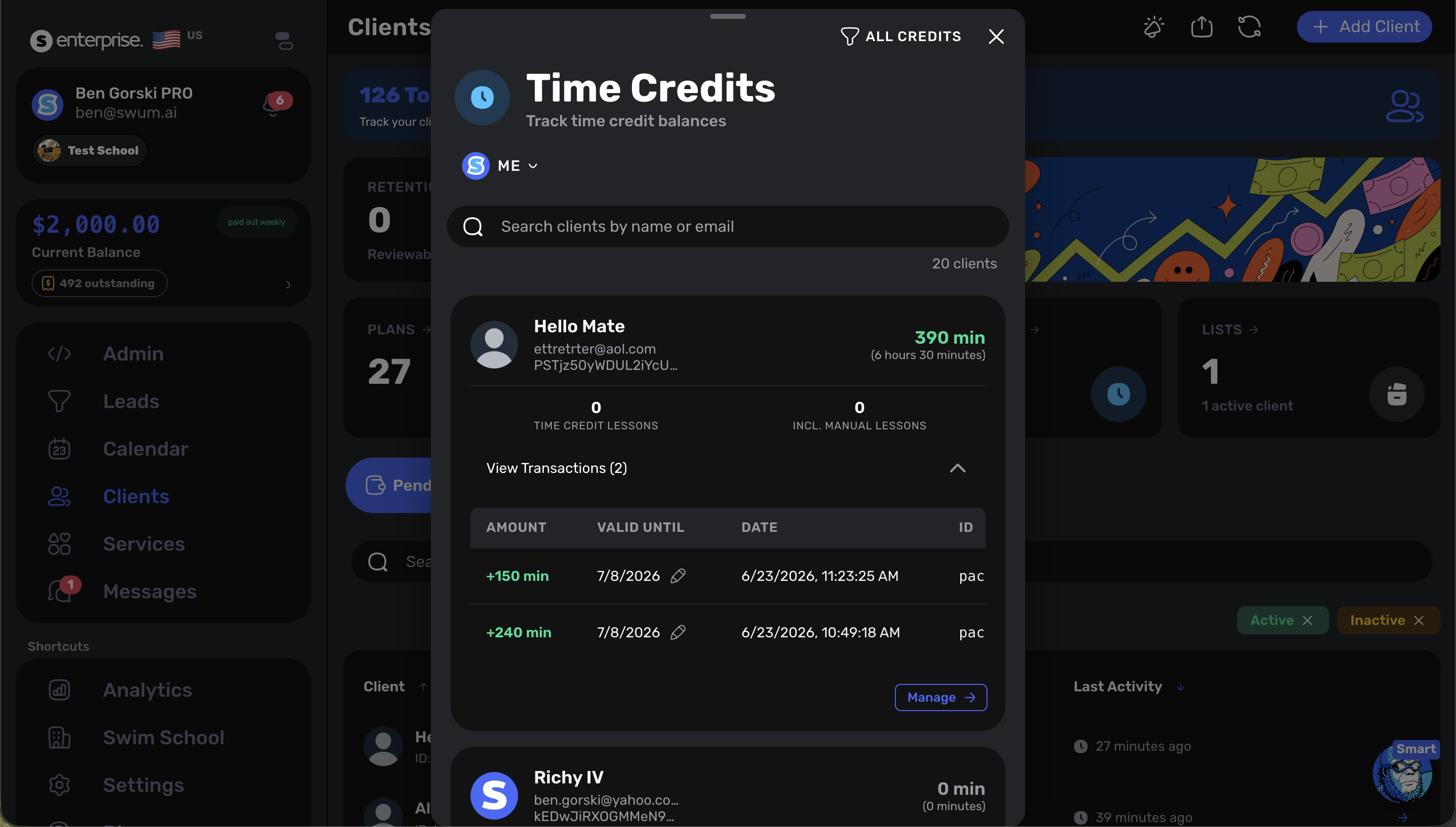
Access: Clients -> Time Credits
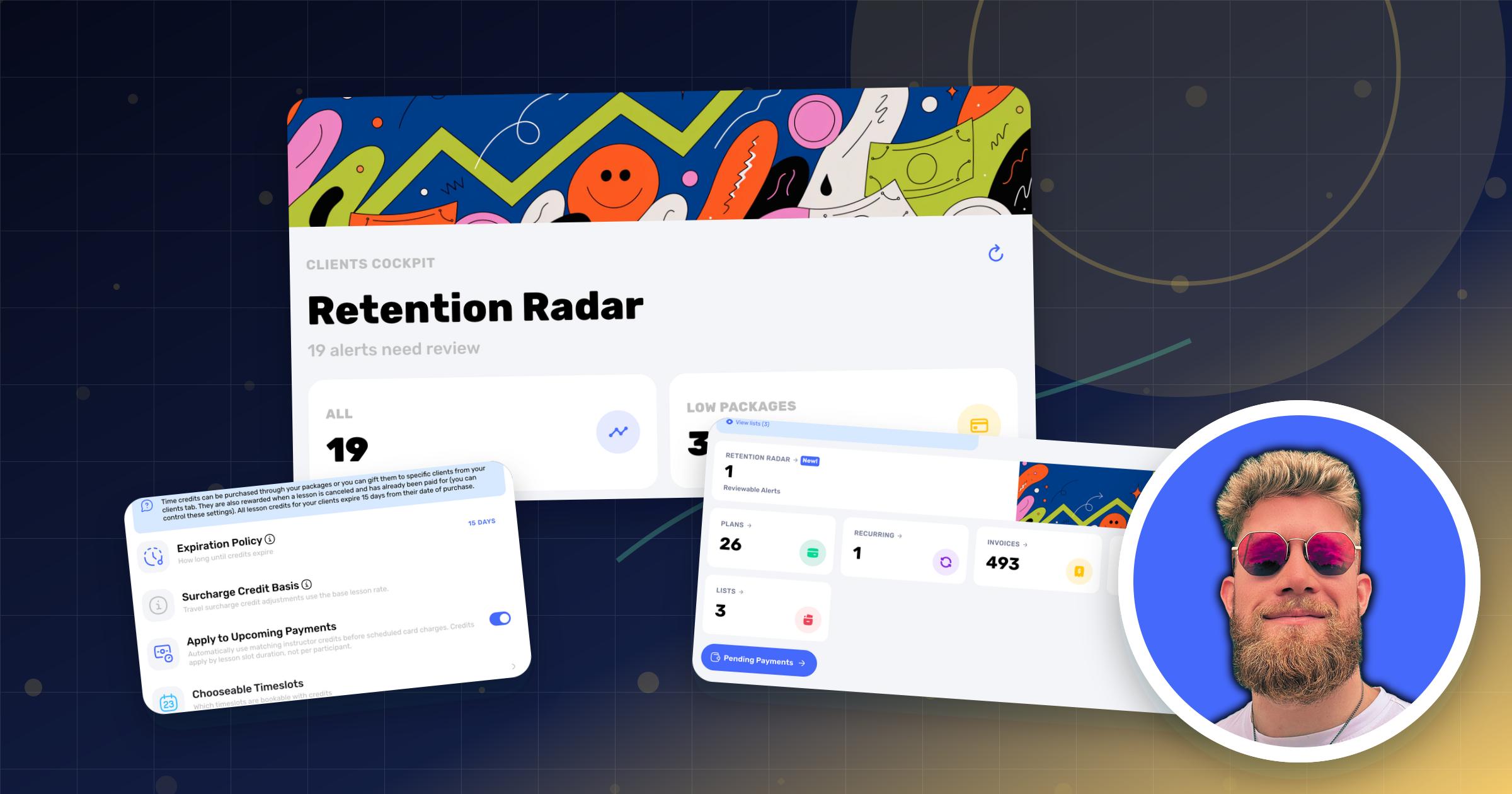
Schools can now extend time credits for a client. This helps with exception handling when a family needs more time to use remaining value.
17. Manual Bank Attachments
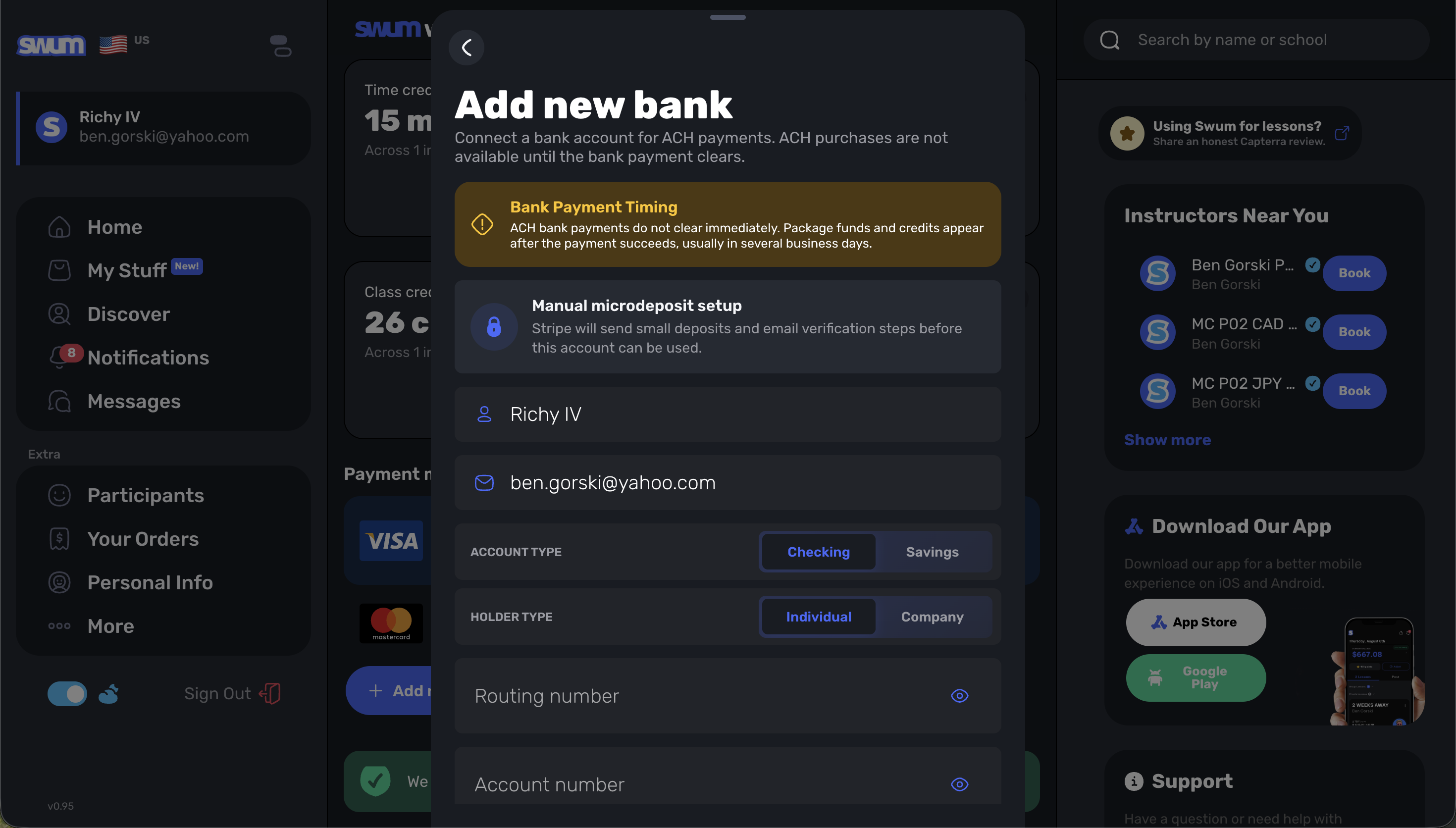
Access: Payment and billing operations
Manual bank attachments give schools another way to connect payment details when a bank account needs to be handled outside the standard self-serve path.
Sign-Up Collector, Lists, and Retention
18. Ask for Preferred Times in the Sign-Up Collector
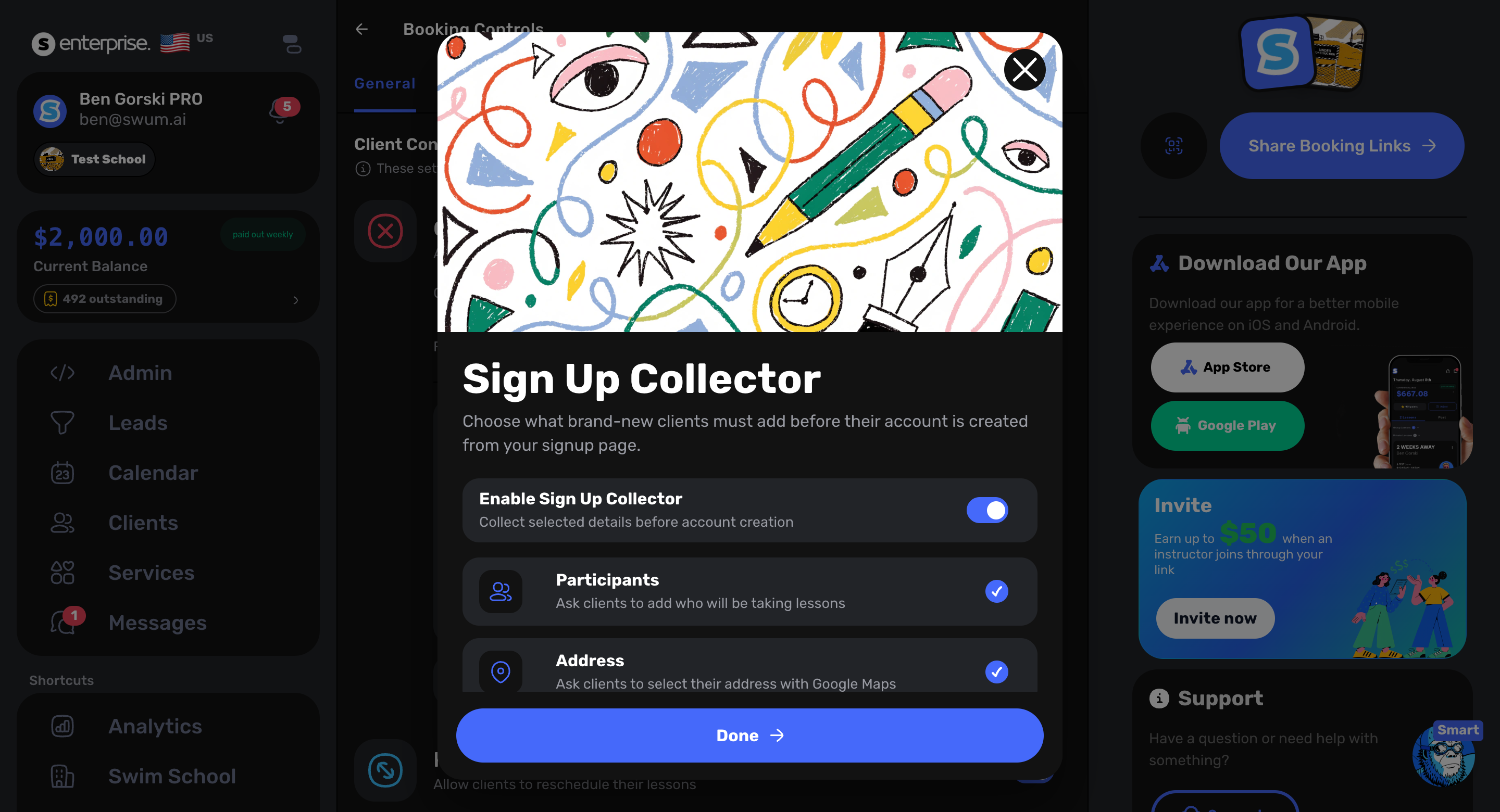
Access: Booking Controls -> Sign-Up Collector
The sign-up collector can now ask families for preferred lesson times and add those submissions to a list. This gives schools cleaner lead intake when families are interested but the exact schedule is not ready yet.
19. Better Waitlist Detail for Preferred Times
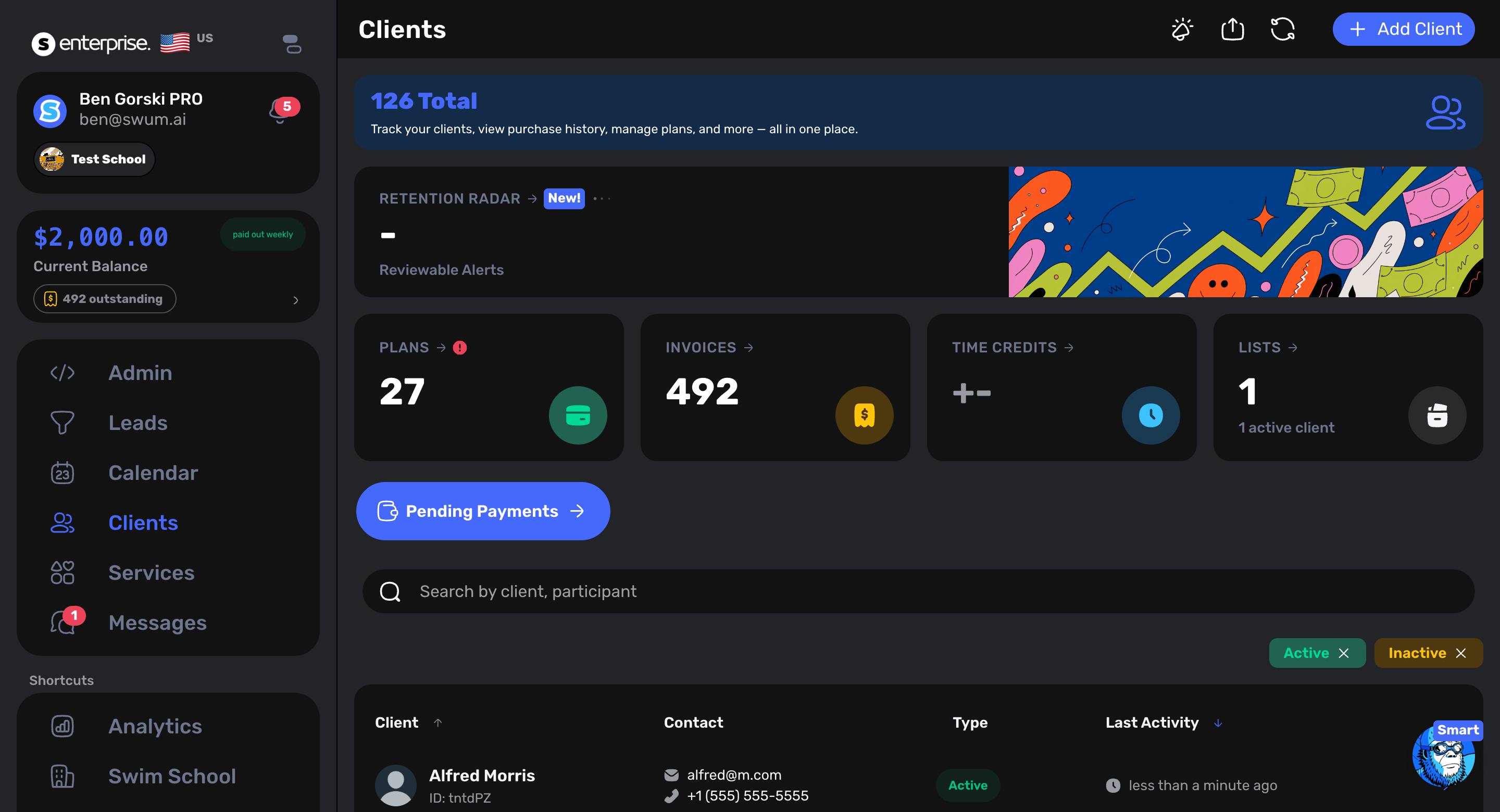
Access: Clients -> Lists
Preferred-time answers can now flow into client lists, giving staff a practical queue to work from when matching families to new openings.
20. Low Package Credit Email for Retention Radar
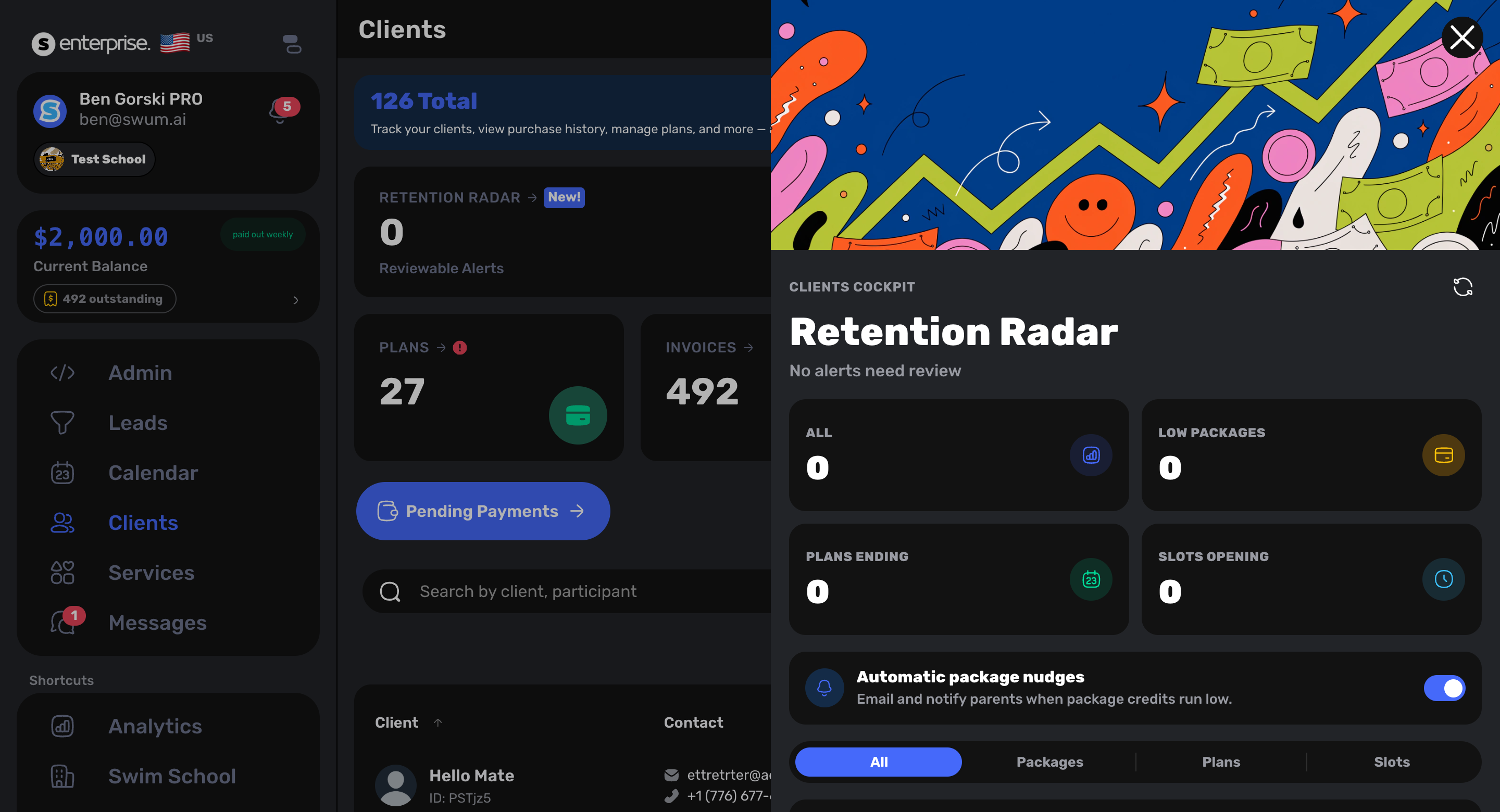
Access: Retention Radar
When package credits get low, Swum can email the parent so renewal conversations start earlier. This also feeds the broader retention workflow so teams can see families who are approaching the end of their purchased lessons.
Locations, Checkout, and Lifeguarding
21. Any Location for School-Wide Checkout
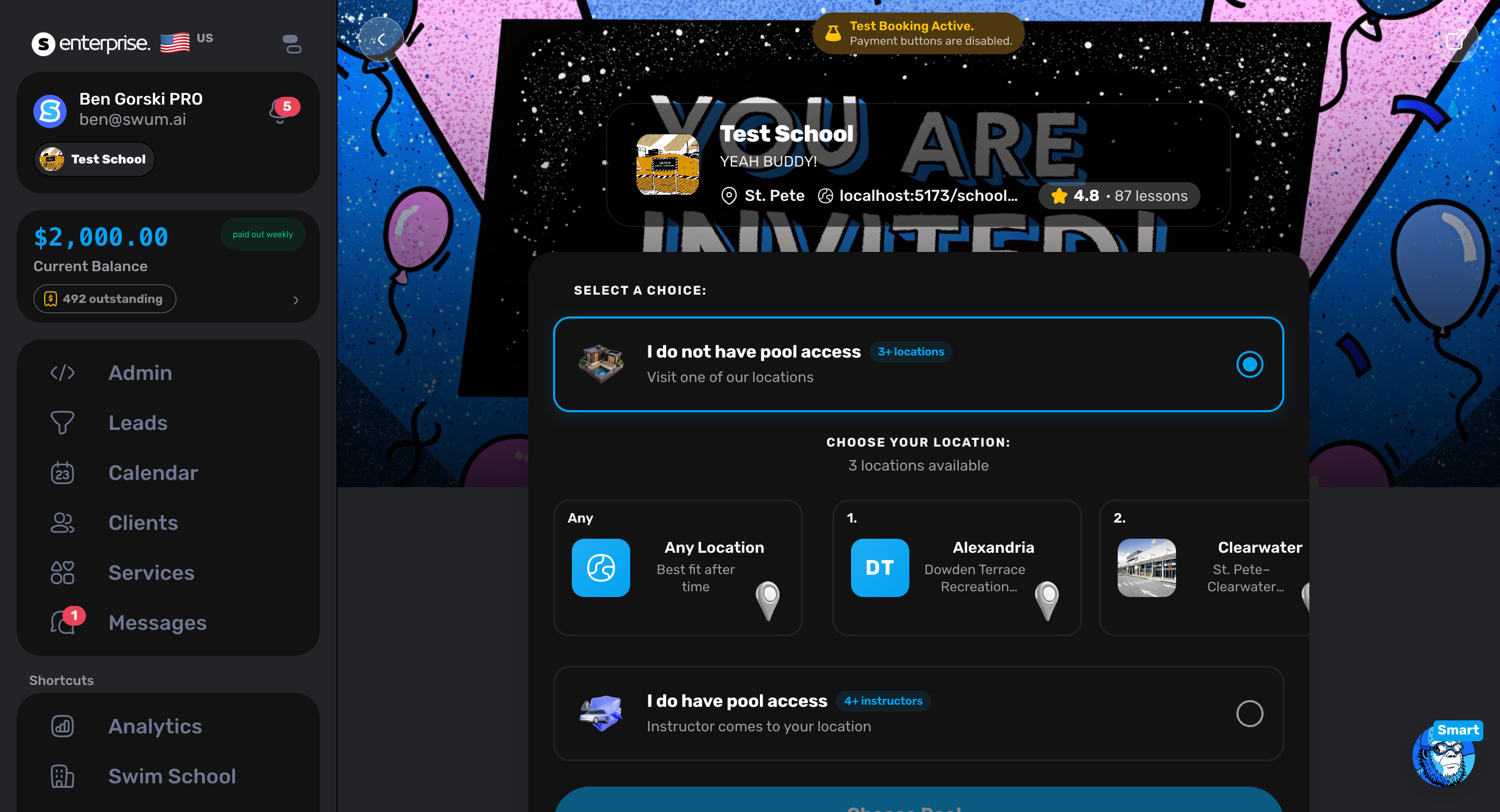
Access: School checkout
School-wide checkout now supports an "Any Location" option so a family can select the location after checkout when that is the right operational flow.
22. Location Concurrent Instructors and Route Planning
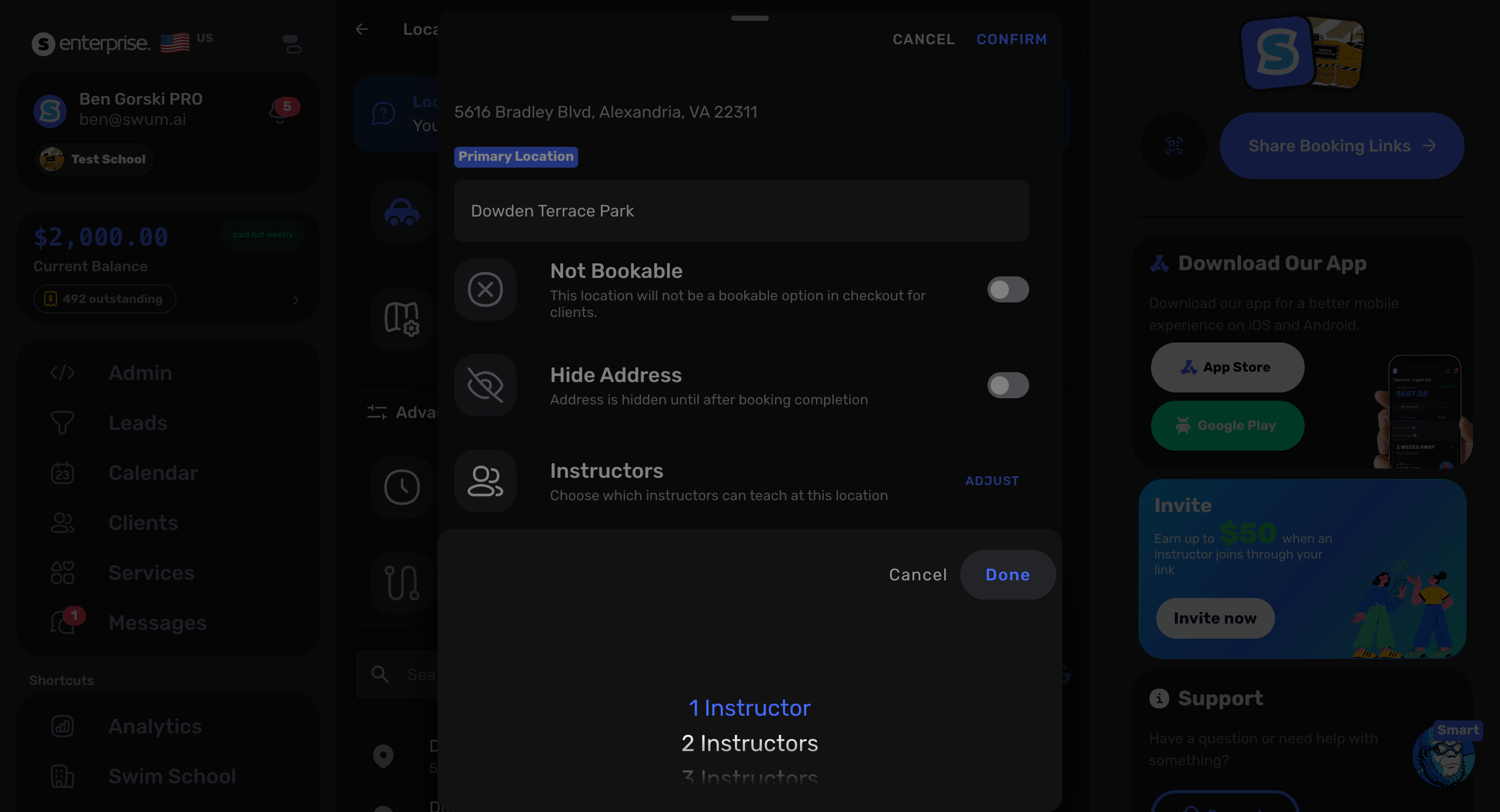
Access: Settings -> Locations
Locations can now support concurrent instructor rules, and route planning has a new showcase path. These updates help schools handle multi-instructor locations, travel cushions, and routing decisions with more structure.
23. Lifeguarding Requests
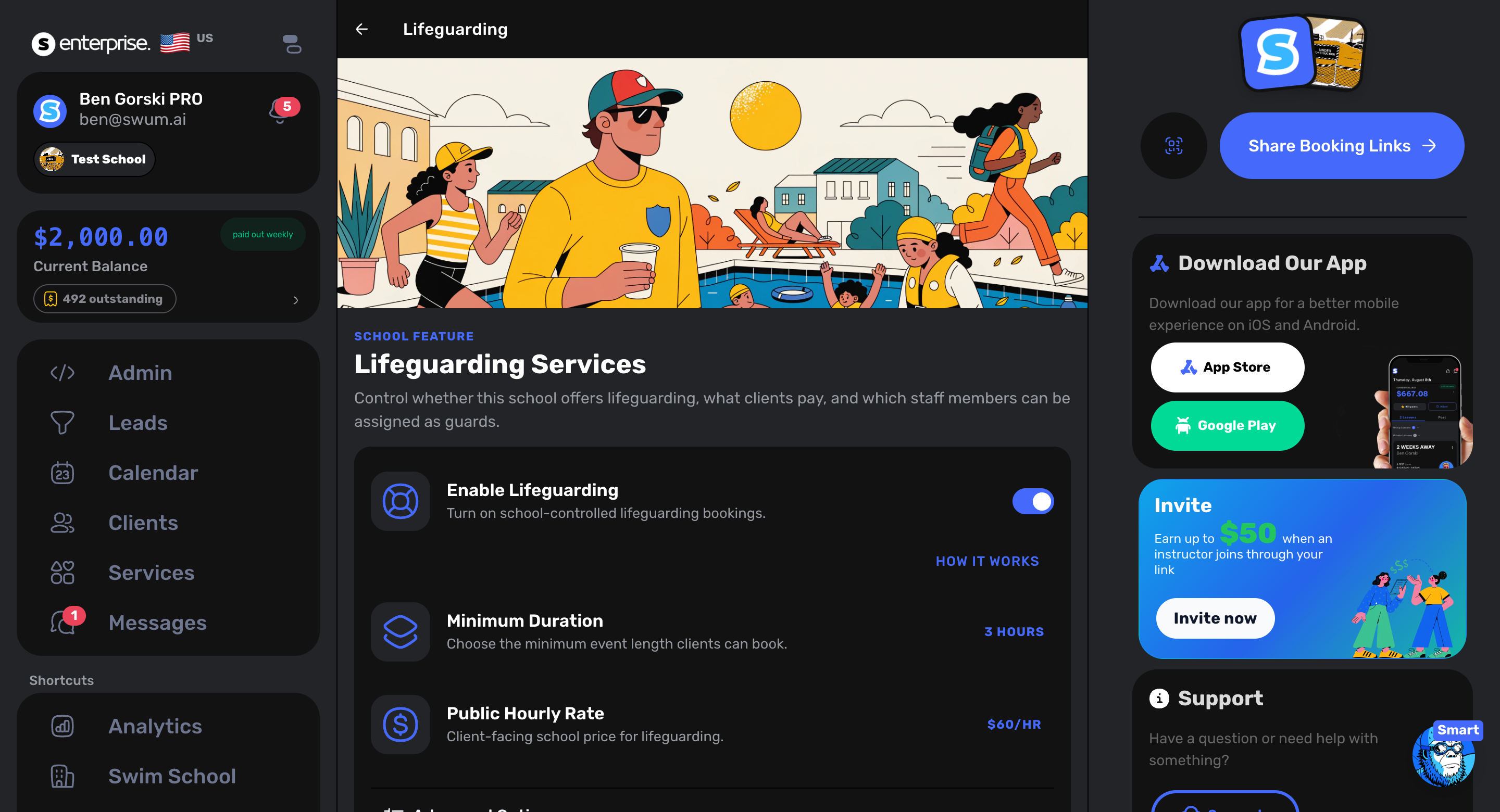
Access: Services -> Lifeguarding
Schools can now send over lifeguarding requests, with lifeguarding settings for hourly rate and eligible staff. This keeps lifeguarding work connected to the same operational system schools already use for lessons and staffing.
What This Means
This set of releases moves Swum further toward one operating system for swim schools: scheduling, front desk, classes, payments, staff, routes, and retention all working from the same source of truth.
The theme is simple: fewer loose ends, fewer one-off workarounds, and more ways for a school owner or front desk team to handle the real situations that come up every week.