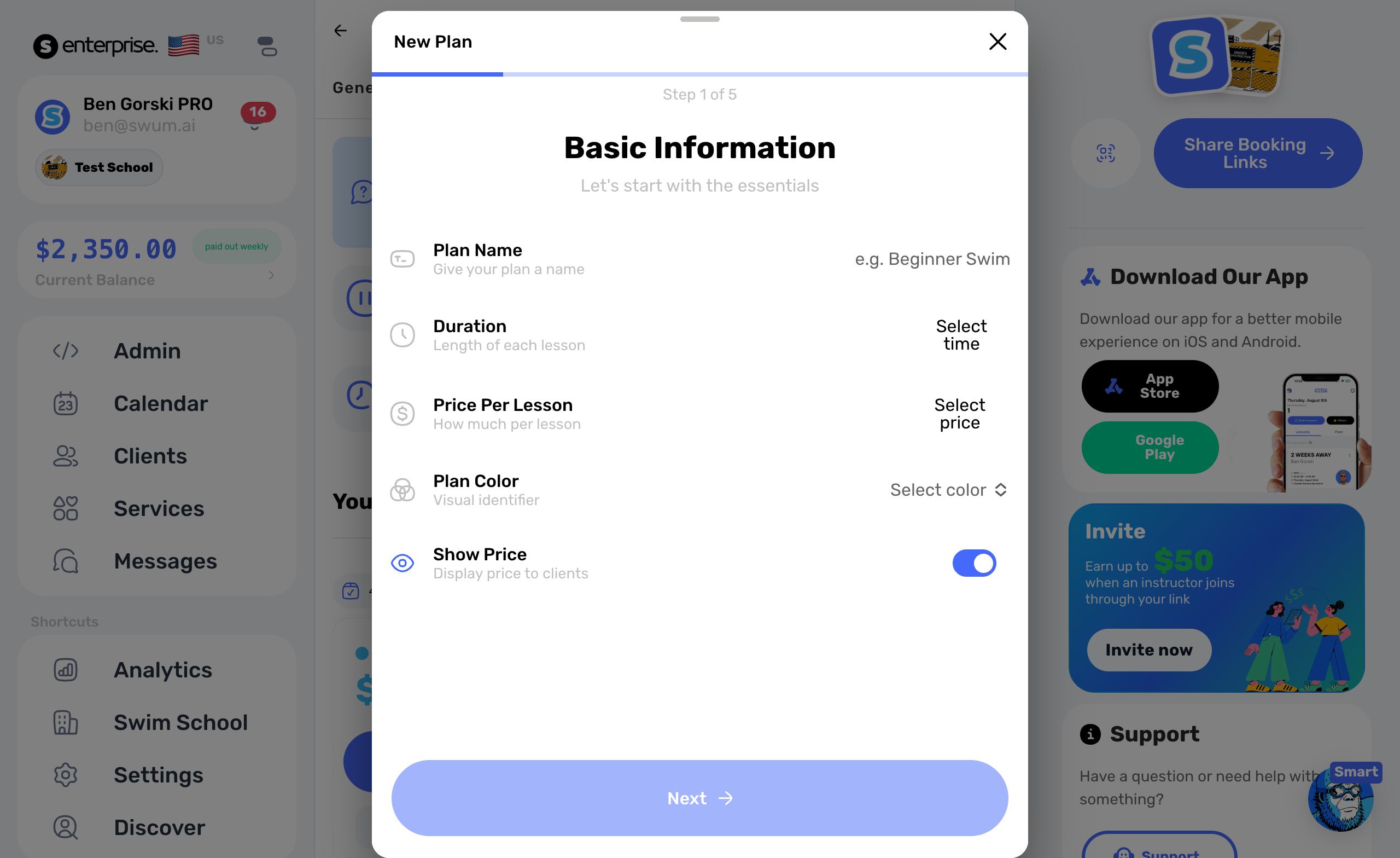
May was all about making Swum more operationally complete for swim schools and instructors. The updates this month focused on the moments that usually create extra admin work: following up with families, managing waitlists, reviewing schedule conflicts, approving changes, reconciling payments, and keeping team controls organized.
Here are the 20 features added in May.
1. Coach Waitlist Manager
Access: Clients -> Waitlist
Coaches can now manage waitlist clients directly from the Clients page. Add a family manually, reorder the list, open waitlist clients when a spot becomes available, and archive entries that no longer need follow-up. This gives the waitlist a real operating home instead of forcing teams to track it outside Swum.
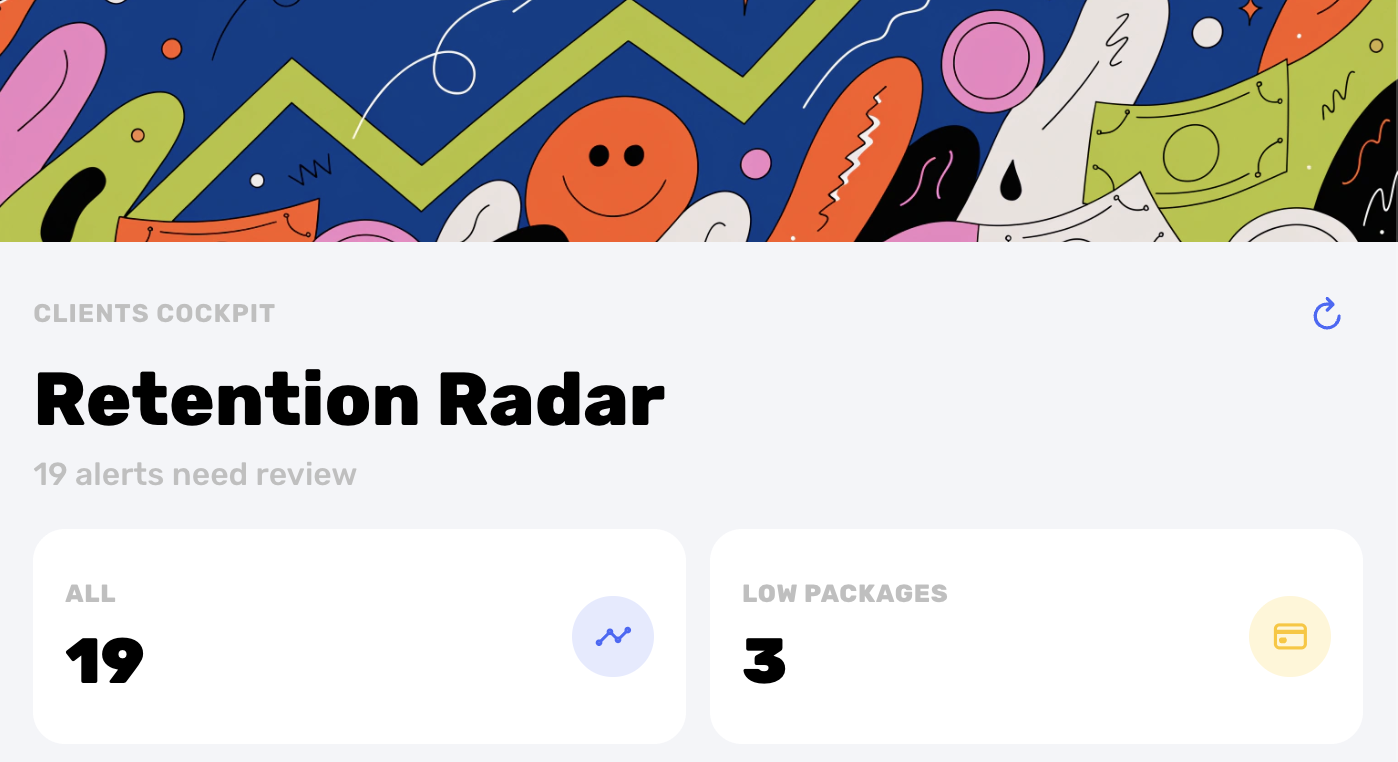
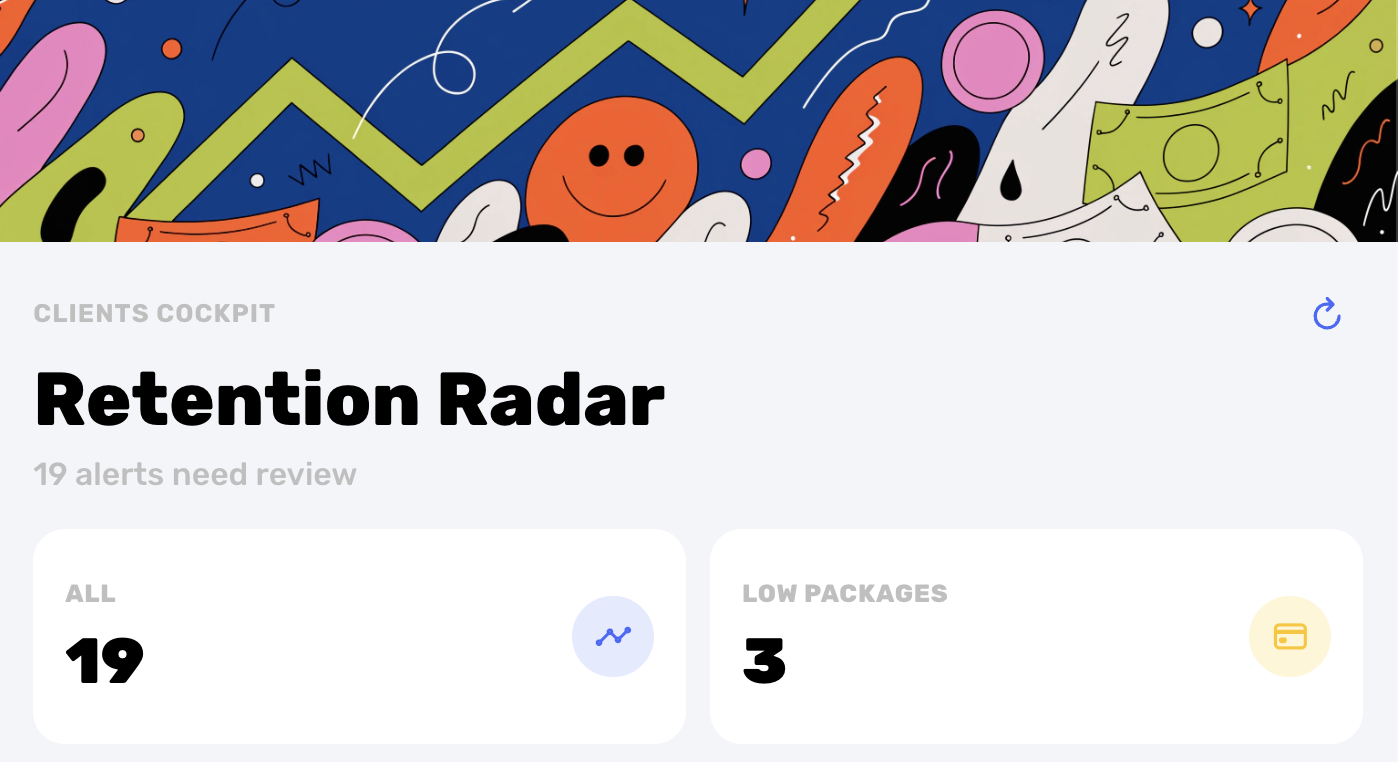
2. Retention Radar
Access: Clients -> Retention Radar
Retention Radar gives teams a dedicated view for the clients most likely to need attention soon. It surfaces low package balances, plans that are ending, and available schedule openings so coaches can follow up before families disappear from the calendar.
3. Fixed Plan Conflict Warnings
Access: Plans -> Create Fixed Plan
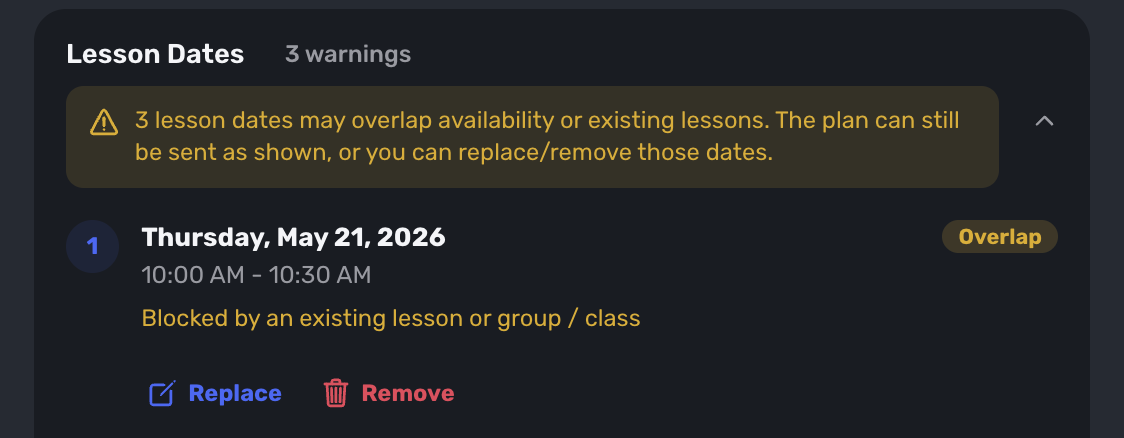
When creating a fixed plan, Swum now checks for lessons or blocked dates that overlap the proposed schedule. If there is a conflict, coaches can review what is affected and choose whether to proceed as-is, replace the conflicting dates, or remove affected days from the plan.
4. Enhanced Transaction Details
Access: Transactions
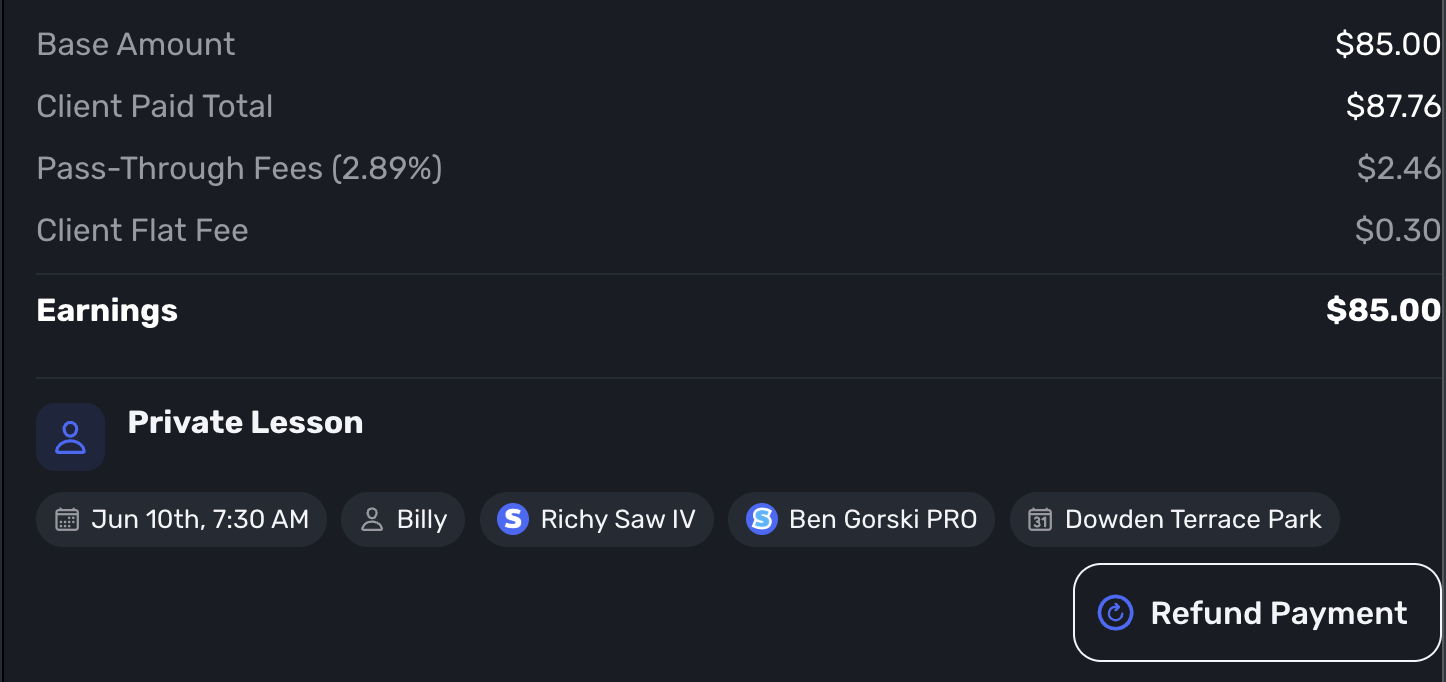
Transaction records now show more of the details teams need for reconciliation. You can see fee breakdowns, earnings, payment context, and linked lesson information without bouncing between several separate records.
5. Temporary Participants for Enrollment Requests
Access: Class and plan enrollment requests
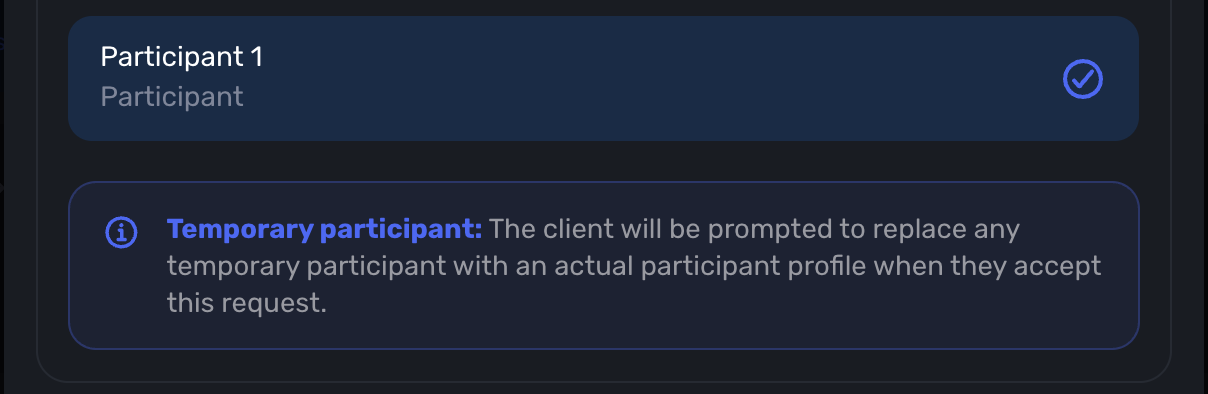
Coaches can now add temporary participants to class or plan enrollment requests. Families still need to replace those temporary placeholders with actual participant profiles before accepting, but the coach can move the request forward without waiting on every detail first.
6. Reschedule Approval Requests
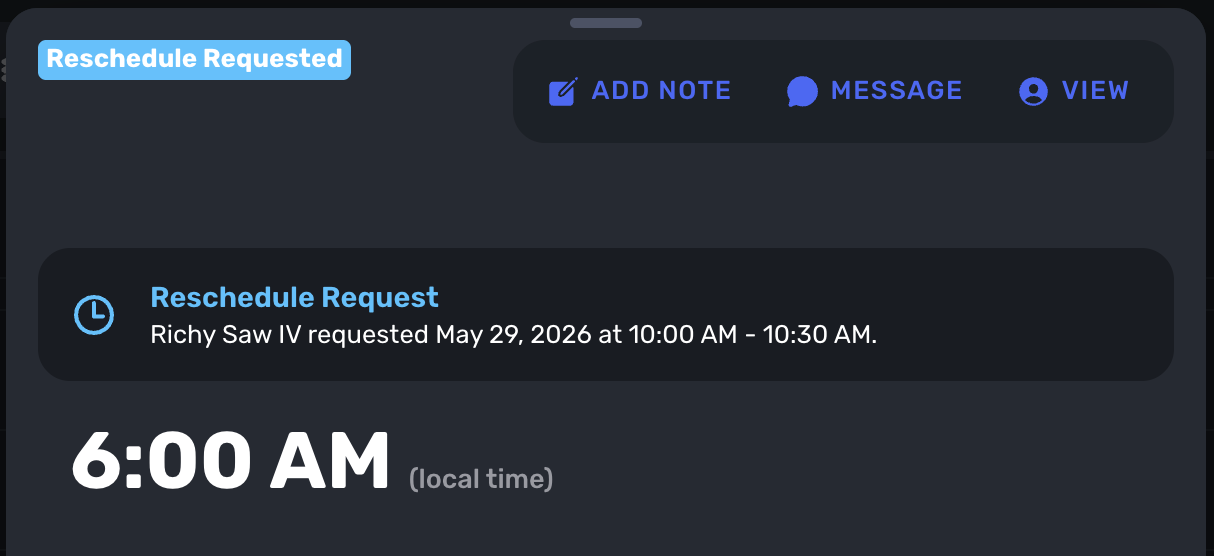
Access: Booking Controls and lesson cards
Client reschedule requests can now require coach approval before the lesson moves. Swum sends the request through the app, shows the pending change on the lesson, and gives coaches clear approve or deny controls.
7. School-Wide Messaging

Access: Swim School -> Messaging
School owners can now make parent conversations with employee instructors appear under the swim school name and photo. It keeps the parent experience branded to the school while still supporting the team behind the scenes.
8. Seasonal Zone Schedule
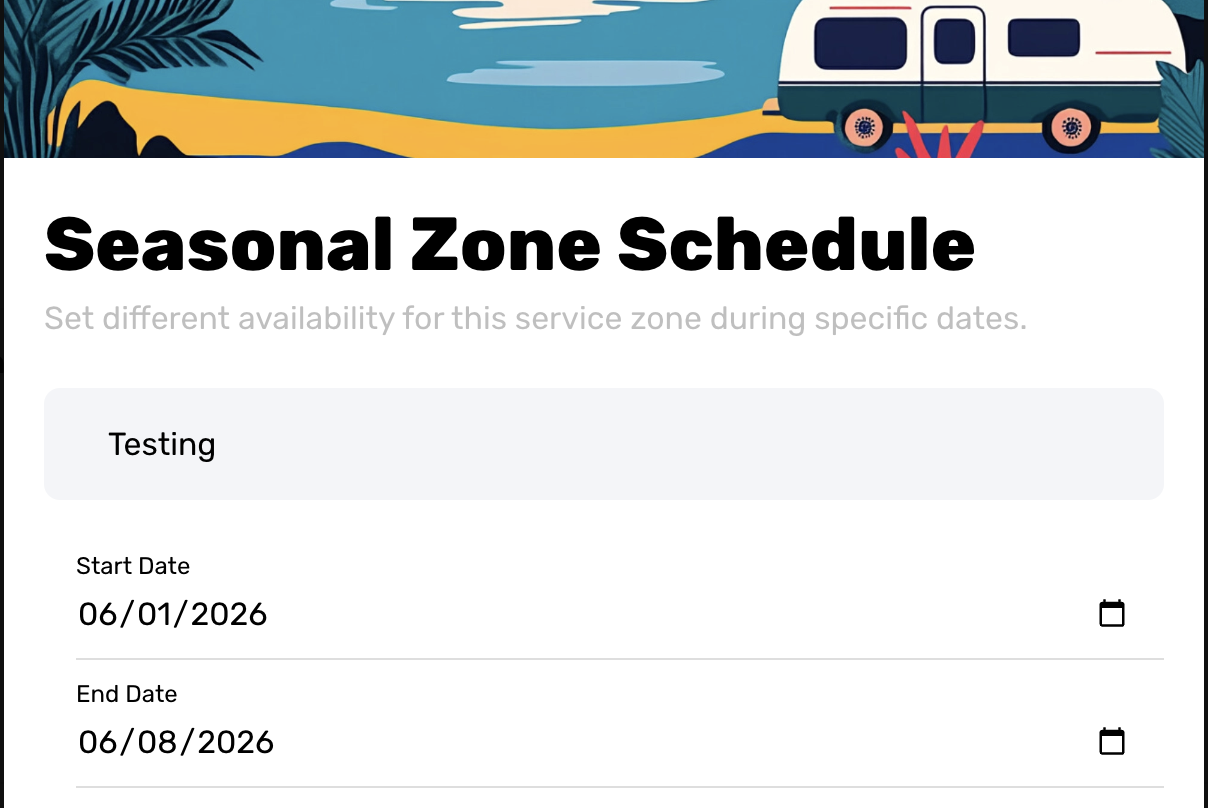
Access: Settings -> Mobile Settings -> Service Zones
Service zones can now have their own date ranges and available days. This is useful for seasonal travel schedules, temporary service areas, summer-only coverage, or any setup where a zone should not follow the same weekly availability all year.
9. Choose Whether Checkout Shows Objectives
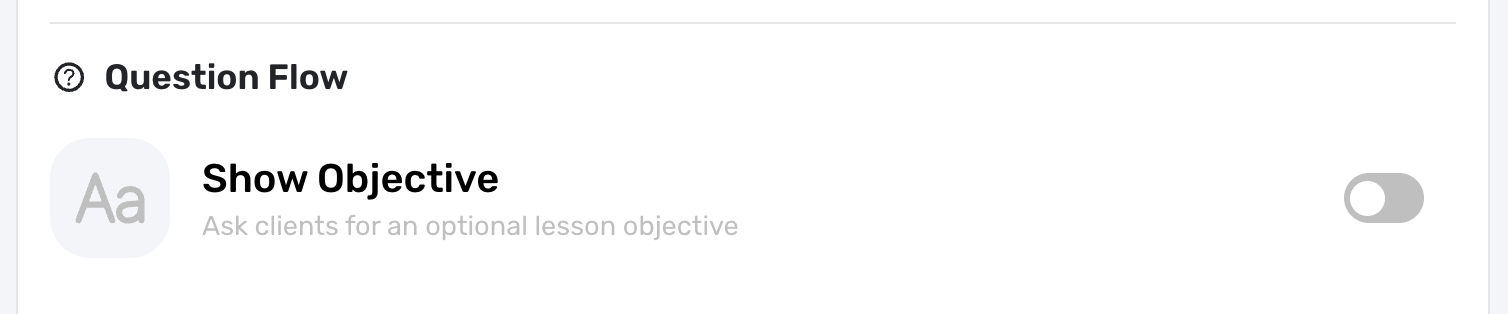
Access: Settings -> Booking Controls
Instructors can now decide whether checkout asks clients for an optional lesson objective. Some instructors want that context before the lesson, while others prefer a shorter checkout flow. The new control lets each business choose what fits.
10. Bulk Reschedule Lessons
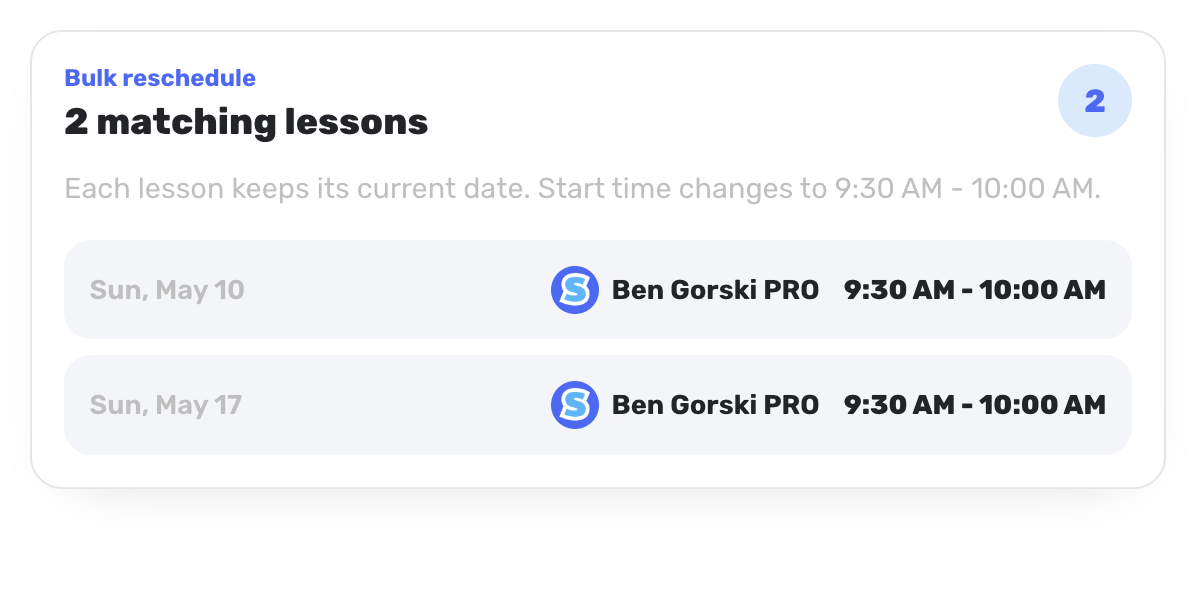
Access: Calendar
Coaches can now move matching lessons together. Choose the new time, optionally switch the instructor, and keep each lesson on its original date. This is built for the schedule changes that affect a recurring set instead of just one lesson.
11. Control Deposit Refunds
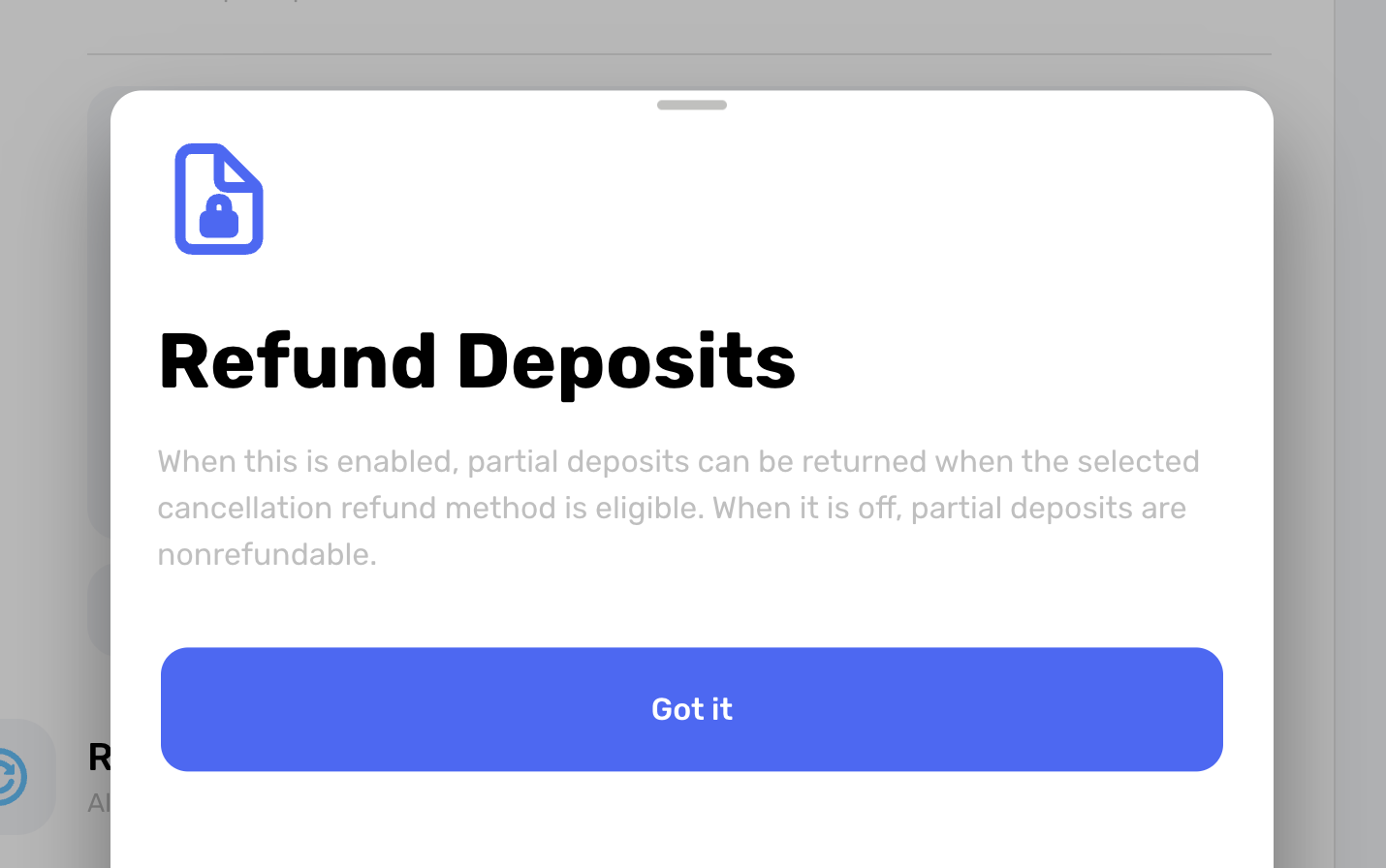
Access: Settings -> Booking Controls -> Deposits
Instructors can now choose whether paid partial deposits are refundable when a client cancels. That gives each business a clearer policy for deposits while keeping the cancellation flow consistent for families.
12. Sign Up Collector

Access: Settings -> Sign Up Collector
Sign Up Collector helps coaches collect the information they need before a client continues. New signup clients, and optionally existing clients, can be required to provide participants, addresses, and custom intake answers.
13. Control Instructor Search Results
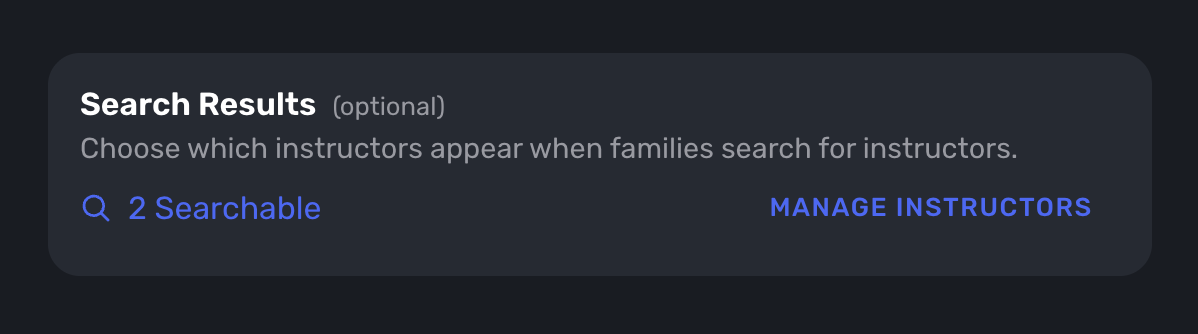
Access: Swim School -> Instructor Search Controls
School owners can now choose which owner, contractor, and affiliate profiles appear in Discover and menu search. This gives schools better control over who is visible to clients and how the public search experience represents the team.
14. Show Waivers by Location
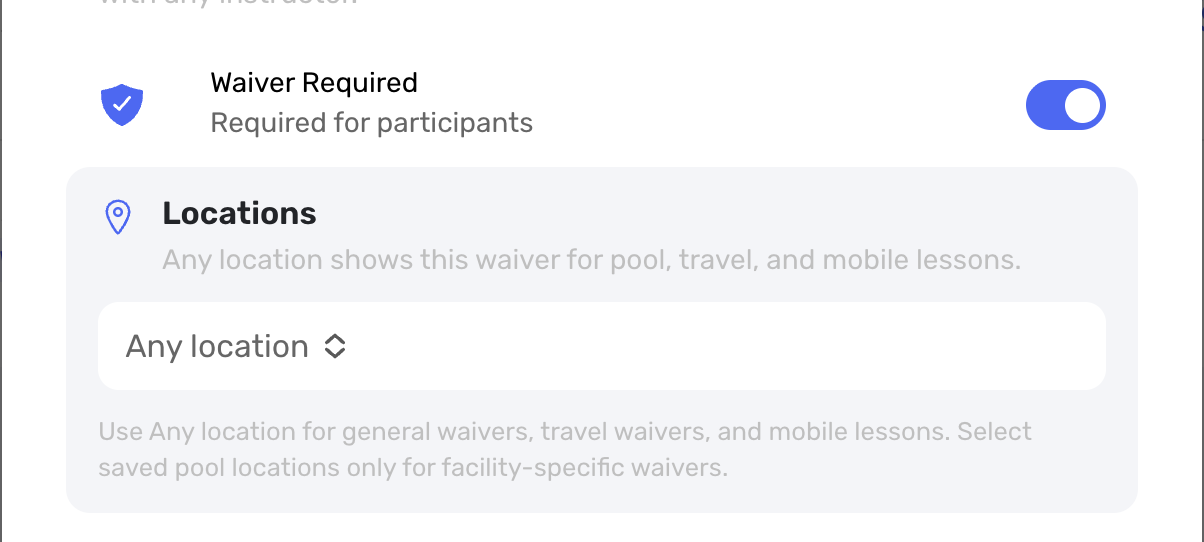
Access: Settings -> Waivers
Waivers can now apply to any location or only selected pool locations. Parent signing prompts are grouped by participant, which makes the waiver flow clearer when a family has multiple swimmers or books at different locations.
15. Swap Participants in Classes
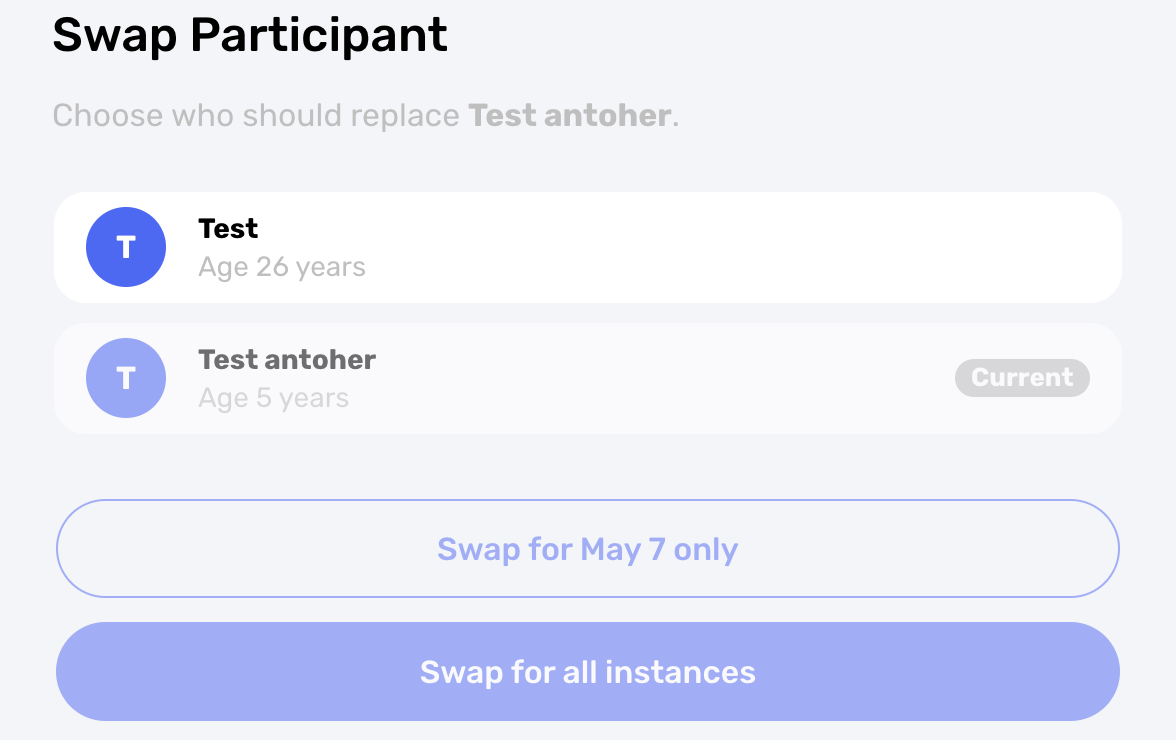
Access: Groups & Classes -> Class lesson
Instructors can now swap a participant for one class instance or for all future instances in that class. This helps when siblings trade spots, a family updates which swimmer is attending, or a coach needs to correct enrollment without rebuilding the class.
16. Approve Matching Lessons Together
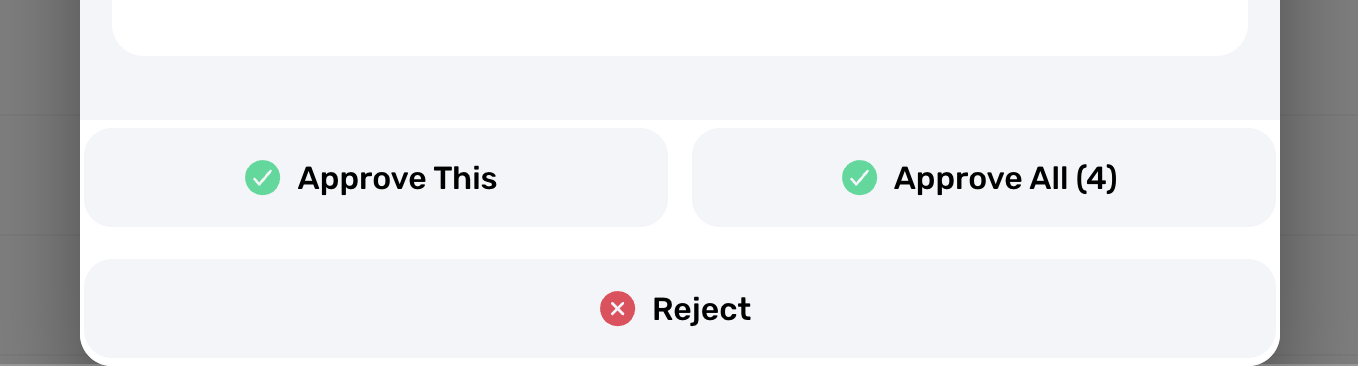
Access: Lesson approvals
When a family books a recurring set of pending lessons, coaches can approve matching lessons together. It cuts down repetitive approval work while still keeping the coach in control before the lessons become active.
17. Add to Contractor Balance
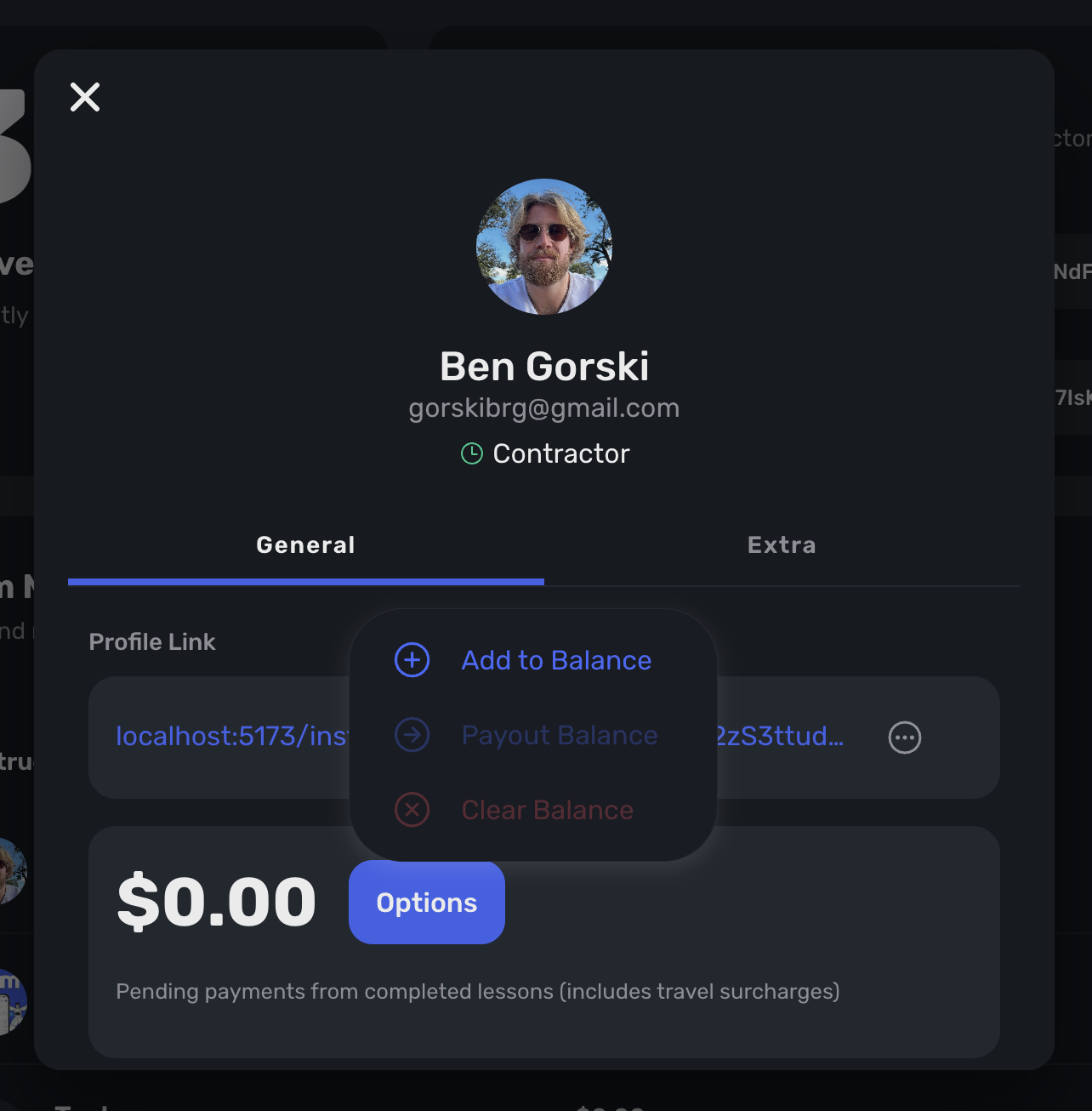
Access: Swim School -> Contractors
School owners can add money directly to a contractor's Swum Account balance from the contractor profile. This gives schools a direct adjustment tool for contractor payments and balance corrections.
18. Choose an Instructor for Test Booking
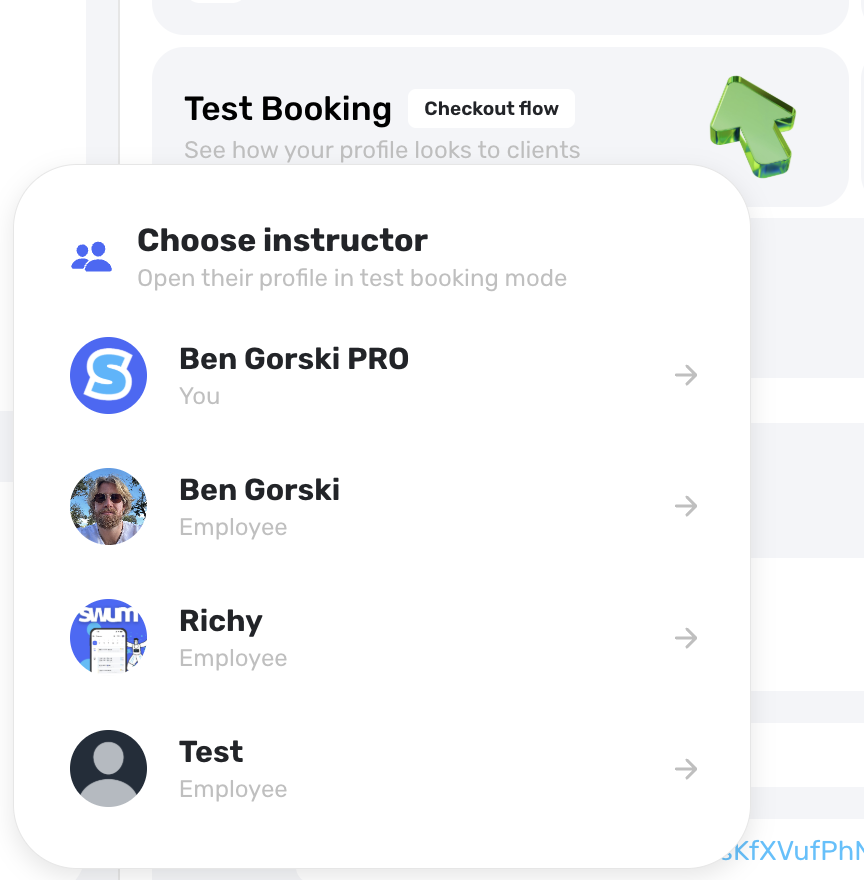
Access: Test Booking
School owners can now open Test Booking for active contractor instructors and review each instructor profile from the client booking flow. It makes it easier to test the exact experience a family will see for each instructor.
19. Schedule Future Plan Cancellations

Access: Client Plans -> Cancellation
Coaches can now keep a plan active until a future month ends, then schedule the cancellation for that month-end date. This is cleaner for families who want to finish the current paid period without continuing into the next one.
20. Drag and Drop Images into Messages

Access: Messages
Message conversations now accept dragged image files. On desktop, coaches and families can quickly attach screenshots, photos, and other images without going through a slower file picker flow.
May's Theme: Less Manual Follow-Up
The May release focused on giving swim schools better control over the real operating details: who needs attention, what needs approval, which payments need review, where rules apply, and how teams show up to clients. These updates make Swum stronger for day-to-day school operations, especially for teams managing multiple instructors, locations, classes, and recurring families.